
Russian to English Voice Translator: Instant & Accurate
Turn recorded or live Russian audio into English text you can review and export as SRT or VTT, with custom vocabulary for names and an API for batch jobs.
12 min read
•
May 16, 2026
Written by
Adrian Ispas
You've got Russian audio on your desk and a deadline that won't move. It might be a recorded support call, a newsroom clip, a witness interview, or a physician dictation. The immediate need is simple: get to dependable English fast, without turning the workflow into a chain of email handoffs, manual notes, and version confusion.
That's where a modern russian to english voice translator earns its place. The useful systems don't just “translate audio.” They turn spoken Russian into a reviewable transcript, then convert that transcript into English you can edit, export, and use in a real workflow. For professional teams, that difference matters more than the initial speed of the first draft.
From Russian Audio to English Text in Minutes
A legal team receives a recorded witness interview in Russian at 4:30 p.m. An editor needs usable English before the evening publish window. A care coordinator needs to confirm what was said before it enters a patient record. In each case, speed helps, but only if the output is reviewable and accurate enough for the people who have to act on it.
The practical model is straightforward. Transcribe the Russian first, then translate that text into English. That approach gives teams a checkpoint between speech recognition and translation, which is where many production issues are caught: speaker confusion, missing domain terms, background noise, and names that were heard incorrectly. It also creates an audit trail that editors, compliance reviewers, and operations leads can work from instead of passing around raw audio and informal notes.
For enterprise teams, this shift turns speech translation into a repeatable production pipeline. The result is not just faster turnaround. It is cleaner handoff between roles, clearer version control, and a transcript that can feed captions, case notes, QA review, research, or downstream automation.
A useful first step is reliable transcription. If you need that stage on its own before deciding how to translate or review, Vatis offers Russian speech to text as a dedicated workflow.
Practical rule: If the transcript is weak, the translation will usually preserve the mistake, not fix it.
I advise clients to treat this as a workflow design decision, not a simple language feature. Editors and managers need fast review, side-by-side correction, and export options. Developers need predictable APIs, streaming support, and controls for terminology. Legal and healthcare teams usually add a different layer of requirements: retention policies, access controls, and confidence that sensitive audio is handled under the right security model.
Human specialists still have a role, especially for evidentiary material, clinical nuance, or language that carries legal risk if interpreted loosely. For teams comparing AI-first workflows with human-led services, Translators USA's accurate audio solutions are a useful reference point because they highlight a point I see in real deployments: audio quality, terminology handling, and review process often decide the final outcome as much as the translation step itself.
Getting Started Uploading or Streaming Audio
A legal team receives a recorded witness interview at 9:00 a.m. A support operation needs English output from a live Russian call as it happens. Both teams need translation, but they should not start with the same workflow.
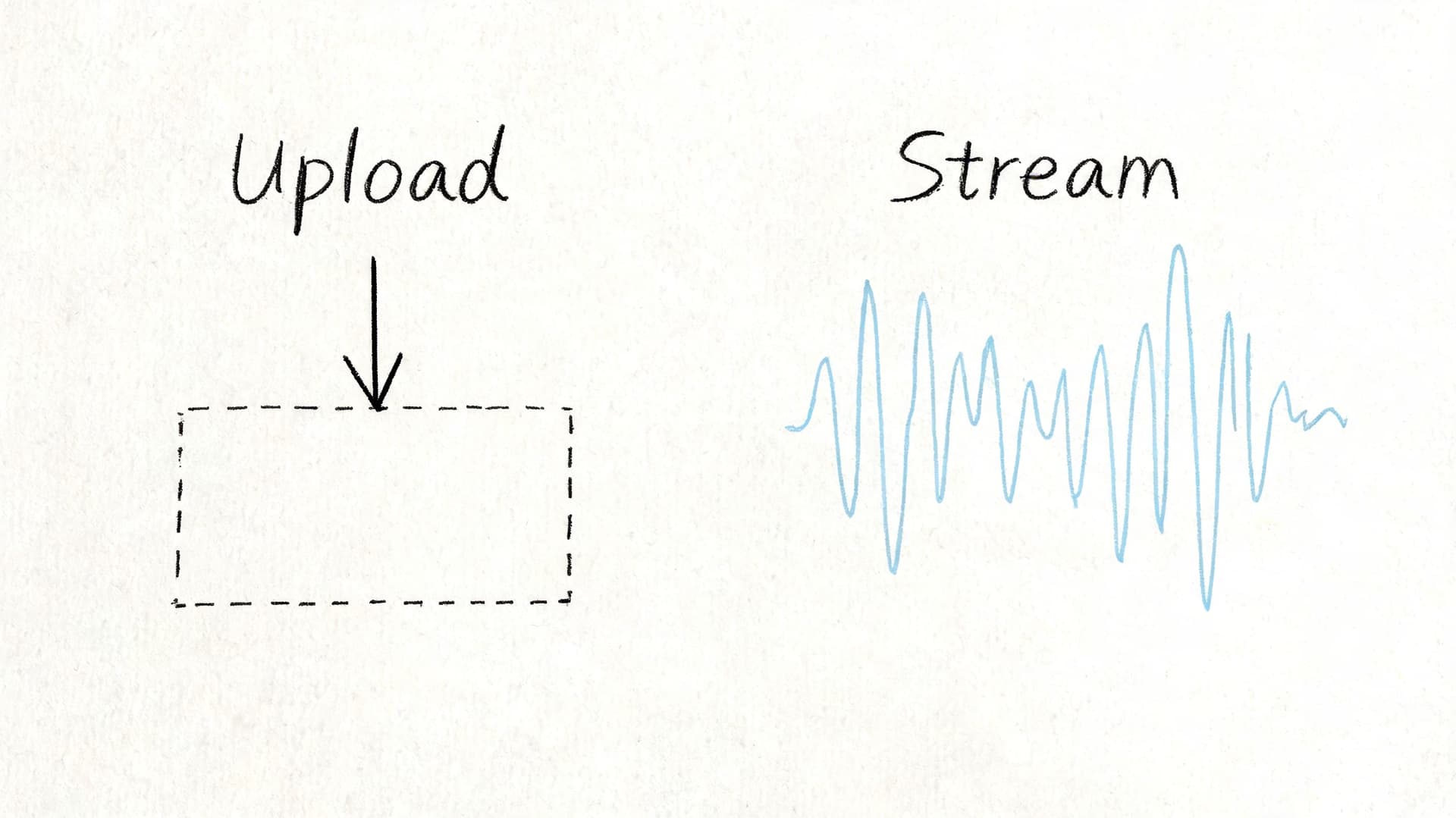
Uploading recorded Russian audio
Use file upload when the audio already exists and the team needs a stable record. That is usually the better fit for editors, project managers, compliance staff, and anyone who expects review rounds, version control, or sign-off before the English text goes downstream.
Common examples include:
- Interview recordings that need quote verification
- Customer service calls exported from QA or contact center systems
- Meeting recordings from conferencing platforms
- Video files that need subtitles, dubbing prep, or an English script
In practice, upload gives you more control. You can inspect the source, rerun the job after terminology changes, and assign the same file across review teams without arguing over which live segment was captured when.
A simple prep routine saves time later:
- Start with the best source file available
Use the original recording if you have it. Re-encoded screen captures and social exports often introduce compression artifacts that make Russian consonants harder to separate. - Trim obvious dead air
Long empty openings and trailing silence do not improve context. They add clutter for reviewers and slow batch handling. - Keep each file focused on one conversation or event
Separate files are easier to assign, audit, and correct than a long bundle of unrelated clips. - Use filenames that mean something to operations
ru_claimant_interview_case_1842_may16.wavis easier to track thanaudio_final_v3.
Some lightweight browser tools also place strict limits on file length or size, which is fine for short checks but less useful for production queues. As noted earlier, that matters when a legal team is processing evidentiary audio or a healthcare group is handling longer dictated notes that need consistent review.
Streaming live Russian audio
Streaming is the right choice when timing matters more than perfect first-pass output. Security teams monitoring a live event, support leaders listening to active calls, and media teams tracking a Russian broadcast usually care about fast English visibility first. Cleanup can happen later if the recording is retained.
The operating model is different from upload. The system ingests audio continuously, returns partial transcript segments, and updates the English output as speech arrives. That gives managers and analysts enough signal to act, but it also means they are working with a draft while the conversation is still unfolding.
A standard streaming setup includes:
- A live audio source, such as a microphone, SIP stream, mixer feed, or broadcast capture
- A client application or browser session that sends audio continuously
- A translation service that returns incremental transcript and translation updates
- A person or downstream system that consumes the English output in near real time
This mode exposes the actual trade-off. Speed goes up. Control goes down.
Noisy rooms, overlapping speakers, hold music, and mixed Russian-English speech all increase error rates. For regulated teams, I usually recommend a two-step process: stream for operational awareness, then run the retained file through a fuller review workflow before anyone treats the English transcript as final.
How to choose between upload and stream
| Input mode | Best for | Main advantage | Main trade-off |
|---|---|---|---|
| File upload | Recorded calls, interviews, videos | Easier review and correction | Slower than live monitoring |
| Live stream | Broadcasts, live support, events | Fast operational awareness | More sensitive to noise and overlap |
| Both in sequence | Live monitoring followed by final file upload | Quick visibility, then cleaner final output | Requires a two-stage process |
For non-technical teams, the rule is simple: upload when accuracy, auditability, and collaboration matter more than immediacy. For developers, choose streaming when the product or workflow needs live English text in the loop, then keep a post-call or post-event file pass available for higher-confidence output.
Configuring Your Translation for Precision
Most translation errors don't start at the translation button. They start in configuration. Teams leave language detection on auto, skip terminology setup, and only notice the damage when a proper noun, diagnosis, or case reference comes out wrong in English.
Lock the source and target languages
Set the source language to Russian and the target language to English explicitly. Auto-detection is convenient in casual use, but it can drift when the clip includes borrowed English terms, mixed speakers, or opening music and metadata.
This matters most in three situations:
- A speaker switches briefly between Russian and English
- A company or product name sounds like a different language token
- The recording starts with low-quality audio before speech becomes clear
When you lock the language pair, you remove one avoidable variable. That usually means fewer cleanup edits later.
Build a custom vocabulary before you process
A serious russian to english voice translator should let you preload terms that matter to your industry. This isn't a cosmetic feature. It's one of the fastest ways to reduce preventable mistakes.
A legal team might add:
- surnames of witnesses and investigators
- place names
- case references
- recurring legal terms that must stay consistent
A healthcare team might add:
- medication names
- physician names
- procedure names
- abbreviations that could otherwise be expanded incorrectly
Here's a simple example. Suppose a Russian medical recording includes a drug name, a clinic name, and a physician surname that aren't common in consumer speech models. If the recognizer misses one of those, the English translation can become misleading even if the rest of the sentence is fine.
Treat custom vocabulary as preventive QA, not cleanup. It's easier to teach the system the right term once than to fix the same error across every file.
Prioritize named entities over general wording
When teams first configure translation, they often focus on broad language quality. In production, the higher-value target is often entity accuracy. Names, organizations, drug terms, account references, and locations usually cause more downstream problems than everyday verbs and adjectives.
A useful order of operations is:
- Add names and critical terms first
- Run a short representative sample
- Review the Russian transcript before judging the English
- Update vocabulary with any missed entities
- Process the larger batch
That workflow is especially important in regulated work. A transcript that sounds mostly correct can still fail operationally if the wrong person, institution, or medical term appears in the final English output.
Editing and Exporting Your English Transcript
The first draft is where speed helps. The editor is where the work becomes usable.
A typical job starts with a rough but readable English transcript. You can understand the conversation, but a few phrases need cleanup. One speaker may be mislabeled. A timestamp may land a little early. That's normal. The point of the editor isn't to rescue a failed result. It's to turn a workable draft into something your team can publish, file, quote, or archive.
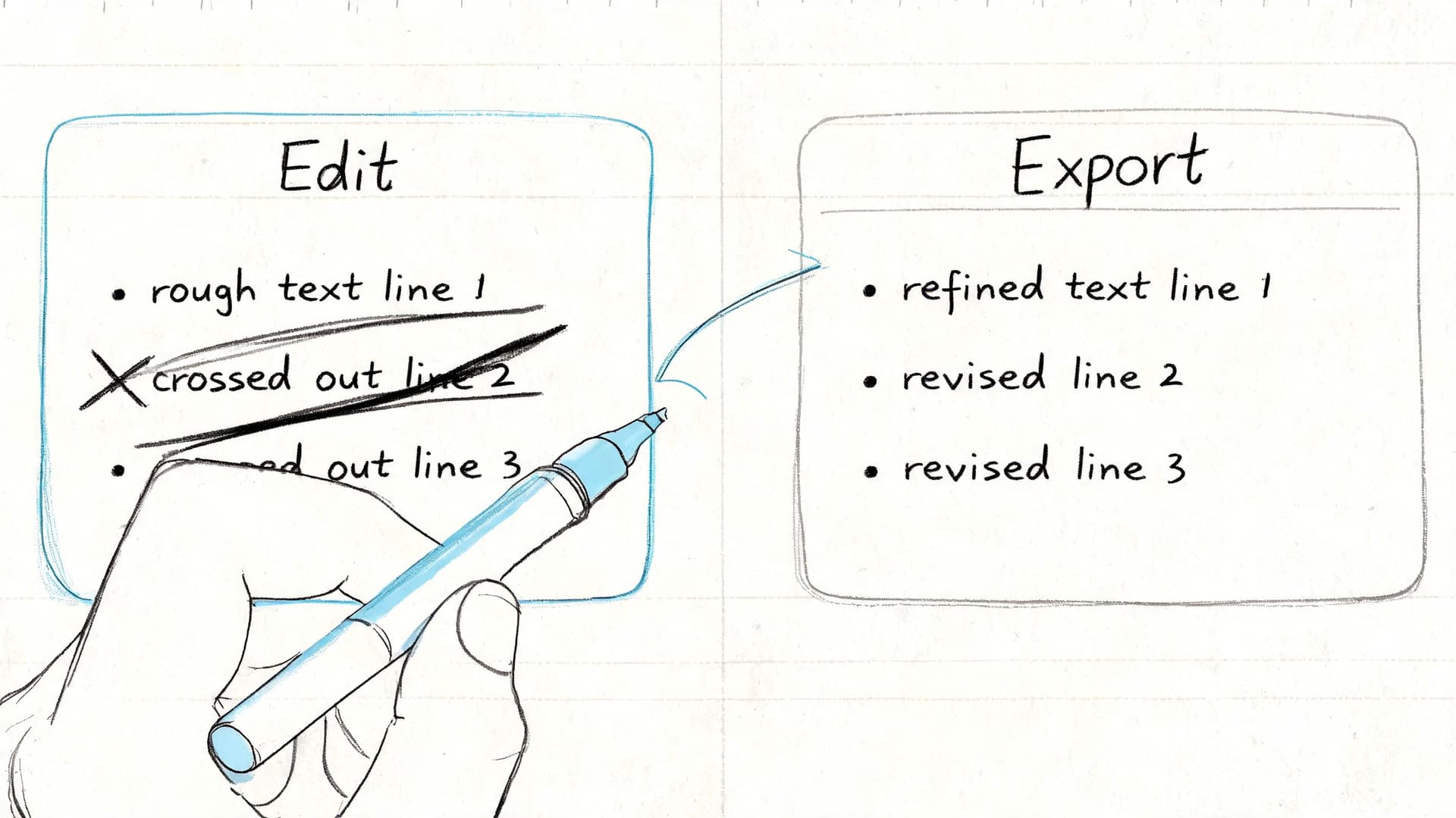
Clean up the transcript while listening in sync
The fastest review pattern is simple. Play the audio, watch the aligned text, and correct only what matters to the intended use case.
For example:
- A newsroom editor may care about quotes, names, and subtitle timing
- A legal reviewer may care about exact wording, speakers, and evidentiary traceability
- A support manager may care about intent, escalation language, and account references
That's why text-synced audio matters. You click the questionable phrase, hear the original Russian segment, and fix the English without searching across the full file.
If your team needs a refresher on where one task ends and the next begins, this explainer on the difference between transcription and translation is useful because it maps directly to review responsibilities.
Label speakers and fix structure
Speaker diarization gets you close, but professional output usually needs human naming. “Speaker 1” and “Speaker 2” are fine for a rough draft. They're weak for court bundles, media archives, and executive review.
A cleaner workflow is:
- assign known names as soon as you identify them
- merge or split turns if one speaker was segmented poorly
- check interruptions around overlapping speech
- standardize formatting before export
A transcript becomes much easier to trust when the speaker labels are right. People review arguments and decisions differently when they know who said what.
Choose the export format that fits the job
The market has moved beyond plain text output. As Murf and Amberscript-style workflows illustrate, modern tools compete on what you can do after translation, including subtitle exports and voice rendering, not only on the translation itself. Amberscript highlights subtitle formats such as SRT, VTT, and EBU-STL, while Murf focuses on English voice recreation in its Russian to English audio workflow.
That reflects a larger operational shift. Teams now expect translated speech to feed captions, dubbing, editable scripts, and publishing systems.
Choosing the Right Export Format
| Format | Primary Use Case | Key Features |
|---|---|---|
| TXT | Quick review and internal notes | Lightweight, easy to copy into other systems |
| DOCX | Reports, legal review, collaborative editing | Structured formatting and comments |
| SRT | Video subtitles | Timecoded caption blocks for standard media workflows |
| VTT | Web video captions | Browser-friendly caption support |
| Fixed record sharing | Stable layout for circulation and filing |
The right export isn't just a convenience choice. It determines who can review the content next, how much reformatting your team must do, and whether the translated output fits the downstream system on the first pass.
Automating Translation with the Vatis API
For product teams, operations engineers, and internal tooling owners, manual upload doesn't scale very far. If Russian audio is already flowing through your application, contact center stack, media pipeline, or monitoring environment, API control is the cleaner option.
Near the start of implementation, teams often want two capabilities: submit recorded files programmatically, and process live Russian audio over a persistent connection. That's the practical split to design around.
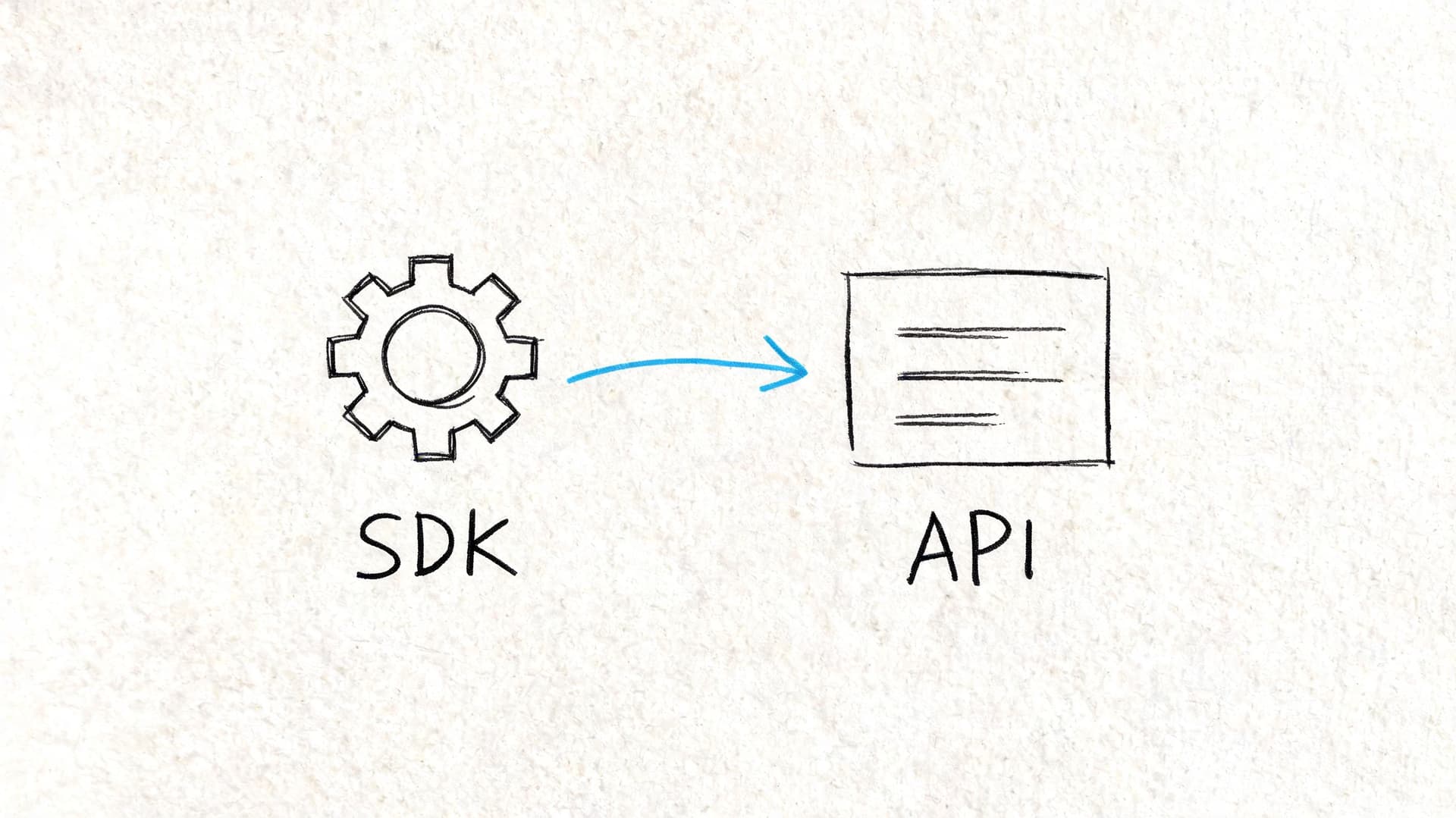
If you're integrating this into a product or internal workflow, the Vatis Speech-to-Text API is the relevant entry point for authentication, audio ingestion, and structured transcript output.
File-based processing example
This pattern works well for back-office automation. A file lands in storage, your service submits it, then stores the resulting transcript and translation metadata.
Python example
import requests

API_KEY = "YOUR_API_KEY"
headers = {"Authorization": f"Bearer {API_KEY}"}
files = {"file": open("russian_call.wav", "rb")}
data = {
    "source_language": "ru",
    "target_language": "en",
    "enable_translation": "true",
    "speaker_diarization": "true",
    "timestamps": "true"
}

response = requests.post(
    "https://api.vatis.tech/transcribe",
    headers=headers,
    files=files,
    data=data
)
result = response.json()
print(result)
This example does four important things:
- authenticates with an API key
- declares Russian as the source language
- requests English translation output
- asks for structural metadata such as timestamps and speaker labels
JavaScript example
const fs = require("fs");
const FormData = require("form-data");
const fetch = require("node-fetch");

async function uploadAudio() {
  const form = new FormData();
  form.append("file", fs.createReadStream("russian_interview.mp3"));
  form.append("source_language", "ru");
  form.append("target_language", "en");
  form.append("enable_translation", "true");
  form.append("speaker_diarization", "true");
  form.append("timestamps", "true");

  const response = await fetch("https://api.vatis.tech/transcribe", {
    method: "POST",
    headers: { Authorization: "Bearer YOUR_API_KEY" },
    body: form,
  });

  const result = await response.json();
  console.log(result);
}

uploadAudio();
In a production app, you'd usually send the JSON response to a queue, database, or review interface instead of printing it. The key design decision is whether you want the translation immediately visible to users or reviewed internally first.
Streaming audio over WebSocket
Live monitoring needs a session that stays open while audio arrives in chunks. The server returns transcript events as the speaker continues.
JavaScript example
const WebSocket = require("ws");
const fs = require("fs");

const ws = new WebSocket("wss://api.vatis.tech/stream", {
  headers: { Authorization: "Bearer YOUR_API_KEY" },
});

ws.on("open", () => {
  ws.send(
    JSON.stringify({
      source_language: "ru",
      target_language: "en",
      enable_translation: true,
      speaker_diarization: true,
    }),
  );

  const stream = fs.createReadStream("live_russian_audio.raw");
  stream.on("data", (chunk) => ws.send(chunk));
  stream.on("end", () => ws.close());
});

ws.on("message", (message) => {
  const data = JSON.parse(message.toString());
  console.log(data);
});
The response stream usually contains partial and final segments. Your application should handle both. Partial segments are useful for dashboards and live alerts. Finalized segments are better for storage, compliance logs, and subtitle generation.
A short product walkthrough can help teams decide how much of the pipeline belongs in code versus the UI:
What developers should validate early
Before you wire this into a larger product, test these points with representative Russian audio:
- Language control so mixed-language clips don't trigger bad assumptions
- Turn segmentation if your use case depends on speaker-level analytics
- Error handling for dropped streams, silent audio, and malformed uploads
- Terminology behavior when names or domain terms appear repeatedly
- Review logic to decide which outputs can publish automatically
That last point matters more than many might anticipate. A customer-facing app, a newsroom tool, and a legal evidence pipeline may all use the same speech stack, but they should not all use the same auto-publish policy.
Pro Tips for Accuracy and Noise Reduction
Accuracy starts before the model sees a single word. In voice translation, audio quality sets the ceiling. If the Russian source is muddy, clipped, overlapped, or full of room echo, the recognizer has to guess. Those guesses then flow into English.
The underlying reason is technical but easy to understand. The most common production approach is a cascade system: ASR to MT to TTS. A technical review of speech translation notes that cascade systems remain common because they're modular and easier to inspect, but they're vulnerable to error propagation and loss across stages in the speech translation review. In practice, one recognition mistake in Russian can produce a wrong English phrase and, later, a wrong spoken rendering.
Improve the source before you translate
Use a short checklist before processing important files:
- Reduce background noise by capturing as close to the speaker as possible
- Separate speakers when you can instead of relying on a room mic
- Avoid overlapping speech during live sessions that will be translated
- Test a short sample first if the material includes accent variation or technical language
Set realistic quality expectations
A translation technology review notes that modern neural machine translation often reaches about 85 to 95% accuracy on common language pairs, while human review still matters for cultural appropriateness, terminology, brand voice, and quality assurance in sensitive settings on TAIA's translation technology overview. That's a useful benchmark for expectations, not a promise for every audio file.
For legal, medical, and public-facing content, the safest model is hybrid. Let AI create the first pass, then let a reviewer check names, tone, and high-risk lines before final use.
The practical lesson is simple. Don't judge a russian to english voice translator only by the English output. Judge it by how easy it is to inspect the Russian transcript, correct it, and control the final result.
Security and Use Cases for Professional Teams
For casual use, speed may be enough. For professional teams, it isn't. Legal, healthcare, broadcasting, and customer service teams need output they can review, attribute, store, and defend if someone asks where it came from.
The weak point in many tools isn't the translation itself. It's everything around it: unclear retention behavior, no redaction workflow, thin speaker attribution, and poor traceability when the file contains sensitive names or domain-specific language. That gap matters because, in regulated workflows, the core question is whether the translated output is auditable and secure, not just whether it sounds fluent. Prisma Scribe's overview of Russian-audio translation highlights the importance of data residency, redaction, and speaker attribution in legal and medical contexts on its Russian to English translation page.
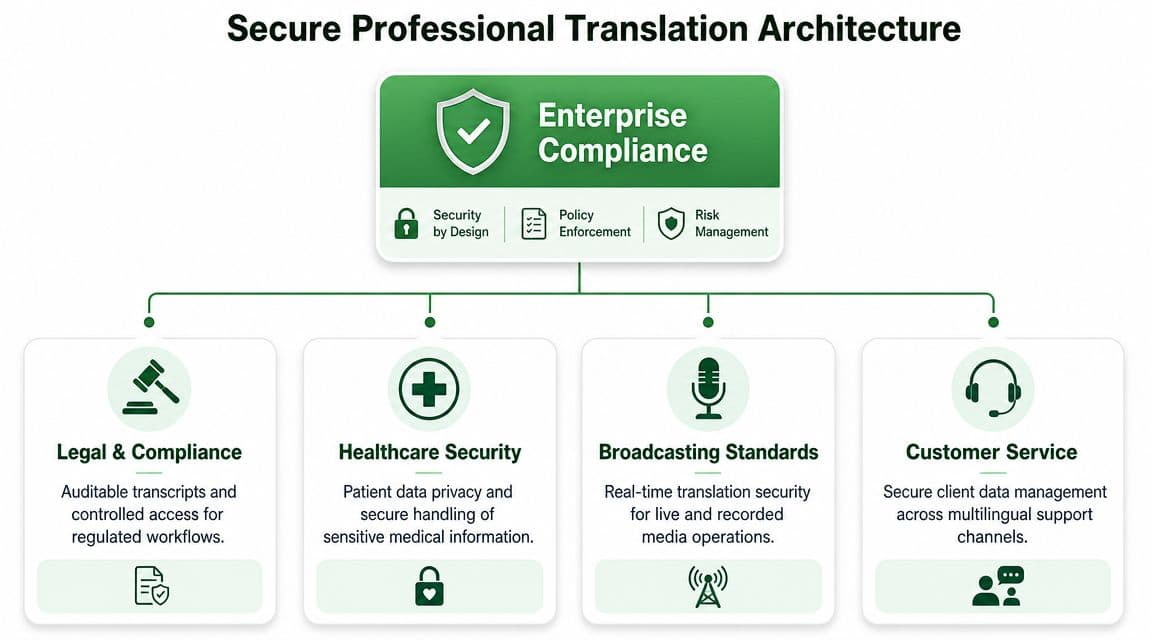
Where secure translation matters most
A few patterns come up repeatedly in production environments:
- Legal teams need speaker-attributed transcripts, clean audit trails, and a review layer for names, exhibits, and case terminology.
- Healthcare operations need careful handling of patient identifiers, clinician names, and dictated terminology that can't be loosely paraphrased.
- Broadcasters and media monitoring teams need fast English output, but they also need confidence that a named person, place, or institution wasn't mistranslated in a live or near-live workflow.
- Contact centers often need translation tied to searchable transcripts, escalation review, and privacy-conscious handling of customer data.
Troubleshooting by use case
The fix depends on the context.
A legal team working with witness audio should favor a reviewable transcript with timestamps and named speakers before distributing any English summary. A newsroom handling noisy field audio should first isolate the clearest channel and review proper nouns early. A customer service team dealing with accented Russian should test representative call samples and maintain a living terminology list for product names and account language.
Security controls only matter if they support these real decisions. Encryption, access control, deployment flexibility, and redaction options are not abstract IT requirements. They determine whether a translation workflow is safe enough to use when the content affects patients, customers, reputations, or legal outcomes.
If you need a practical path from Russian audio to reviewable English output, Vatis Tech offers speech-to-text, translation-ready transcripts, editing, export formats, and API access in one workflow. It's a sensible option for teams that need to move beyond one-off uploads and build a process their editors, analysts, and developers can all use.