Transcribe Audio to Text with 95% Accuracy in 50+ Languages
Transcribe audio to text (podcasts, meetings, voice notes) and videos with 95%+ accuracy. Free 10 minutes, no signup. Developer API included.
- No card required
- No signup required
Rated 4.9/5 by our users
Trusted by hundreds of fast-growing companies






How it works
How to transcribe audio to text accurately
- 01
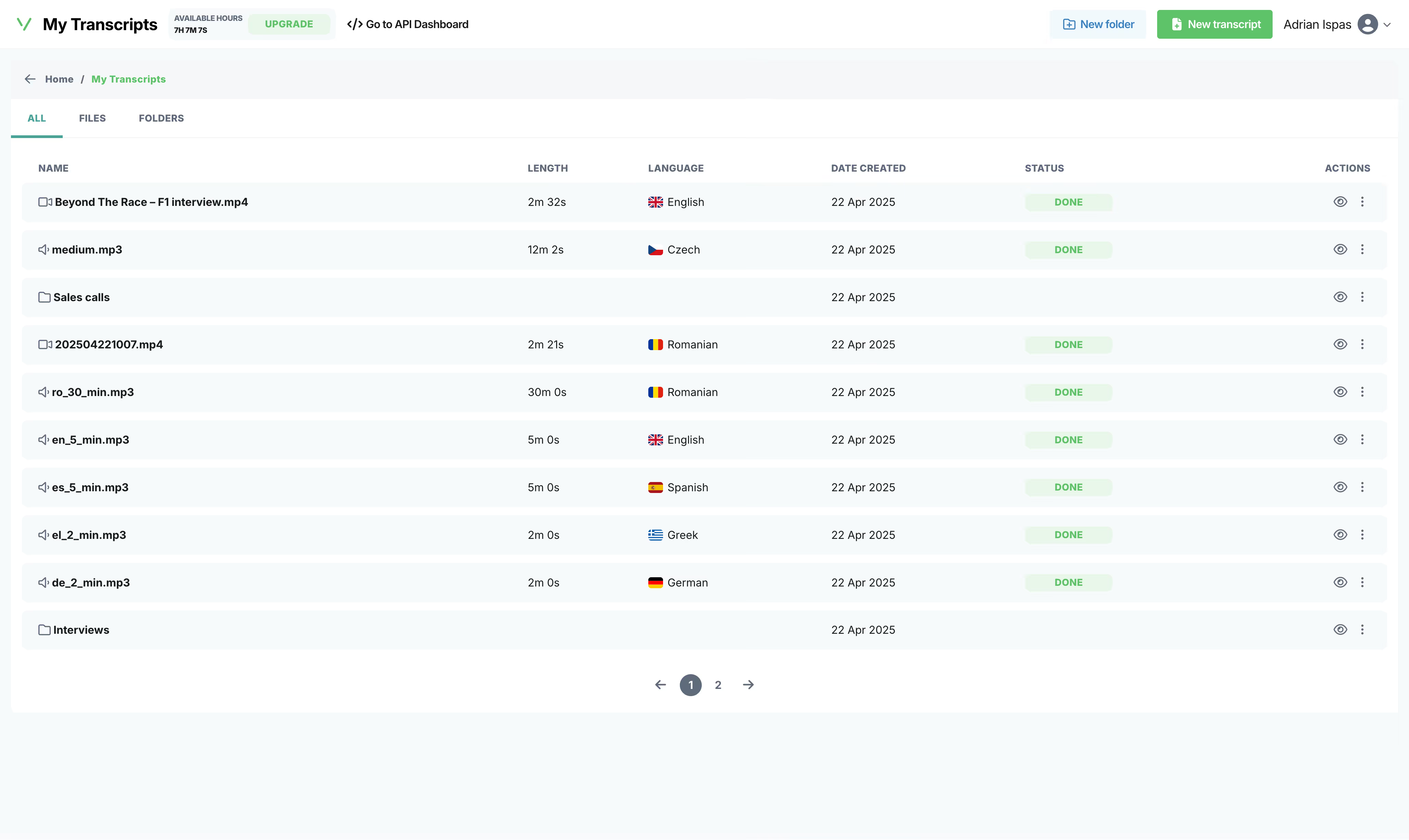
Upload your audio/video file
Drop a file, paste a link, or record live from your browser. We accept formats like MP3, WAV, M4A, FLAC, AAC, OGG for audio and MP4, MKV, AVI, MOV, WebM for video.
- 02
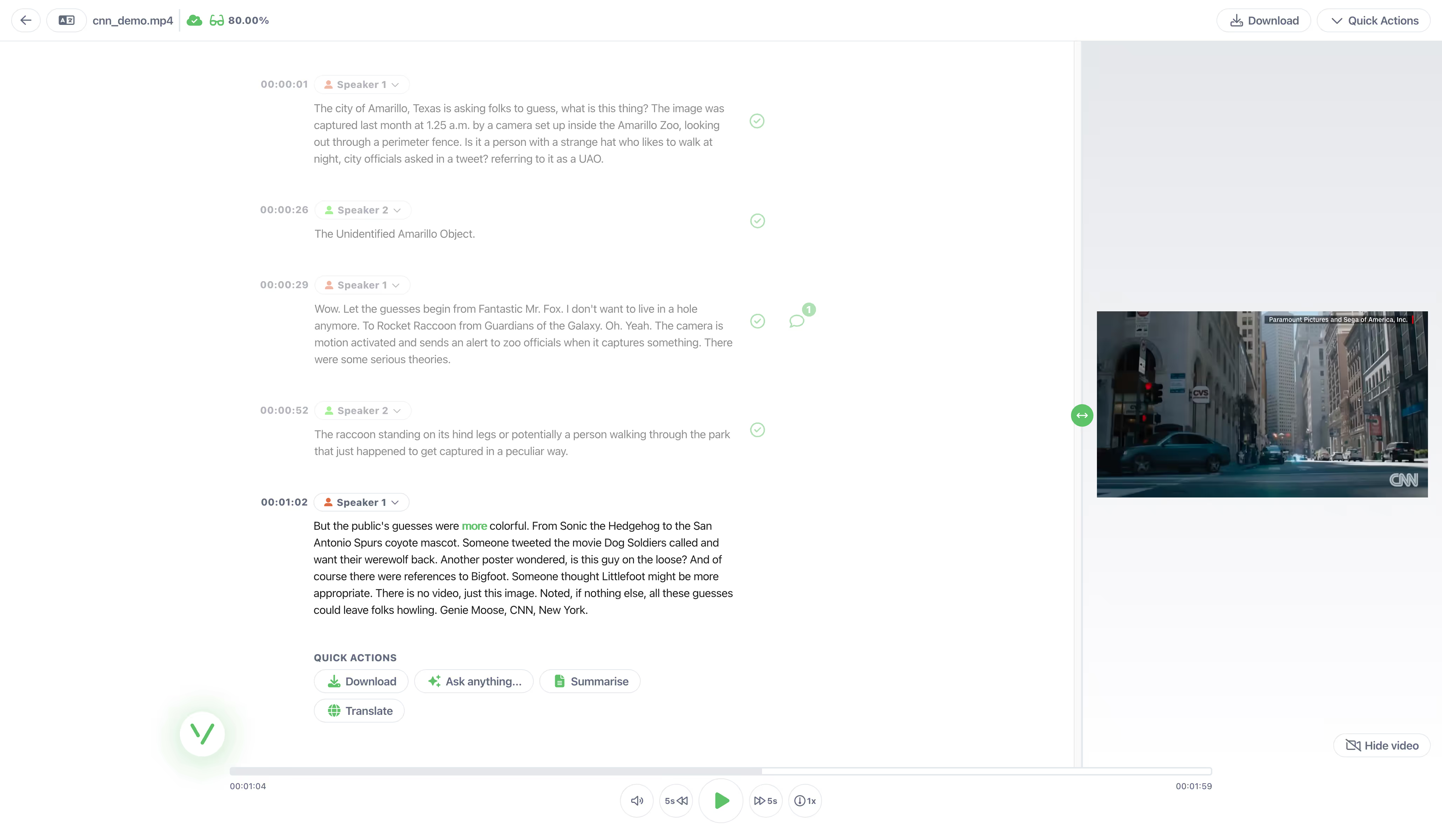
AI transcribes in seconds
Our audio to text converter handles 50+ languages with 95%+ accuracy. It usually takes less than a minute to transcribe a 1-hour file.
- 03
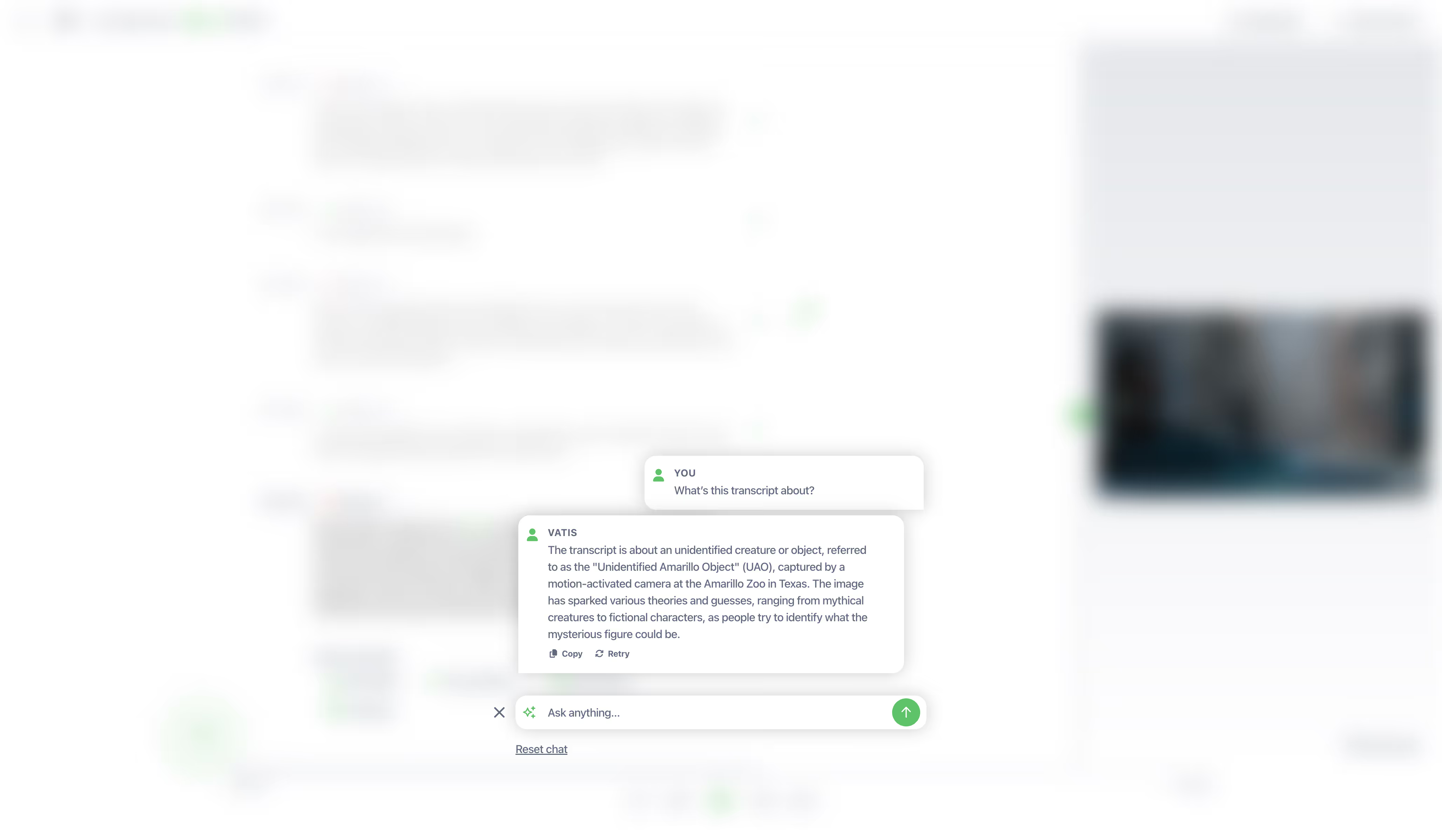
Edit, export, integrate
Get clean text in TXT, DOCX, SRT, VTT, JSON. Or call our API directly.
Independent benchmark
Independently benchmarked against Microsoft, Google and Whisper
Researchers at the University of Bucharest scored seven transcription systems on over 126 hours of Romanian speech. Vatis finished top two of the seven overall — first on Antena 1 news and first on podcasts, and more accurate than Google on every single set.
- ~95%
Accurate on Antena 1 news
95.6% on the Antena 1 news set — the highest of all seven systems tested, ahead of Microsoft, Google and every Whisper model.
- ~90%
Accurate on podcasts
89.8% on podcasts — first again on unscripted conversation, and more than 12 points clearer than Google on the same audio.
- 6 of 6
Domains ahead of Google
Vatis transcribed more accurately than Google's Chirp on every set in the study, from studio news to overlapping film dialogue.
| Model | In-domain | Out-of-distribution | ||||
|---|---|---|---|---|---|---|
| ProTV — Broadcast news | Antena 1 — Broadcast news | Audiobooks — Read literary prose | Films — Overlapping film dialogue | Stories — Children's stories | Podcasts — Spontaneous conversation | |
| Wav2Vec 2.0 | 27.7 | 25.6 | 40.8 | 75.4 | 54.1 | 36.3 |
| Whisper Small | 31.6 | 26.8 | 40.0 | 60.0 | 41.1 | 31.9 |
| Whisper Large | 12.3 | 5.9 | 14.8 | 27.3 — best in column | 10.9 — best in column | 11.7 |
| Whisper Small + Echo | 9.4 | 10.1 | 18.8 | 54.1 | 21.0 | 21.6 |
| Microsoft Transcribe | 2.9 — best in column | 4.8 | 10.6 — best in column | 31.1 | 17.6 | 11.5 |
| Google Chirp (USM) | 12.1 | 11.3 | 20.2 | 37.6 | 22.4 | 22.4 |
| Vatis | 5.2 | 4.4 — best in column | 13.0 | 31.2 | 16.0 | 10.2 — best in column |
Figures are Word Error Rate (%) — the share of words a system gets wrong, so lower is better. It is the metric the paper reports, kept here so the table can be checked against it line for line; the headline numbers above are its flip side, accuracy. Vatis at 4.4 WER on Antena 1 is 95.6% of words correct. Every score is zero-shot: no system was tuned on these recordings before it was measured.
Outlined values are the best score in their column.
Vatis is a Romanian commercial ASR service known for its strong transcription accuracy in Romanian. Its models are trained on proprietary data and optimized for production use.
In development
Next: the same Romanian accuracy, in real time.
We're training a streaming model built for Romanian voice agents and contact-centre platforms: phone-quality audio, regional accents, Romanian–English switching mid-sentence. Early-access teams test it on their own calls first.
- Caller
Bună ziua, aș vrea să verific statusul comenzii. Numărul e RO-48213.
- Agent
Sigur. Comanda RO-48213 e programată pentru livrare joi.
- Caller
Perfect. Și pot schimba adresa de delivery?
Languages and formats
Transcribe audio to text in these languages and formats
Supported Languages
 English
 Spanish
 German
 French
 Italian
 Romanian
 Portuguese
 Polish
 Indonesian
 Malay
Malay Swedish
 Danish
 Dutch
Dutch Finnish
 Norwegian
 Russian
 Catalan
 Turkish
 Korean
 Thai
Thai Japanese
 Czech
Czech Ukrainian
 Croatian
 Greek
Greek Arabic
 Bosnian
 Hungarian
 Bulgarian
 Serbian
 Macedonian
 Galician
 Cantonese
 Slovak
 Hindi
Hindi Slovenian
 Latvian
 Urdu
Urdu Azerbaijan
 Estonian
 Vietnamese
 Hebrew
 Lithuanian
Formats to transcribe audio to text
Formats to transcribe video to text
Export formats for audio and video transcription
Features
Why transcribe audio to text with Vatis
- Vatis Tech v5
- Azure
- Speechmatics
- Whisper
- 95% human level
95%+ accuracy in 50+ languages
Transcribe in English, Spanish, French, German, Italian, Portuguese, Arabic, Japanese, Korean and 40+ more, with the highest accuracy provided by our own trained LLMs.
Try free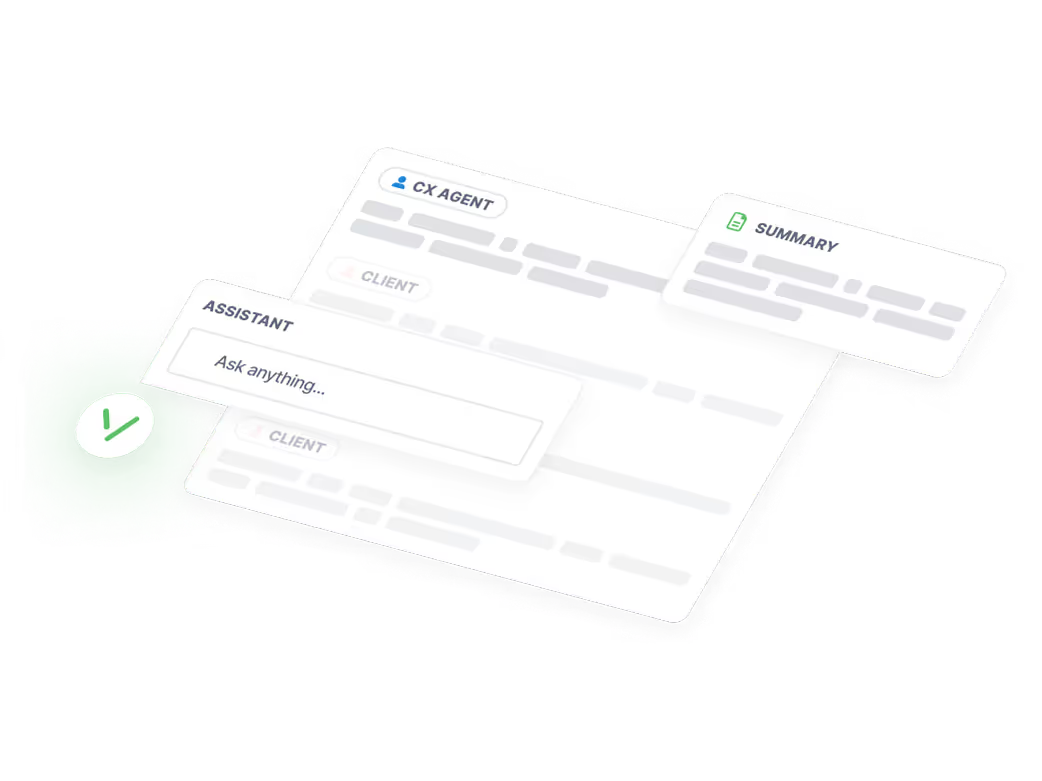
Summaries, speaker diarization and chapters
Transcribes interviews, extracts quotes, and automatically identifies and labels different speakers in your recordings.
Try free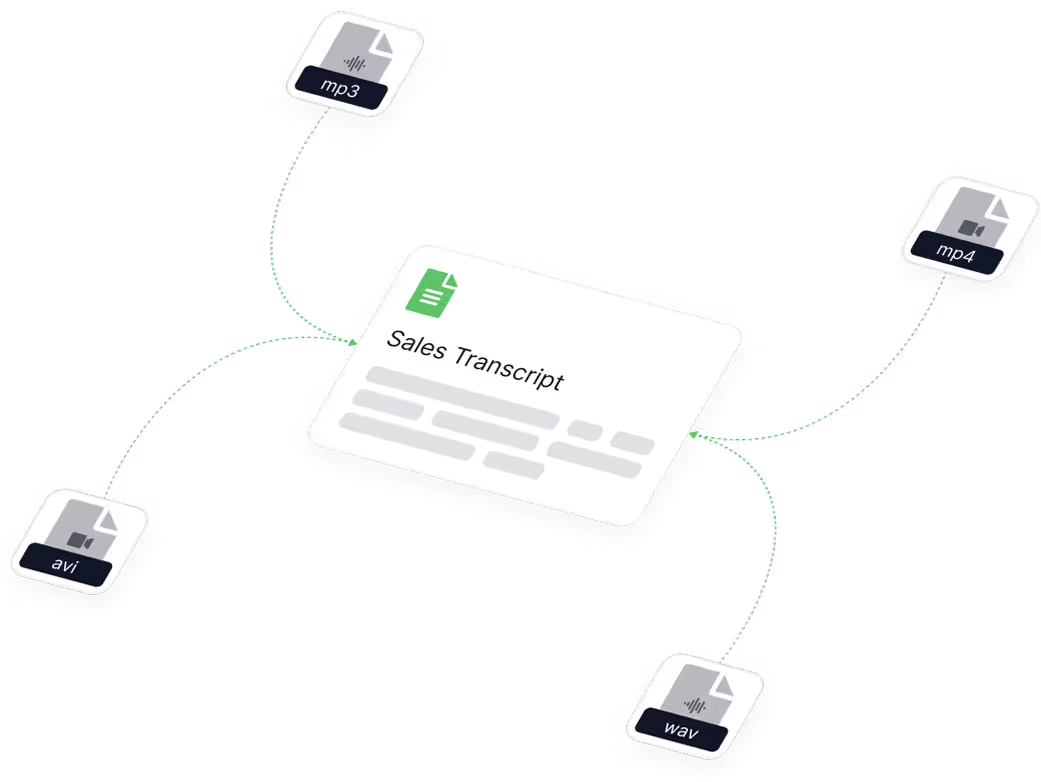
Every major format, in and out
We support MP3, WAV, M4A, FLAC, AAC and OGG. After transcription, edit the text in our built-in editor and export as TXT, DOCX, PDF or SRT.
Try free- GDPR compliant
- ISO 27001 certified
- SOC 2 Type II in progress
Secure and GDPR compliant
GDPR compliant and ISO 27001 certified, with SOC 2 Type II in progress, ensuring your data is protected to the highest standards of the industry.
Try free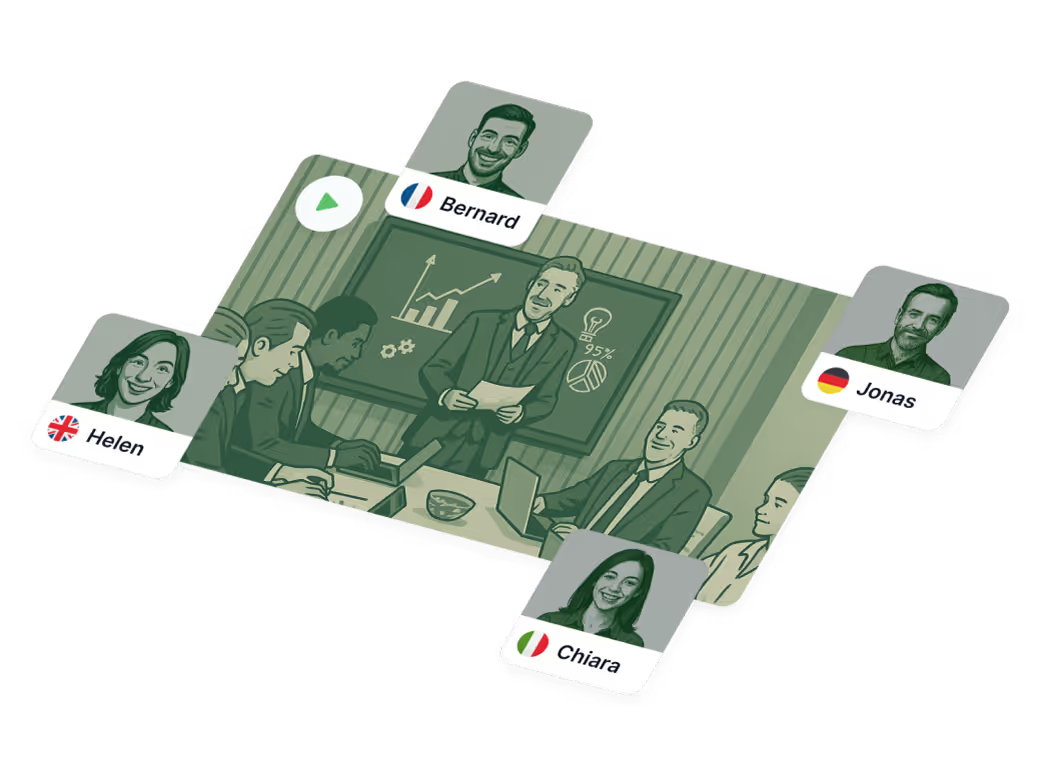
Multi-language transcription
Our AI converter extracts all spoken content, switches between languages mid-recording when it needs to, and generates a complete transcript with timestamps. It automatically recognizes 50+ languages.
Try free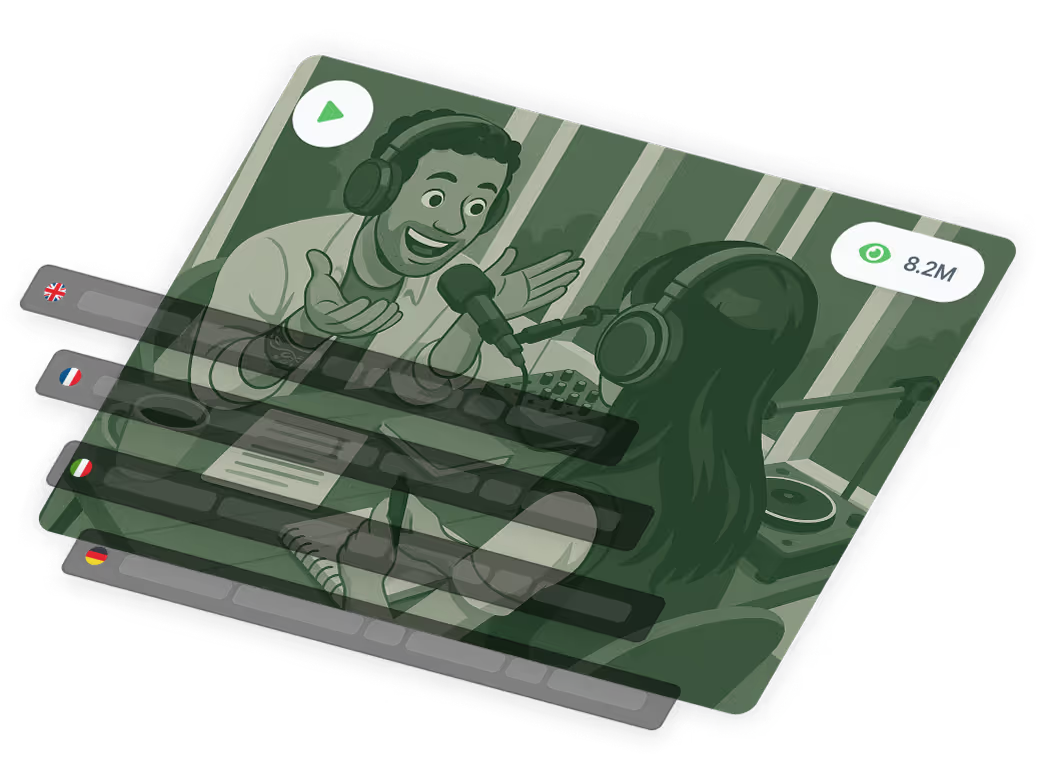
Video transcriber and translator
Translate your audio or video transcript into 50+ languages with one click. Create multilingual subtitles and captions instantly.
Try free
Use cases
Use cases for audio to text transcription
95%+ accuracy is not a marketing number. We benchmark our models against fresh datasets every week. When we say 95%, we mean it. Our LLMs are trained on diverse audio — accents, background noise, crosstalk — because real conversations aren't recorded in a studio.

Broadcasting transcription
Transcribing high-quality audio at Antena 3 CNN.
Read case study
Media monitoring at scale
Helping Observer.at expand their media monitoring services and reinforce their technical leadership.
Read case study
Medical transcription
A flexible, fully customizable speech-to-text solution for Emerald Medical Center.
Read case study
Contact center transcription
Unlocking data-driven business insights for Mediatel Data.
Read case study
Podcast transcription
Helping The Vast & The Curious cut the cost of their podcasting workflow.
Read case study
Legal transcription
Letting JURIDICE.ro handle large volumes of hearings and depositions with ease.
Read case study
~5x faster than a human
Hours of transcription time reduced to minutes for Mercury Research.
Read case study
Journalists and newsrooms
Allowing AGERPRES to publish more high-quality content in less time.
Read case study

In a world full of unsearchable but crucial information living on TikTok, Instagram Reels, Facebook and YouTube lives, Vatis gave us, as journalists, the opportunity to collect, transcribe and search that information.
Without it, I would have to listen to thousands of hours of interviews, debates and streamed video with nothing but two ears, ten fingers and a headset.

Developers
Integrate the Vatis Speech-to-Text API
Build transcription, audio intelligence and real-time speech-to-text into your application. A single REST API gives you speaker diarization, sentiment analysis, topic detection and PII redaction in 50+ languages, with Python and JavaScript SDKs.

Automatic Language Switching. Understands 50+ languages spoken in the same recording and switches between them automatically as the language changes.

Custom vocabulary. Adapt transcription to your industry. Improve accuracy for specialized terminology, jargon and proper nouns.

Enterprise-grade security. GDPR compliant and ISO 27001 certified, with SOC 2 Type II in progress. End-to-end encryption protects your data to the highest standards.

Sentiment analysis and audio intelligence. Detect sentiment, intent and topics within transcribed audio. Extract entities, flag PII for automatic redaction, and analyze speaker emotion — all in a single API call.

Unlimited concurrency and volume discounts. Scale with no limits. Our infrastructure supports unlimited concurrent transcriptions with enterprise SLAs, and pricing rewards volume.

On-premise and private cloud. Deploy on-premise or inside your own isolated cloud environment. Ideal for healthcare, legal, financial and government workloads.
For engineers who read the docs before the marketing page
Read the documentation, try it free, tell us how it goes.
Frequently asked questions
Can't find the answer you're looking for? Reach out to our support team.
How do I transcribe audio to text?
Upload your audio file to Vatis Tech; no signup or credit card required. Our AI automatically converts speech to text with 95%+ accuracy, in about a minute per hour of audio. You get 10 free minutes of transcription. We support all major audio formats including MP3, WAV, M4A, FLAC, AAC and OGG. After transcription, edit the text in our built-in editor and export as TXT, DOCX, PDF or SRT. You can also convert MP4 to a transcript, generate transcripts from any video format, and export as PDF, Word or subtitle files.
How accurate is Vatis audio and video to text transcription?
Our AI transcription achieves 95%+ accuracy on clear audio across all supported languages. The AI handles background noise, accents and multiple speakers. For the highest accuracy, upload clear audio with minimal background noise. By proofreading and fine-tuning the transcript you can reach a 100% accurate result.
Can it transcribe audio with multiple speakers?
Yes. Vatis Tech includes automatic speaker diarization: it identifies and labels different speakers in your recordings. Each segment of the transcript is tagged with its speaker, making it easy to follow interviews, meetings, focus groups and podcasts with multiple guests.
How can I transcribe audio files for free?
We offer 10 minutes of free transcription. Upload your audio or video file to test our transcription software, then edit the transcript in the online editor — add speaker labels and fix mistakes. Start your free trial today.
What languages are supported for transcription?
Vatis Tech supports transcription in 50+ languages including English, Spanish, French, German, Italian, Portuguese, Dutch, Russian, Arabic, Japanese, Korean, Chinese, Hindi, Turkish, Polish, Romanian, Swedish, Danish, Norwegian, Finnish, Czech, Greek, Hungarian, Indonesian, Thai, Vietnamese and Hebrew. You can also translate transcripts into 50+ languages with one click.
Can I edit and search within transcripts?
Yes. You can search for specific parts of a transcript and proofread or correct it directly in the editor.
Does the transcript show when each speaker is talking?
Yes. Transcripts carry timestamps so you can find specific moments in the audio or video, and they show when each speaker is talking.
How can I create subtitles for my audio files?
Upload your files and Vatis Tech automatically transcribes them. It can also translate transcripts and generate subtitles in 30+ languages, making your content accessible to a wider audience. Export subtitles as SRT — the format most video platforms expect — or as plain TXT, then add them to your videos on YouTube, Facebook and elsewhere.
Is my data secure and are my files confidential?
Yes. Vatis Tech uses end-to-end encryption and is fully GDPR compliant. Your files are processed securely and are never shared with third parties. For organizations with strict security requirements we offer on-premise deployment: transcription runs entirely on your own servers and no data leaves your infrastructure.
Do you have an API for developers?
Yes. The Vatis Tech Speech-to-Text API lets you integrate transcription, speaker diarization, audio intelligence and real-time streaming into any application, via Python, JavaScript or plain REST. It supports 50+ languages and includes character-level timestamps, audio-event tagging and custom model training. Visit our API documentation to get started.
Can I generate a transcript from a video?
Yes. Upload any video file (MP4, MKV, AVI, MOV, WebM) or paste a YouTube link, and our AI generates a complete transcript with timestamps and speaker labels. Export it as TXT, DOCX, PDF or SRT. It is the fastest way to turn video into text — videos of any length, in minutes rather than hours.