
10 Best Speech to Text API Options for 2026
Vatis, Deepgram, AssemblyAI, Google, Azure, AWS, OpenAI, Speechmatics, Rev and IBM on price, latency, diarization, redaction and hosting, with starter code.
17 min read
•
April 17, 2026
Written by
Adrian Ispas
Choosing a speech-to-text API can feel like selecting the foundation for the whole product. If you choose well, transcripts arrive fast, captions line up, call analytics stay usable, and support tickets about “wrong words” stay manageable. If you choose badly, you end up debugging audio pipelines, explaining billing surprises, and cleaning transcripts by hand when your team should be shipping features.
That’s why the best speech to text api isn’t a universal winner. It’s the provider that matches your audio, latency target, compliance requirements, and engineering constraints. A startup building live meeting notes needs something different from a hospital, a contact center, or a newsroom clipping service. The mistakes usually happen when teams buy on brand familiarity alone and skip the boring details like diarization behavior, redaction support, regional deployment, or how painful pricing becomes once add-ons kick in.
The broader category is growing fast because more teams now treat speech as product input, not just media metadata. Fortune Business Insights says the global speech-to-text API market is valued at USD 4.66 billion in 2025 and is projected to reach USD 25.28 billion by 2034, with North America holding a 32.27% share in 2025, which tracks with what most developers are seeing in customer demand for transcription, voice UX, and accessibility tooling (Fortune Business Insights speech-to-text API market forecast).
This guide is built for selection, not browsing. You’ll get practical trade-offs, quick-start code examples, and honest recommendations by use case. If your broader roadmap also includes agents and voice workflows, it pairs well with this guide to choosing a Conversational AI Platform.
\1. Vatis Tech
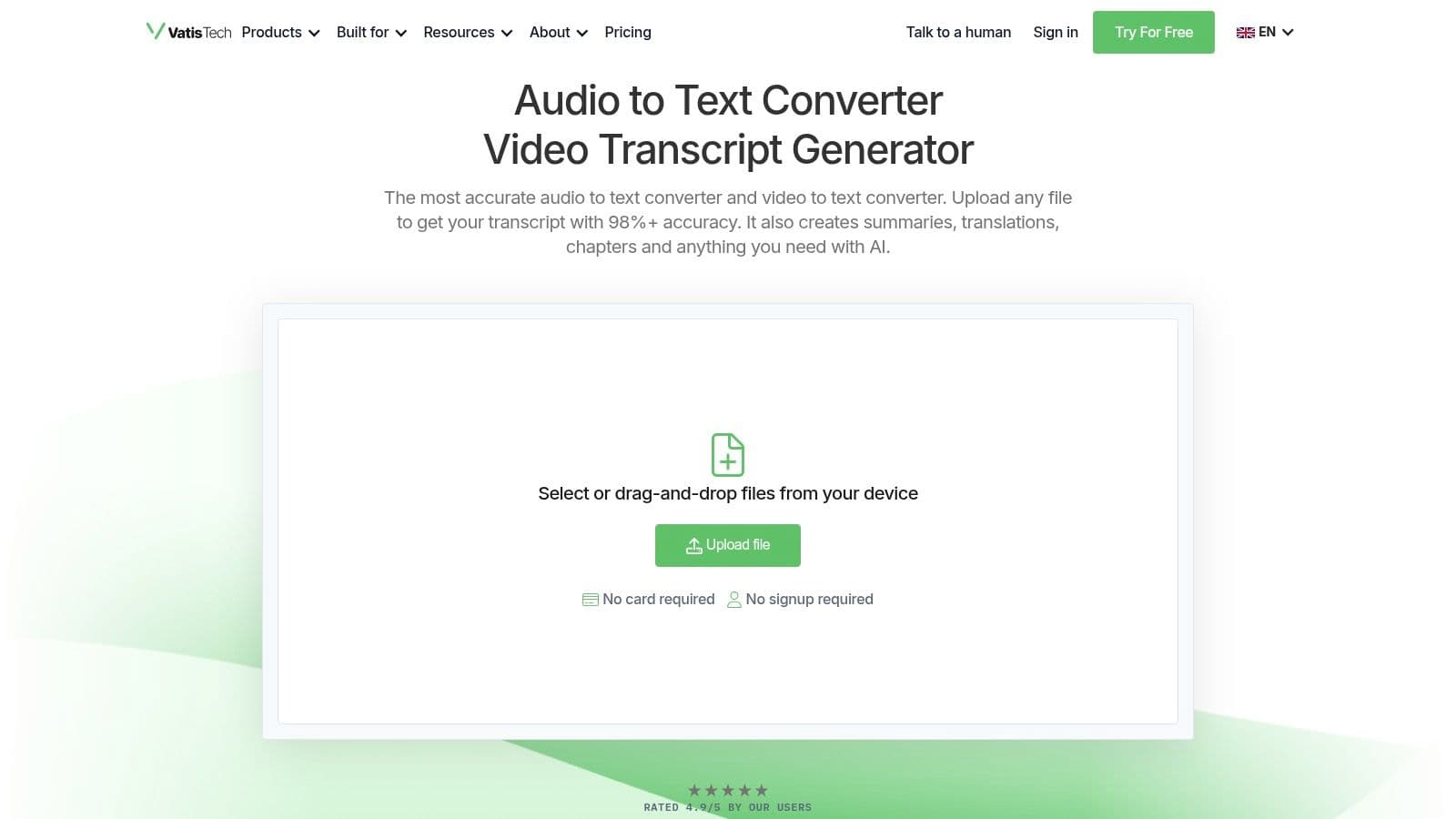
A common failure mode shows up after the pilot goes well. The transcription API works, accuracy is acceptable, and then the deeper requirements emerge. Ops asks for subtitle exports. Legal wants redaction. Editors need transcript cleanup. Product wants an API response it can route into search, summaries, and internal workflows. That is the gap Vatis Tech is trying to cover.
The practical appeal is the combination of STT APIs with a usable workflow layer. You can stream or upload audio through the API, then hand the transcript to non-technical teams in an editor instead of building every post-processing step yourself. For teams shipping captions, reviewed transcripts, or compliance-sensitive records, that can remove a surprising amount of glue code.
Where it fits best
This option makes the most sense when transcription is only one step in a longer process. Media teams often need subtitles and editable transcripts. Support and QA teams may need timestamps, speakers, summaries, and searchable insights. Legal and healthcare buyers usually care as much about deployment model and redaction controls as raw model output.
Feature coverage is broad. The platform includes diarization, timestamps, summaries, chapters, caption generation, PII redaction, custom vocabulary, sentiment analysis, topic detection, and entity extraction. It also supports multilingual transcription and translation, which matters if you are evaluating one vendor for both ingestion and downstream content workflows.
That package is why I would shortlist it for teams that do not want to assemble a separate stack for transcription, editing, export, and compliance review.
Practical rule: If the same audio file needs to end up as transcript text, subtitles, redacted output, and an internal review artifact, a platform approach usually creates fewer operational problems than stitching together several point tools.
What works and what to validate
The strongest point here is reduced handoff between engineering and operations.
- For content teams: Editable transcripts and export options like TXT, DOCX, PDF, SRT, and VTT reduce manual conversion work.
- For product teams: API and SDK access support live transcription and downstream analysis without forcing users into a separate tool.
- For enterprise buyers: Private-cloud or on-premise deployment options can matter more than a small accuracy delta, especially in regulated environments.
There are still trade-offs. Procurement teams should verify current compliance status against internal requirements instead of assuming every certification is already in place. Accuracy also depends heavily on source audio and vocabulary tuning. If your environment includes drug names, legal citations, accented speakers, or company-specific terminology, test with real files and add custom vocabulary early.
A useful benchmark during vendor testing is word error rate in speech-to-text evaluation. It helps teams compare outputs on something measurable instead of relying on vague impressions from a short demo.
Quick-start example
A typical integration flow is simple:
- Upload or stream audio: Send the file or live stream to the API.
- Enable the right options: Turn on diarization, timestamps, redaction, or vocabulary biasing only where needed.
- Route output by job type: Push transcripts to product features, internal review, or subtitle export.
JavaScript-style pseudocode looks like this:
const result = await vatis.transcribe({
  file: audioFile,
  language: "en",
  diarization: true,
  timestamps: true,
  pii_redaction: true,
  custom_vocabulary: ["product names", "medical terms"],
});

console.log(result.transcript);
If your shortlist includes teams outside engineering from day one, Vatis Tech is worth a close look because it covers more of the full evaluation checklist than API-only vendors.
\2. Google Cloud Speech-to-Text v2
Google Cloud Speech-to-Text is the safe pick when your company already runs heavily on Google Cloud. The service supports batch and streaming transcription, model selection, speech adaptation, diarization, timestamps, and specialized medical options. The part that matters in practice is operational fit. IAM, billing, regional deployment, and observability are already familiar to most platform teams using GCP.
Google also has broad language support. The market data in the verified set notes 125+ language support for Google Cloud, which keeps it in the shortlist for multilingual products and global media pipelines.
The trade-off is complexity
Google’s strength is flexibility, but that flexibility comes with setup overhead. New teams often underestimate how many decisions they’re making across v1 versus v2 docs, model families, regional endpoints, and pricing modes like Dynamic Batch. None of that is impossible, but it does mean Google rewards teams that already have cloud maturity.
One billing gotcha shows up fast in contact-center workloads. Per-channel pricing can surprise teams that upload stereo or multi-channel audio without normalizing expectations first. If you ingest call recordings from several telephony sources, test cost on real files before anyone signs a budget.
Google is usually easier to justify inside a GCP-heavy company than inside a small product team trying to keep architecture lean.
Good use cases
Google fits well when you need:
- Regional controls: Useful for data residency and latency planning.
- Medical model access: Helpful for healthcare-related projects already standardized on Google Cloud.
- High-volume async processing: Especially when slower-turnaround jobs can use discounted batch modes.
A simple request pattern looks like this:
const request = {
  recognizer: "projects/PROJECT/locations/us/recognizers/_",
  config: {
    autoDecodingConfig: {},
    languageCodes: ["en-US"],
    features: {
      enableWordTimeOffsets: true,
      diarizationConfig: { minSpeakerCount: 2, maxSpeakerCount: 2 },
    },
  },
  content: audioBytes,
};
If you want the best speech to text api for a broad enterprise stack, Google is still one of the strongest default choices. If you want the easiest pricing model and the fewest moving parts, it probably isn’t.
\3. Microsoft Azure AI Speech
Microsoft Azure AI Speech makes the most sense when speech is one part of a larger Microsoft estate. If your identity, logging, networking, procurement, and security reviews already run through Azure, this option gets easier fast. It covers real-time and batch transcription, language identification, diarization add-ons, Custom Speech adaptation, and container support for on-prem or private cloud scenarios.
Azure also supports 140+ languages according to the verified data, which is strong coverage for multinational apps and internal tools.
Why enterprise teams like it
The underrated part of Azure Speech is deployment flexibility. Some teams don’t want a pure public-cloud dependency for every speech workload, especially in government, healthcare, or legal environments. Container support gives architects a more acceptable path when security teams push back on managed-only services.
The other practical upside is integration with existing Azure controls. Secrets, access policies, network boundaries, and centralized monitoring can be managed through familiar tooling. That reduces friction during security review, which is often what really slows down speech projects.
Where teams stumble
Public pricing visibility can be frustrating. You can estimate the service, but region and SKU choices matter, and teams often need the calculator or sales support to get a clean picture. Feature availability can also vary by region, so don’t design around a capability you haven’t validated in the exact deployment location.
A basic SDK flow in Python is straightforward:
speech_config = speechsdk.SpeechConfig(subscription=key, region=region)
audio_config = speechsdk.audio.AudioConfig(filename="call.wav")
speech_recognizer = speechsdk.SpeechRecognizer(
    speech_config=speech_config,
    audio_config=audio_config
)

result = speech_recognizer.recognize_once()
print(result.text)
Azure is rarely the scrappiest option. It’s often the most organizationally convenient one. For large companies, that matters more than developers like to admit.
\4. Amazon Transcribe
Amazon Transcribe is one of the easiest recommendations for AWS-centric teams, especially contact centers. The service offers batch and streaming transcription, custom vocabulary, filtering, PII redaction, medical transcription, and call analytics. If you’re already using Amazon Connect or a broader AWS analytics stack, the integration story is strong.
The verified benchmark set lists AWS Transcribe at $0.024 per minute, with 100+ language support and latency in the 1 to 3 second range. Those figures make it less of a bargain play and more of a dependable enterprise service for teams that care about surrounding infrastructure as much as the speech layer itself (Deepgram benchmark comparison of speech-to-text APIs).
Where it earns its keep
AWS Transcribe is practical, not glamorous. It’s useful when you need governed access, mature IAM patterns, region-specific deployment choices, and a straightforward path into other AWS services. In call-center environments, the analytics-oriented features often matter more than pure transcript elegance.
PII redaction is also a real differentiator for production use. If recordings may include personal details, it’s better to handle masking within the speech pipeline than bolt on redaction later.
In regulated call workflows, redaction support isn’t a bonus feature. It’s part of the minimum architecture.
Common gotchas
The service can look cheaper than it is until add-ons enter the design. Content redaction, custom language work, and analytics-oriented extras can shift cost quickly. Pricing also varies by AWS region, so teams should test in the region they’ll deploy.
A common implementation pattern uses S3-backed batch jobs:
response = transcribe.start_transcription_job(
    TranscriptionJobName="case-review-001",
    Media={"MediaFileUri": s3_uri},
    MediaFormat="mp3",
    LanguageCode="en-US",
    Settings={
        "ShowSpeakerLabels": True,
        "MaxSpeakerLabels": 2,
        "VocabularyName": "legal-terms"
    }
)
If you need speech services inside an AWS-native stack, Amazon Transcribe is easy to defend. If you’re cloud-agnostic and shopping mostly on accuracy-per-dollar, you may find stronger fits elsewhere.
\5. OpenAI Transcription
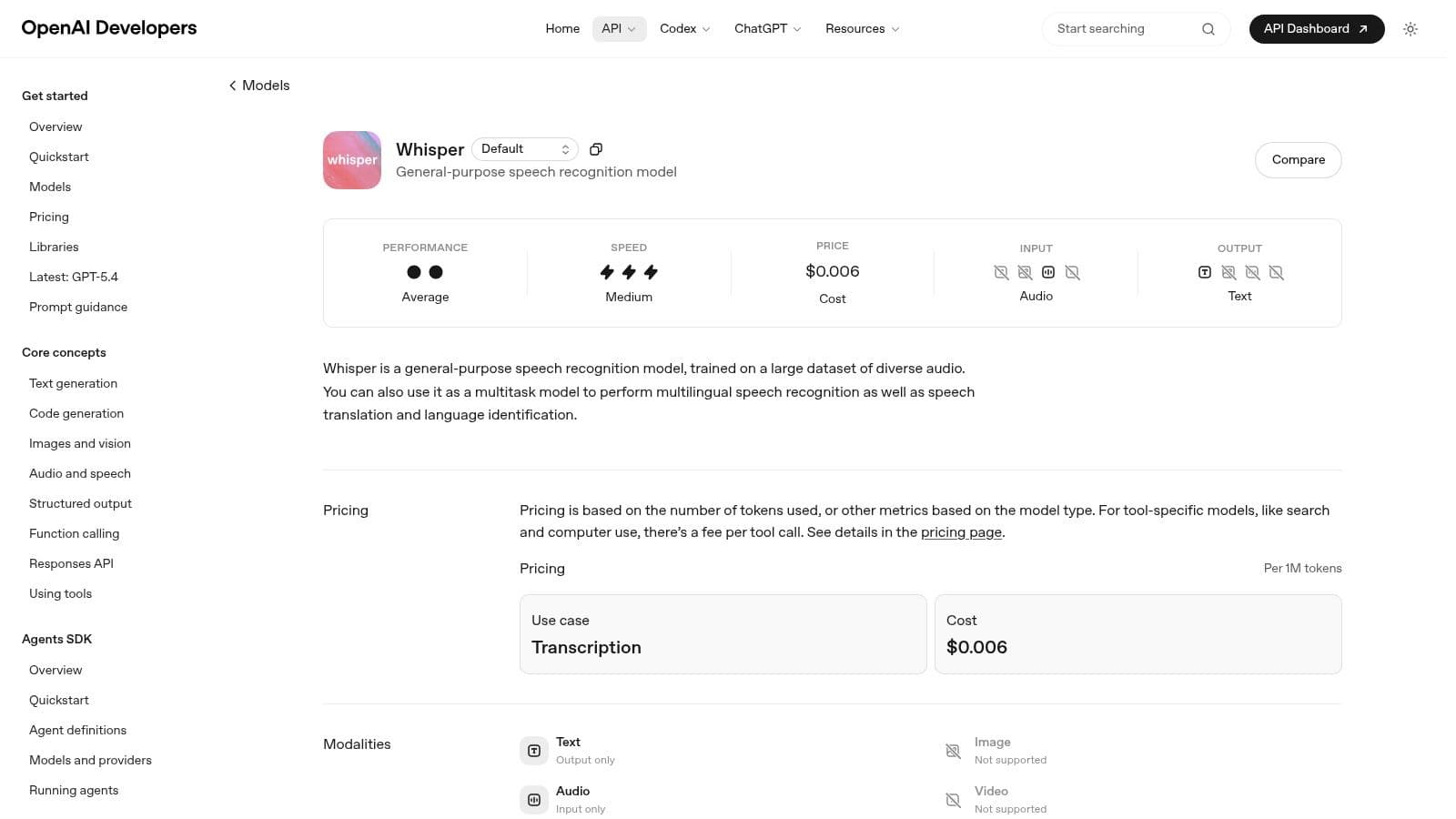
OpenAI Transcription appeals to teams that already use OpenAI for text, agents, or multimodal features and want speech under the same account. It supports transcription and optional translation, plus realtime flows that can connect speech input with language model reasoning and speech output. That can simplify product design when your application is more than a transcript box.
The verified benchmark set calls OpenAI Whisper the most accurate overall for batch in Voicy’s 2026 comparison, with support across 99+ languages and pricing at $0.006 per minute. That combination explains why so many teams still benchmark against Whisper, even when they eventually deploy another provider.
Best fit and real limitation
OpenAI is attractive when speech is one component in a broader LLM product. One billing relationship, one SDK style, and one vendor for prompts, agents, and transcription can reduce engineering sprawl. For prototypes and fast-moving product teams, that convenience is real.
The limitation is control. If you need on-prem deployment, strict private-cloud architecture, or narrow tuning around infrastructure placement, hosted OpenAI is less flexible than providers that explicitly support those models. Cost estimation can also be less intuitive because newer audio offerings may be token-oriented instead of following a simple per-minute mental model.
For teams comparing hosted Whisper versus open-source Whisper deployments, this background on OpenAI Whisper technology and its practical trade-offs is worth reviewing.
Fast path to implementation
OpenAI keeps the developer experience simple:
from openai import OpenAI

client = OpenAI()

with open("interview.mp3", "rb") as audio_file:
    transcript = client.audio.transcriptions.create(
        model="whisper-1",
        file=audio_file
    )

print(transcript.text)
If your team already builds with OpenAI, adding transcription feels natural. If your purchase criteria are compliance controls, deployment sovereignty, or specialized post-processing, you’ll need a tighter comparison.
\6. Deepgram
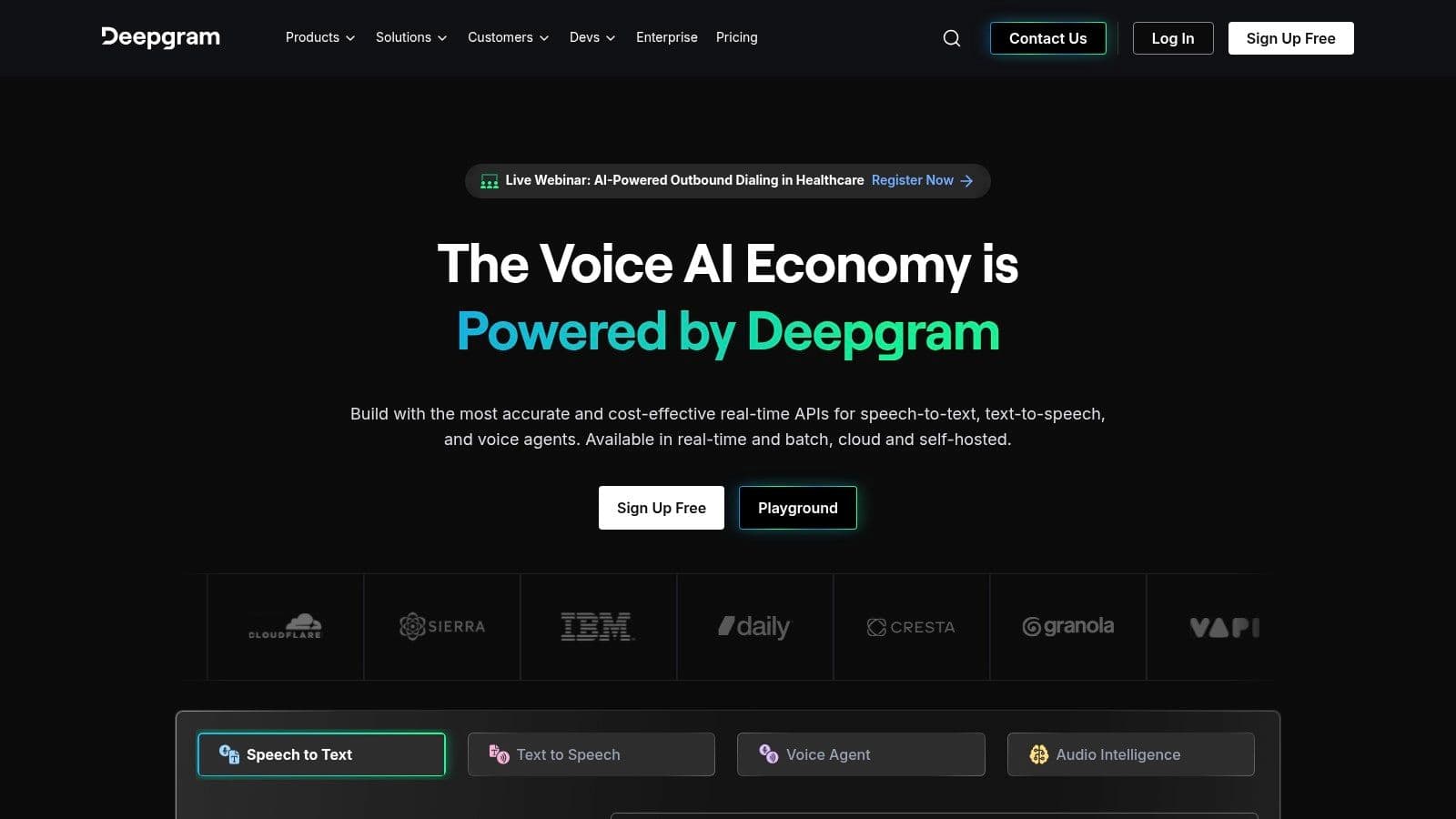
Deepgram has earned its reputation with API-first teams because it focuses on the metrics developers test. Low latency, clear pricing, strong docs, and features that matter in live systems all show up quickly in evaluation. It supports batch and streaming STT, diarization, formatting, redaction, keyterm prompting, and enterprise options including EU endpoints and compliance-oriented deployments.
The verified benchmark set gives Deepgram’s Nova-3 model a 5.26% word error rate for batch, with batch pricing at $0.0043 per minute and streaming at $0.0077 per minute. The same benchmark notes sub-300ms real-time performance for Deepgram in live use cases, which is why it’s frequently shortlisted for contact centers, live captions, and conversational systems.
Why developers keep testing it
Deepgram usually feels like it was designed by people who expect you to benchmark before buying. Model options are published clearly enough to compare, and the product doesn’t hide that different workloads want different settings. That’s helpful if you care about latency ceilings or need to tune for telephony versus general speech.
It’s also one of the better fits for teams that need speech APIs without moving fully into hyperscaler ecosystems. You still get enterprise posture, but the product surface stays more focused.
What to watch
Add-ons can change the price profile. Redaction, diarization, and some formatting layers may be billed separately, so a “cheap per minute” headline can drift once production requirements are real. Model selection also takes some thought. That’s good for control, but it means more testing discipline is required.
A minimal streaming pattern looks like this conceptually:
const socket = deepgram.listen.live({
  model: "nova-3",
  language: "en",
  diarize: true,
  smart_format: true,
});

socket.on("transcript", console.log);
Deepgram is one of the strongest candidates for the best speech to text api if live performance matters as much as transcript quality.
\7. AssemblyAI
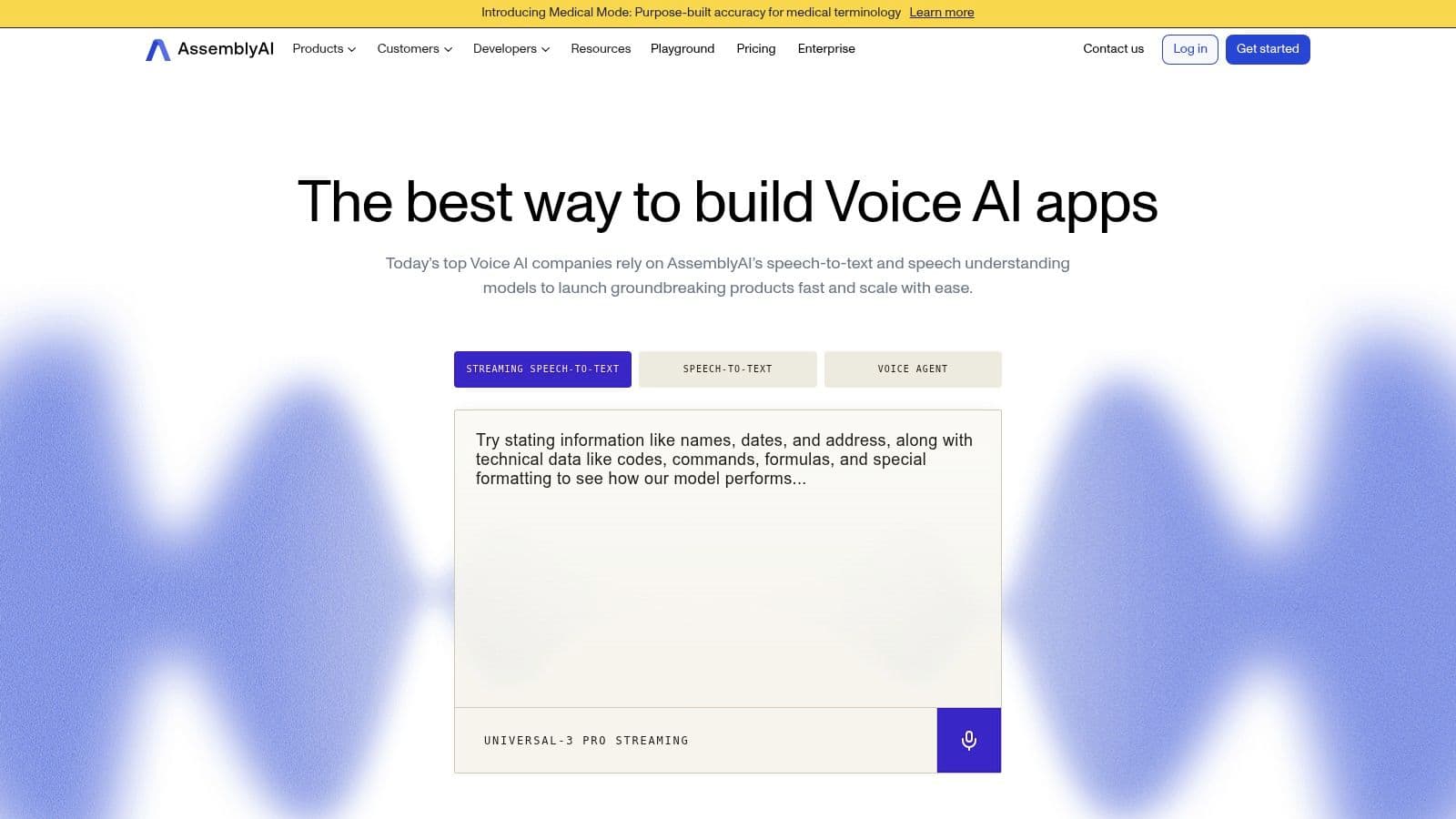
AssemblyAI is often the easiest API to like during early prototyping. The documentation is clean, webhooks are straightforward, and the platform goes beyond transcription into entities, sentiment, summarization, topics, moderation-oriented guardrails, and medical modes. If your product roadmap includes “speech plus structured understanding,” that breadth is useful.
The verified benchmark set highlights AssemblyAI as a real-time standout with 300ms latency, a top rating in Voicy’s 2026 comparison, and pricing at $0.15 per hour for streaming. That makes it attractive for teams that care about real-time responsiveness but also want higher-level speech understanding features in the same ecosystem.
Where it’s strong
AssemblyAI is good for developer velocity. It’s easy to wire up asynchronous uploads, receive callbacks, and enrich transcripts with downstream metadata. Teams building search, summaries, speaker-aware notes, or analytics interfaces can move fast without layering several vendors.
Its product design also helps teams that don’t want to build all post-transcription logic themselves. That’s especially helpful for internal tooling and startup apps where engineering time is tighter than raw infrastructure cost.
The cost shape changes with extras
AssemblyAI can look simple at first, then become more nuanced once add-ons enter the picture. Different models, batch versus streaming, and speech-understanding extras all affect pricing. That isn’t a flaw, but it does mean you should define the exact feature bundle before comparing providers.
Don’t compare “base transcription” on one vendor with “transcription plus summaries, sentiment, and entities” on another. Those are different products with different cost structures.
A basic async flow is clean:
transcriber = aai.Transcriber()
transcript = transcriber.transcribe("https://example.com/audio.mp3")
print(transcript.text)
For product teams who want fast implementation and rich downstream analysis, AssemblyAI is one of the better-balanced choices.
\8. Speechmatics
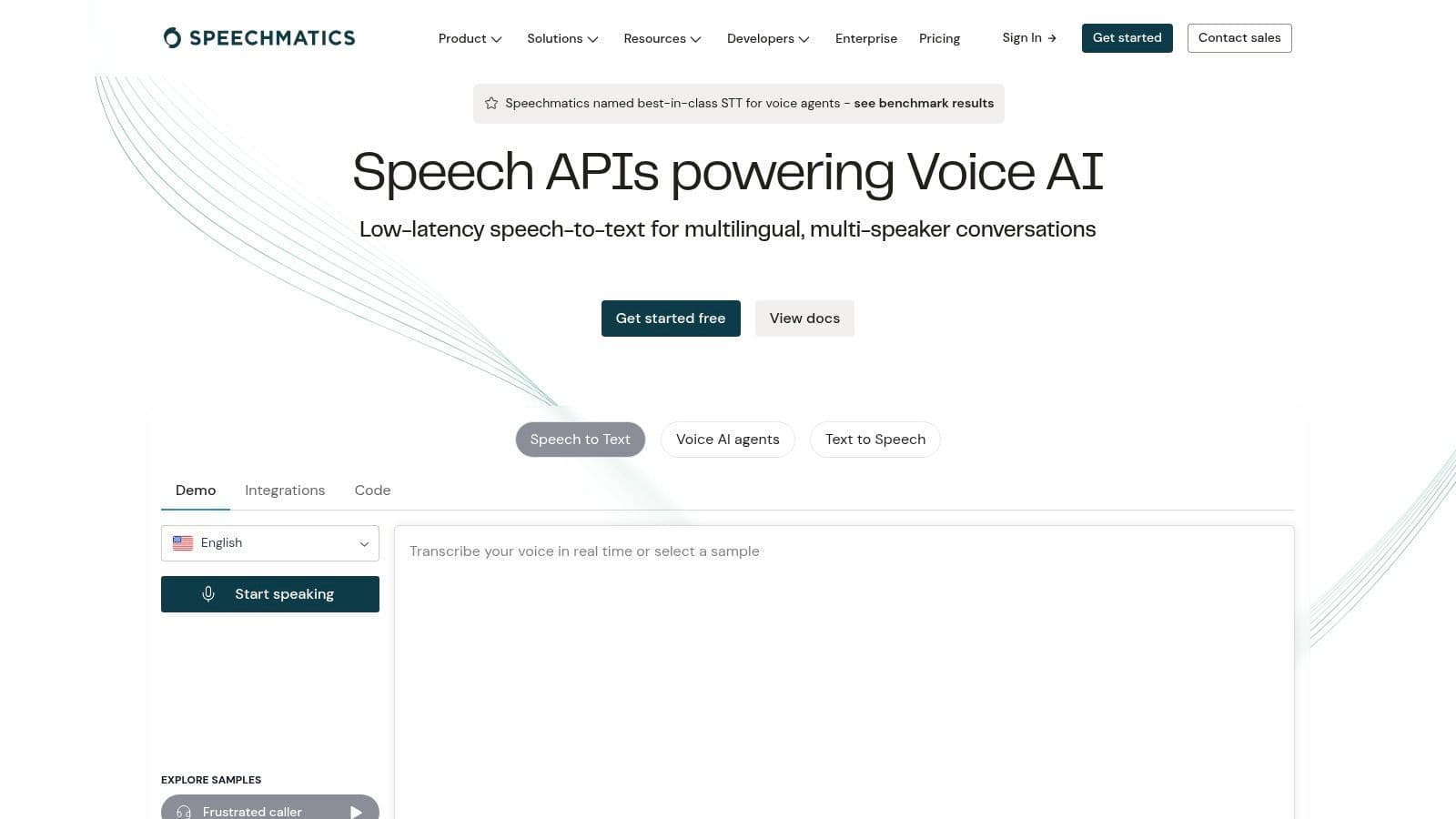
Speechmatics doesn’t always get the same mainstream attention as the hyperscalers, but it’s a serious option for teams that care about multilingual performance and deployment flexibility. It supports real-time and batch APIs, diarization, language identification, formatting, and alignment, with cloud, on-prem, and on-device options.
The verified data places Speechmatics Enhanced at 4.3% WER, which keeps it firmly in the conversation for teams that benchmark closely on recognition quality. That’s especially relevant if your workload spans multiple accents, regions, or languages where generic “works fine in English demo audio” testing can hide problems.
Best reason to shortlist it
Speechmatics is a practical choice when deployment constraints are part of the buying decision from day one. Many reviews of speech APIs stay focused on accuracy and speed while giving too little space to security, sovereignty, and on-prem deployment concerns. That gap is real enough that one reviewed comparison explicitly called out the lack of coverage around compliance, security, and on-prem options for regulated industries (Speechify comparison noting compliance and on-prem gaps in speech API reviews).
Speechmatics fits buyers who don’t want to discover late in procurement that the shortlist was built around startup convenience rather than enterprise deployment reality.
Downsides
Pricing details can be harder to parse than with more aggressively self-serve API vendors, and the community footprint is smaller than Google, AWS, or Azure. If your team relies heavily on finding examples in forums and third-party tutorials, that can slow onboarding.
Still, for organizations that need strong multilingual support plus cloud and non-cloud deployment choices, Speechmatics deserves more attention than it usually gets.
\9. Rev AI
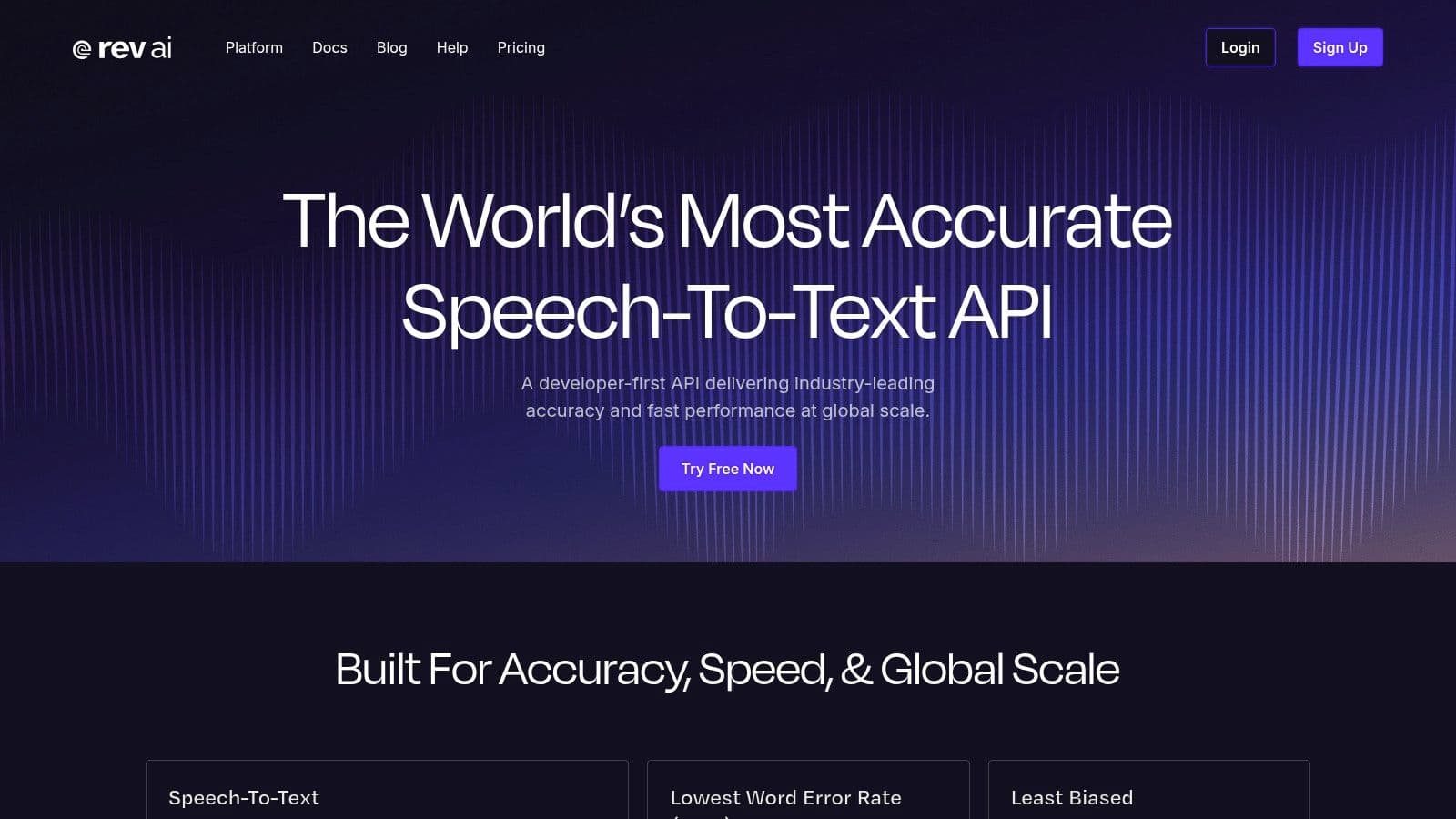
Rev AI is a good pick when your team wants a credible automated transcription API but also values the option of human transcription fallback for tougher content. That combination matters in legal review, media production, and noisy-field recordings where a machine-only workflow sometimes isn’t enough.
The verified benchmark set lists Rev AI at $0.022 per minute and describes it as offering human-level accuracy. Even if your team mainly uses the AI product, that positioning still matters because Rev is built around transcript usability, not just model access.
Where Rev AI makes sense
Rev AI works well when transcript quality affects downstream publishing or legal review. Timestamping, custom vocabulary, language identification, multilingual support, and enterprise deployment options give it enough flexibility for production workflows. If you occasionally need human verification on sensitive or difficult files, having that path under the same vendor umbrella can simplify operations.
This is one of those vendors where “optional human in the loop” is more than a marketing line. In some teams, that’s the difference between shipping one workflow and maintaining two.
Friction points
The product lineup can feel fragmented at first. AI variants and human services live close together, and new evaluators may need extra time to map which SKU they need. Enterprise pricing can also push you toward sales earlier than pure self-serve tools.
A common implementation pattern is async job submission with polling or webhook completion. That’s standard enough, but the key question with Rev AI isn’t technical difficulty. It’s whether your process benefits from having both automated and human-backed paths available.
\10. IBM Watson Speech to Text
IBM Watson Speech to Text is rarely the first tool individual developers test, but it remains relevant inside large enterprises, regulated sectors, and IBM-centered hybrid cloud environments. It supports real-time and batch transcription, timestamps, customization, multiple language packs, and deployment choices aligned with broader IBM infrastructure and governance tooling.
The verified market data describes the speech-to-text API market as moderately concentrated, with roughly 15 to 20 major players and cloud deployments used by over 60% of enterprises. In this environment, IBM still matters because many large organizations buy based on governance, procurement paths, and hybrid architecture fit as much as raw API elegance (Market Growth Reports speech-to-text API market overview).
Best fit
IBM is a fit for organizations that already trust IBM for cloud, data, and governance decisions. If the buying committee includes security, procurement, and operations stakeholders who prefer known enterprise channels, IBM can be easier to approve than a newer API-first vendor.
It’s also worth considering when your team wants a broader view of open-source versus managed trade-offs before committing to any enterprise STT vendor. This guide to open-source speech-to-text engines and deployment options is a useful background read when deciding whether hosted API convenience outweighs infrastructure control.
What to expect
IBM’s challenge is developer mindshare. Public pricing granularity is less visible, and the community ecosystem is smaller than what you’ll find around Google, AWS, Azure, or OpenAI. That doesn’t make it weak. It just means IBM tends to win through enterprise fit, not hacker-friendly momentum.
If your team is small and self-serve, IBM probably won’t be the fastest route. If your environment is large, regulated, and already IBM-aligned, it can be the most straightforward procurement decision.
Top 10 Speech-to-Text APIs Comparison
| Product | Core features | Accuracy & performance | Security & deployment | Best for / Pricing |
|---|---|---|---|---|
| Vatis Tech | 95%+ accuracy on clear audio; speaker diarization, timestamps, summaries, chapters; built-in editor & caption generator; API + SDKs (streaming, custom vocab, entity extraction, PII redaction) | Very fast (≈1 hr → ~1 min); multilingual (50+ languages, 50+ translation targets) | End‑to‑end encryption; GDPR aligned; ISO 27001; on‑prem/private cloud; enterprise SLAs (SOC 2 Type II in progress) | Recommended for enterprises, media, contact centers, healthcare; generous free trial (10 min), transparent pricing, volume discounts |
| Google Cloud Speech-to-Text (v2) | Streaming & batch; model families incl. medical; speaker diarization & word timestamps; regional replicas | High multilingual accuracy; new model generation improves speed/accuracy | Regionalized deployments for data residency; mature IAM & enterprise tooling | Best for high-volume, global workloads; tiered/Dynamic Batch pricing (complex SKUs) |
| Microsoft Azure AI Speech | Real-time & batch; Custom Speech (acoustic/language adaptation); container support | Good accuracy with strong customization options | Azure security, identity & logging; enterprise compliance; containerized deployments | Suited for Azure ecosystems, Teams/M365 integrations; free prototyping tier; region/SKU pricing varies |
| Amazon Transcribe | Real-time & batch; PII redaction; call analytics; medical models | Reliable for contact-center and telephony audio | AWS IAM/security posture; predictable metering | Best for AWS customers and contact centers; free tier (60 min/mo for 12 months); region-specific pricing |
| OpenAI Transcription (Whisper / GPT-4o-Transcribe) | Batch & streaming transcription; optional translation; realtime APIs combine speech + LLM reasoning + TTS | Competitive accuracy; evolving model performance; token-based cost model | Cloud-only offering; less on‑prem control vs self-hosted options | Ideal for teams using OpenAI LLMs; simple dev experience but cost estimation requires modeling |
| Deepgram | Low-latency Nova models; real-time & batch; diarization, redaction, keyterm prompting | Strong low-latency performance for live use; accurate ASR | EU endpoints, SOC 2/HIPAA compliance available; enterprise options | Good for live/low-latency apps and regulated industries; clear per-minute pricing with discounts |
| AssemblyAI | Batch & streaming models; rich add-ons (entities, sentiment, summaries, topics); webhooks/SDKs | Strong models (Universal series); flexible add-on pipeline | Production-ready APIs with SDKs and webhooks; developer-focused | Developer-centric speech understanding; transparent per-hour pricing and free credits |
| Speechmatics | 55+ languages; real-time & batch; diarization, language ID, on‑device options | Strong multilingual accuracy | SaaS and on‑prem/on‑device deployments; ISO 27001 & SOC 2 | Good for deployment flexibility and privacy-first use cases; free monthly testing quota |
| Rev AI | Async & streaming; custom vocabulary; timestamps; optional human transcription | High accuracy in noisy/far-field audio with human fallback | HIPAA-available; SOC 2; EU deployment options | Suited for media, legal, and noisy audio where human fallback helps; pay-as-you-go pricing |
| IBM Watson Speech to Text | Real-time & batch; customization; watsonx/IBM Cloud integration; hybrid options | Enterprise-grade accuracy with customization | Enterprise support, SLAs, hybrid/on‑prem deployment options | Targeted at large regulated enterprises; pricing and procurement via sales |
Making Your Final Decision
A speech API usually gets chosen twice. First in a spreadsheet, then again six weeks later when the team hits rate limits, billing surprises, weak docs, or a streaming edge case in production. The second decision is the one that matters.
Use the comparison table, quick-start samples, and vendor notes as a filter for your actual constraints, not as a scorecard for feature count. The right pick depends on what will create the least friction for your stack, compliance process, and product roadmap.
A practical shortlist looks like this:
- Choose Vatis Tech if you need transcription plus workflow features such as captions, summaries, redaction, editing, and enterprise deployment controls in one system. That reduces integration overhead for teams that would otherwise stitch together separate ASR, post-processing, and review tools.
- Choose Google Cloud Speech-to-Text v2, Azure AI Speech, or Amazon Transcribe if your organization is already committed to that cloud. IAM, logging, billing, procurement, and regional controls often matter more than small accuracy differences.
- Choose OpenAI Transcription if speech is one part of a larger LLM product and you want one vendor for transcription and downstream language tasks. That can speed up development, but it may leave you with fewer speech-specific controls than specialized vendors.
- Choose Deepgram or AssemblyAI if fast implementation, strong developer tooling, and modern streaming or speech-intelligence features are the priority. These are often easier to test and ship quickly than heavier enterprise platforms.
- Choose Speechmatics, Rev AI, or IBM Watson Speech to Text if deployment model, human review, or enterprise buying requirements will decide the purchase. Each fits a narrower set of constraints, but those constraints can outweigh feature breadth.
Cost changes rankings fast. Base transcription pricing may look close across vendors, then diverge once you add diarization, redaction, summarization, medical models, private deployment, support tiers, or minimum commitments. Price the version you would run in production.
Accuracy also gets too much attention in early evaluations. In real deployments, SDK quality, webhook behavior, streaming session limits, quota handling, and documentation gaps often create more work than a modest WER difference.
One rule holds up well: pick the vendor whose weaknesses fit your environment.
If your team wants API access and operational workflow tooling in the same product, Vatis Tech is a reasonable starting point, as noted earlier. If your decision is driven by cloud alignment, developer speed, or strict deployment requirements, the best answer is usually the one that matches your constraints cleanly, not the vendor with the strongest demo.