
10 Best Speech to Text Software for 2026
Ten speech-to-text tools compared on accuracy, price, languages and deployment, including which run on-premise and which need a sales call before you see rates.
19 min read
•
April 24, 2026
Written by
Adrian Ispas
Your team has audio piling up faster than anyone can review it. Support calls need notes. Product teams want searchable user interviews. Newsrooms need captions on deadline. Developers need speech recognition that doesn’t fall apart the moment speakers overlap or jargon shows up.
That’s why choosing the best speech to text software isn’t really about finding the tool with the loudest accuracy claim. It’s about choosing the engine that fits the job. A contact center needs diarization, redaction, and streaming. A healthcare team needs domain vocabulary and compliance. A product team may care more about API simplicity and downstream automation than polished subtitle export.
The market has matured quickly. The global speech-to-text API market is valued at USD 5.63 billion in 2026 and is projected to reach USD 25.28 billion by 2034, with a 20.66% CAGR according to Fortune Business Insights' speech-to-text API market analysis. That growth shows up in real operations too, especially in environments where conversation data is expensive to ignore, including the kinds of workflows described in automation and artificial intelligence in call centers.
Most buyers still get stuck comparing headline accuracy and not much else. That’s a mistake. In production, the core questions are simpler. Can it handle your audio conditions? Can it fit your stack? Can your team afford to run it at volume? And will it create more cleanup work than it saves?
This guide gets to the point. These are the top tools worth evaluating for 2026, grouped by practical fit rather than marketing category.
\1. Vatis Tech
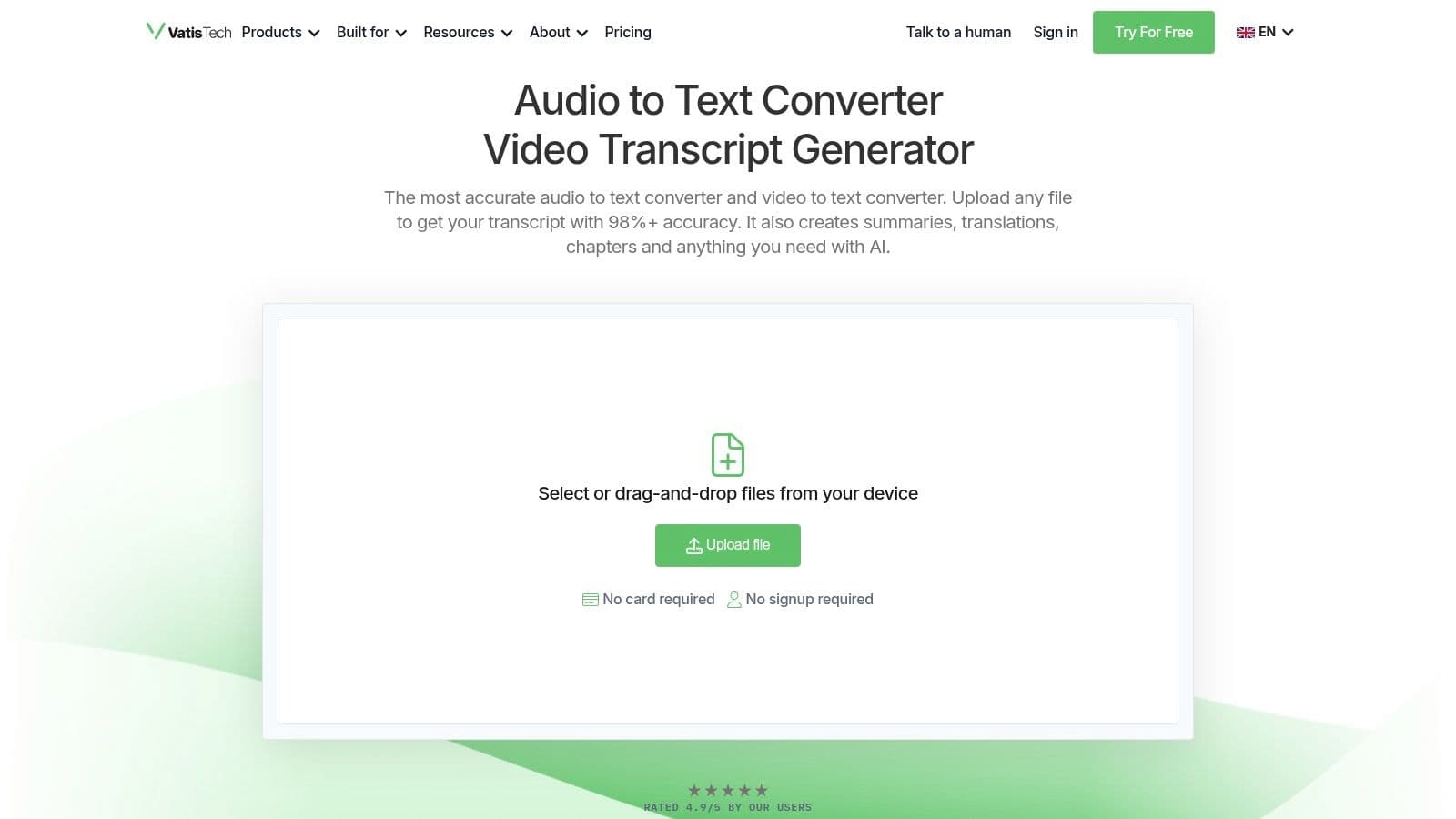
A common buying problem shows up fast with speech tools. Operations teams want clean transcripts, subtitles, summaries, and review workflows. Developers want APIs, streaming support, redaction, and deployment control. Vatis Tech is one of the few products in this list that tries to serve both sides without forcing a separate toolchain.
That makes it a practical fit for teams handling interviews, support calls, meetings, legal recordings, or media archives. The platform covers the outputs that usually sit downstream of transcription, including timestamps, speaker labels, summaries, chapters, subtitles, and translation. For a buyer, that changes the evaluation criteria. The question is not only whether the transcript is accurate. The real question is how much post-processing your team still has to build, buy, or manage after the transcript arrives.
Best for cross-functional teams that need both app workflows and API access
Vatis Tech works well in the "platform" category of this guide. It is not just a raw speech API for developers, and it is not only a transcription app for non-technical users. That middle ground is useful when one audio source needs to support several teams with different goals.
A few examples make the trade-off clearer:
- Operations and QA teams: speaker-separated transcripts, searchable records, and review-friendly outputs reduce manual cleanup.
- Media and content teams: SRT and VTT export shorten the path from raw recording to publishable captions.
- Developers and product teams: streaming API access, SDKs, custom vocabulary, entity extraction, sentiment analysis, topic detection, and PII redaction support product integration instead of one-off file uploads.
- Security-conscious buyers: on-premise and private-cloud deployment options give IT teams more control over where audio is processed.
That breadth is the main reason to shortlist it. If three departments need different outputs from the same conversation data, a single platform is often cheaper and easier to operate than stitching together separate vendors.
Security and deployment options also deserve attention here because they influence vendor fit early. Vatis highlights end-to-end encryption, GDPR alignment, ISO 27001 certification, and private deployment paths. Those claims do not replace a security review, but they do indicate that the product is aimed at teams with procurement, compliance, or data residency requirements.
If your team wants to understand the implementation side before buying, Vatis has a useful guide to the automatic speech recognition pipeline.
The trade-off is familiar. Pricing for larger volumes or custom deployments usually requires a sales conversation, which can slow down evaluation for teams that prefer transparent, self-serve pricing. That said, buyers comparing enterprise speech vendors should keep total platform cost in view, not just the transcription line item. Infrastructure and vendor cost discussions often widen quickly once storage, compute, and scaling are involved, especially for cloud-heavy teams already reviewing Google Cloud prices and saving big.
Vatis fits best for organizations that want one system to cover production transcription, user-facing outputs, and developer integration without a lot of glue code. If your priority is the cheapest API endpoint, other tools later in this list may fit better. If your priority is shared usability across operations, compliance, media, and engineering, Vatis earns serious consideration.
\2. Google Cloud Speech-to-Text
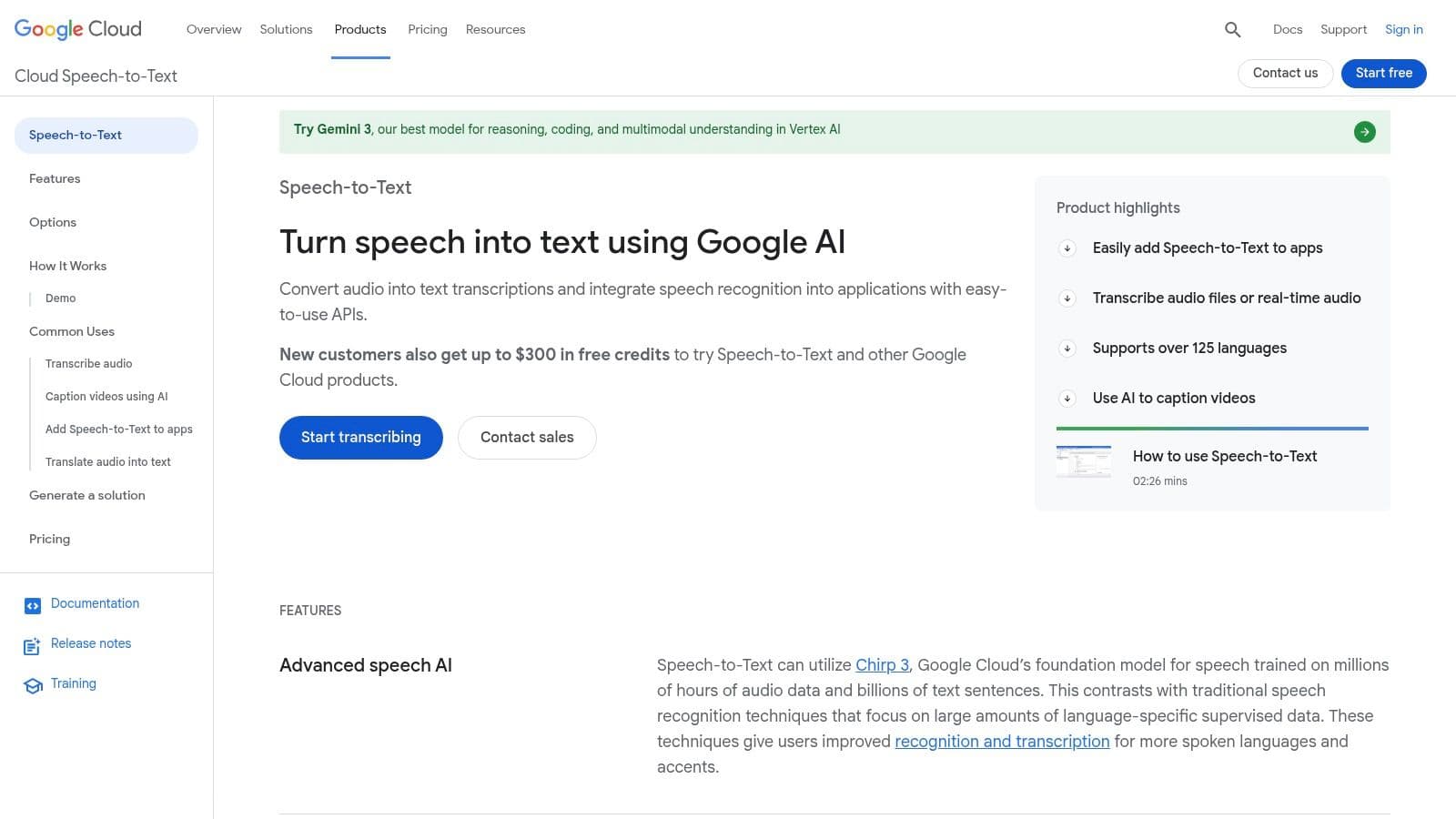
A common buying scenario looks like this. The engineering team wants one speech API that plugs into existing IAM, logging, storage, and data pipelines without creating another vendor review. In that situation, Google Cloud Speech-to-Text usually makes the shortlist fast.
This is a Big Cloud choice. It fits teams that value platform standardization, global infrastructure, and familiar procurement paths more than they value the lowest transcription price.
Google supports both batch and streaming transcription, along with features such as speaker diarization and multichannel audio handling. Those features matter, but they are not the main reason to choose Google. The primary advantage is operational fit inside GCP. If audio lands in Google Cloud Storage, downstream processing runs in BigQuery or Vertex AI, and access controls already flow through Google Cloud, deployment is usually simpler than stitching together a lower-cost specialist.
Best for platform consistency, not bargain pricing
Google works well for large internal platforms, customer support systems, and global products that already run on GCP. Product teams often accept a higher unit cost when it reduces integration work, security review overhead, and long-term maintenance.
That trade-off needs to be explicit.
Google can become expensive on usage-heavy workloads, especially if teams assume speech recognition is a small line item and ignore surrounding compute, storage, and monitoring costs. Before committing high-volume workloads, it is worth reviewing Google Cloud prices and saving big.
What to check before you commit
The product catalog takes some work to evaluate well. Pricing can vary by model and version. Feature support can also vary by language, endpoint, and configuration, which creates problems for teams building multilingual products or trying to keep one implementation across regions.
Three practical checks help avoid surprises:
- Choose Google first if your organization already centers infrastructure, identity, and analytics on GCP.
- Model total cost early if call volumes, meeting transcription, or media archives could scale quickly.
- Validate language and model support in advance if your roadmap includes domain-specific vocabulary, regional accents, or real-time use cases.
Google Cloud Speech-to-Text is a strong option for enterprises buying within a broader cloud architecture decision. Teams shopping for the cheapest API or the richest out-of-the-box speech analytics will usually find better fits elsewhere. Teams that want a speech service that behaves like the rest of their Google stack will find a clear case for it.
Google Cloud Speech-to-Text is available at Google Cloud Speech-to-Text.
\3. Amazon Transcribe
A common buying mistake is to compare Amazon Transcribe to standalone speech APIs on raw transcription alone. That misses the primary reason to choose it. Amazon Transcribe makes the strongest case inside an AWS-heavy stack where audio already lands in S3, customer conversations run through Amazon Connect, and downstream analysis stays in AWS.
That makes it a clear Big Cloud option, not the default pick for every speech project.
Where Amazon Transcribe pulls ahead
Amazon Transcribe stands out in call center and operational workflows. Speaker separation, custom vocabulary, PII redaction, medical transcription, and call analytics give teams more than a text output API. For product teams building QA review, compliance monitoring, or agent coaching, those extras can reduce the amount of custom post-processing work.
The AWS fit matters as much as the feature list. Identity, logging, storage, security policies, and event-driven pipelines are already familiar to AWS teams. That lowers implementation friction for organizations that do not want another vendor, another auth model, and another data path to review.
Choose Amazon Transcribe when transcription feeds an existing AWS workflow and the surrounding services are part of the business case.
What to watch before rollout
Cost control needs discipline here. The transcription line item may look reasonable, but total spend often grows once teams add analytics, storage, orchestration, monitoring, and retention. For high-volume contact center or archive workloads, model the full pipeline before rollout, not just the per-minute transcription rate.
Customization also matters more than buyers expect. Product names, clinical terms, legal language, and internal acronyms can hurt results if you rely on default models. Amazon gives you vocabulary tools, but you still need sample audio, test cases, and an evaluation process tied to your actual use case.
Accuracy claims in this category should be treated carefully. As noted earlier, speech recognition has improved a lot, but production results still depend on audio quality, speaker overlap, accents, domain language, and whether you configure the service for your environment.
Amazon Transcribe is a good fit for enterprises that already buy cloud services as a platform decision. Teams that want the broadest AWS integration and call-focused features will see the value quickly. Teams shopping for the cheapest developer API or the richest standalone speech intelligence layer should compare it closely against more specialized vendors.
Amazon Transcribe is available at Amazon Transcribe.
\4. Microsoft Azure AI Speech
A common buying scenario looks like this. The speech model is only one part of the decision. Security review, regional deployment, identity management, and data handling rules often decide the vendor before anyone debates a small accuracy difference. Azure AI Speech fits that reality better than many standalone tools.
Its strongest case is hybrid enterprise deployment. Azure gives teams several ways to run speech workloads, including standard cloud use and container-based options for organizations that need tighter control over where processing happens. That matters in healthcare, government, financial services, and large internal IT environments where architecture constraints are not optional.
Best for hybrid and enterprise deployment models
Azure AI Speech covers the core features expected in this category: streaming and batch transcription, speaker diarization, phrase lists, and custom speech models. Those features are useful for teams with domain-specific vocabulary, such as product names, regulated terminology, or internal acronyms that generic models often miss.
The container support is the differentiator here.
For teams comparing Big Cloud vendors, Azure is often the practical choice when the broader Microsoft stack is already in place. If identity runs through Entra ID, analytics sit in Microsoft services, and procurement already favors Azure, Speech becomes easier to approve and operationalize. In that context, the product is less a standalone API decision and more a platform fit decision.
Where the trade-offs show up
Azure can feel heavy during evaluation. Feature availability can vary by region. Pricing and implementation details may require more validation than smaller self-serve APIs. Custom models, diarization settings, and deployment choices also add setup work, which is reasonable for enterprise teams but frustrating for startups that just want to ship a transcription endpoint this week.
The practical buying framework is straightforward:
- Choose Azure when: deployment control, compliance requirements, and Microsoft ecosystem fit matter as much as transcript quality
- Be cautious when: you want the fastest developer onboarding or very simple cost modeling
- Plan ahead for: regional availability, customization effort, and whether container deployment is a real requirement or just a nice-to-have
Azure AI Speech is available at Microsoft Azure AI Speech.
\5. Deepgram
Deepgram is one of the more developer-friendly options in this category. It tends to appeal to teams building voice products, AI agents, or live applications where latency matters as much as transcript quality.
Its product positioning is clear. Deepgram wants to be the speech layer inside your application, not only a dashboard your ops team logs into once a day.
Why developers like it
Deepgram offers low-latency streaming, higher-accuracy model options, and add-ons that are useful in production, including redaction, diarization, prompting, and formatting. The platform also offers enterprise compliance paths and data residency options, which helps it move from prototype to procurement more cleanly than some developer-first tools.
This is the type of service product teams often pick when they’re building live assistants, voice interfaces, or internal monitoring systems and need fine-grained API control.
A practical strength is packaging. You can start with transcription and then selectively add capabilities instead of moving to an entirely different vendor when requirements grow.
The real trade-off
Deepgram’s model works well if you understand your usage pattern. It works less well if you assume every useful feature is included in the base rate. Advanced capabilities can increase effective cost. That’s not unusual in this market, but it does change buying decisions once usage scales.
Buyers often compare base transcription prices and forget to include redaction, diarization, and formatting. For production systems, those “extras” are often the actual product.
Deepgram is best for teams that know they need streaming and want a speech API they can shape to a product workflow. It’s less compelling if your main need is occasional upload-and-export transcription for nontechnical users.
Deepgram is available at Deepgram.
\6. AssemblyAI
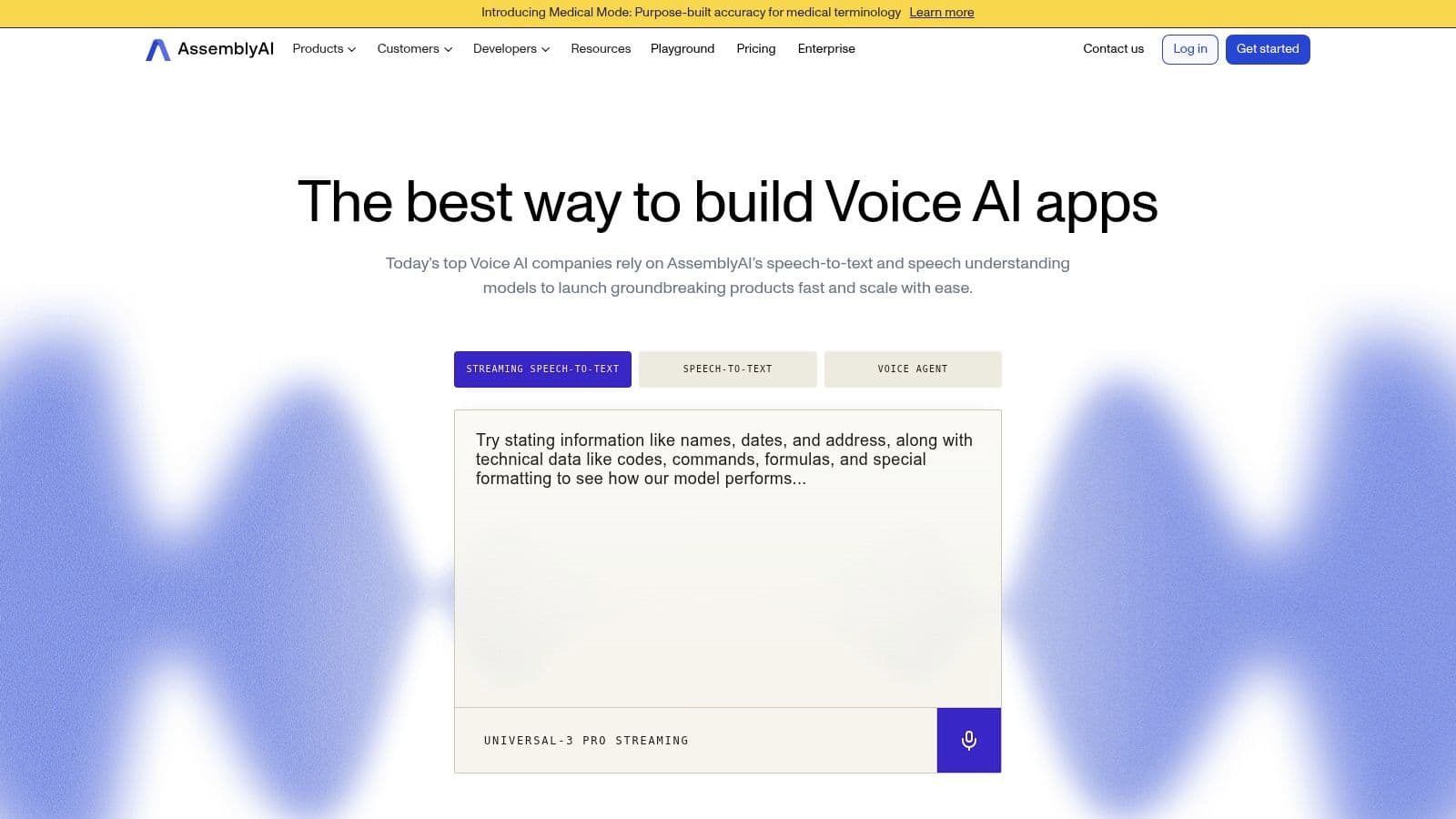
A common buying mistake is treating transcription as the whole product. In practice, many teams need the transcript plus search, moderation, summarization, topic extraction, or entity tagging. AssemblyAI fits that second category well.
I’d place it in the "developer API with built-in speech understanding" bucket. That makes it a strong candidate for product teams shipping voice features into apps, internal tools, or analytics workflows, where the transcript is only one step in a larger pipeline.
Best for teams that want transcription plus analysis in one stack
AssemblyAI stands out because its platform goes beyond converting audio to text. It also offers summarization, sentiment analysis, entity detection, topic tagging, content moderation, and translation. That changes the build decision. Instead of stitching together separate vendors after transcription, teams can keep more of the workflow in one API layer.
That matters for two kinds of buyers. Product teams can move faster because fewer integration points means less orchestration work. Business teams can cut vendor sprawl, which usually makes procurement, security review, and reporting easier.
The practical appeal is clear:
- Strong post-processing features: Useful for call review, media workflows, research libraries, and internal knowledge systems
- Batch and streaming support: A better fit for teams that need both uploaded files and live audio in the same product
- Developer-friendly implementation: Clear APIs and a straightforward model for prototyping, testing, and iterating
The real trade-off
AssemblyAI is compelling when your roadmap includes downstream analysis from day one, or when you know those needs are coming soon. It is less attractive if you only need plain transcription at the lowest possible cost.
Feature breadth changes the economics. Transcription may be the entry point, but summarization, moderation, and other add-ons can raise the effective price once usage grows. That is not unusual in this market. It just means buyers should compare the full workflow cost, not the transcription line item alone.
AssemblyAI is available at AssemblyAI.
\7. Speechmatics
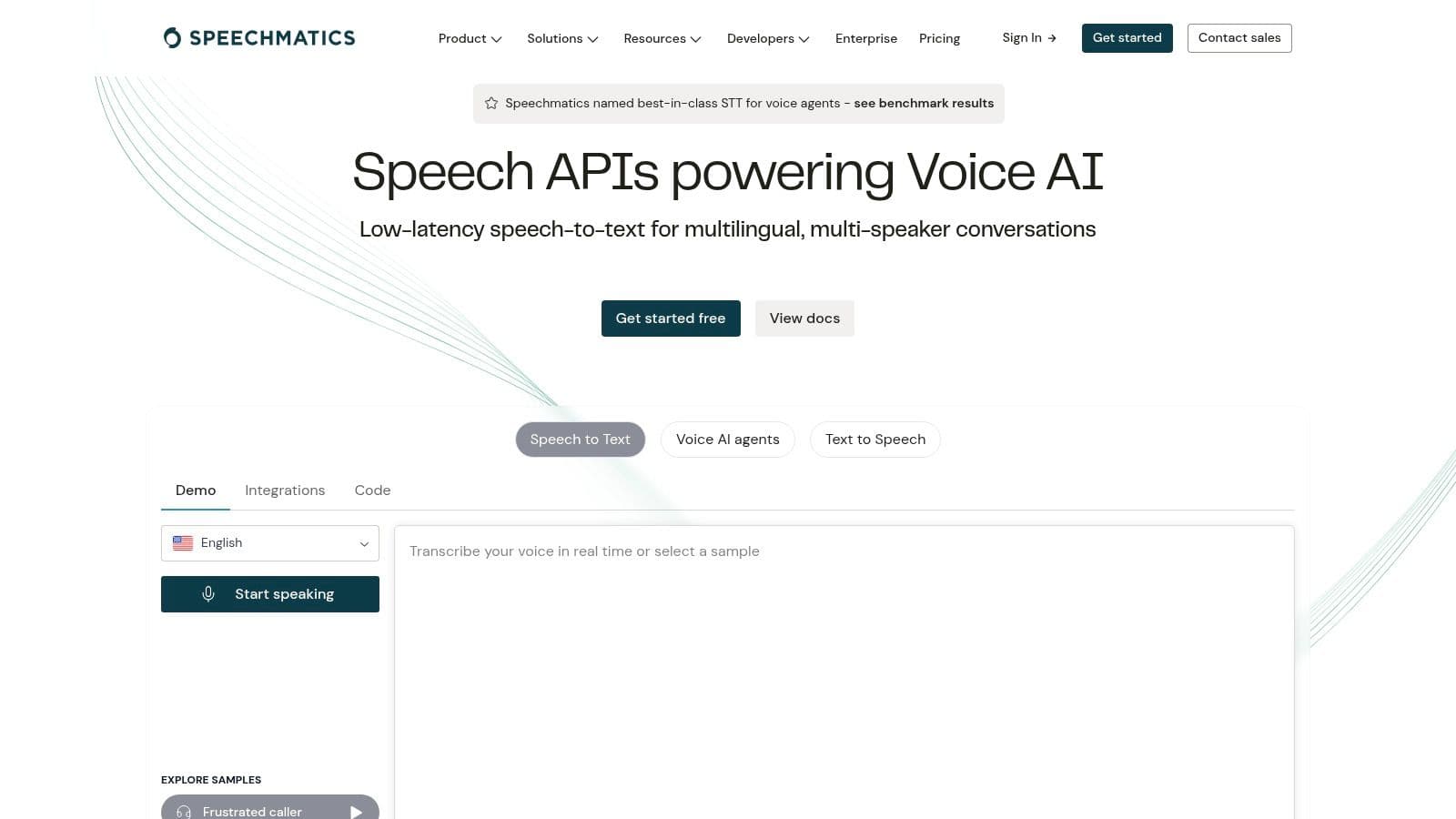
Speechmatics is the tool I’d put in the “accuracy-first enterprise specialist” bucket. It has long been associated with strong transcription quality, especially for challenging audio, accented speech, and broadcast-style environments where messy speech patterns are normal rather than exceptional.
That focus shows in the product design. Speechmatics leans harder into transcription quality and deployment flexibility than into broad bundled analytics.
Strong choice for broadcast and regulated teams
Speechmatics offers batch and real-time engines, on-prem deployment options, and formatting for structured entities such as dates, numbers, and contact details. Those details matter when transcripts feed compliance systems, media archives, or editorial workflows where formatting consistency saves review time.
It’s also a good fit for buyers who care about maintaining tighter control over data location and infrastructure. SaaS is fine for many teams. It isn’t fine for all of them.
Where it differs from API bundles
Speechmatics is not the obvious choice if your team wants a long menu of built-in conversation intelligence features. You can build more around it, but the platform’s core appeal is transcription quality and deployment options.
That’s often the right trade-off in sectors like broadcasting, government, and high-compliance enterprise environments.
A practical consideration:
- Choose Speechmatics for: accent-heavy audio, noisy speech, on-prem needs, transcription-centric workflows
- Look elsewhere if you need: the broadest built-in analytics suite out of the box
- Expect: an enterprise buying motion rather than a pure self-serve path
Speechmatics is available at Speechmatics.
\8. OpenAI Whisper
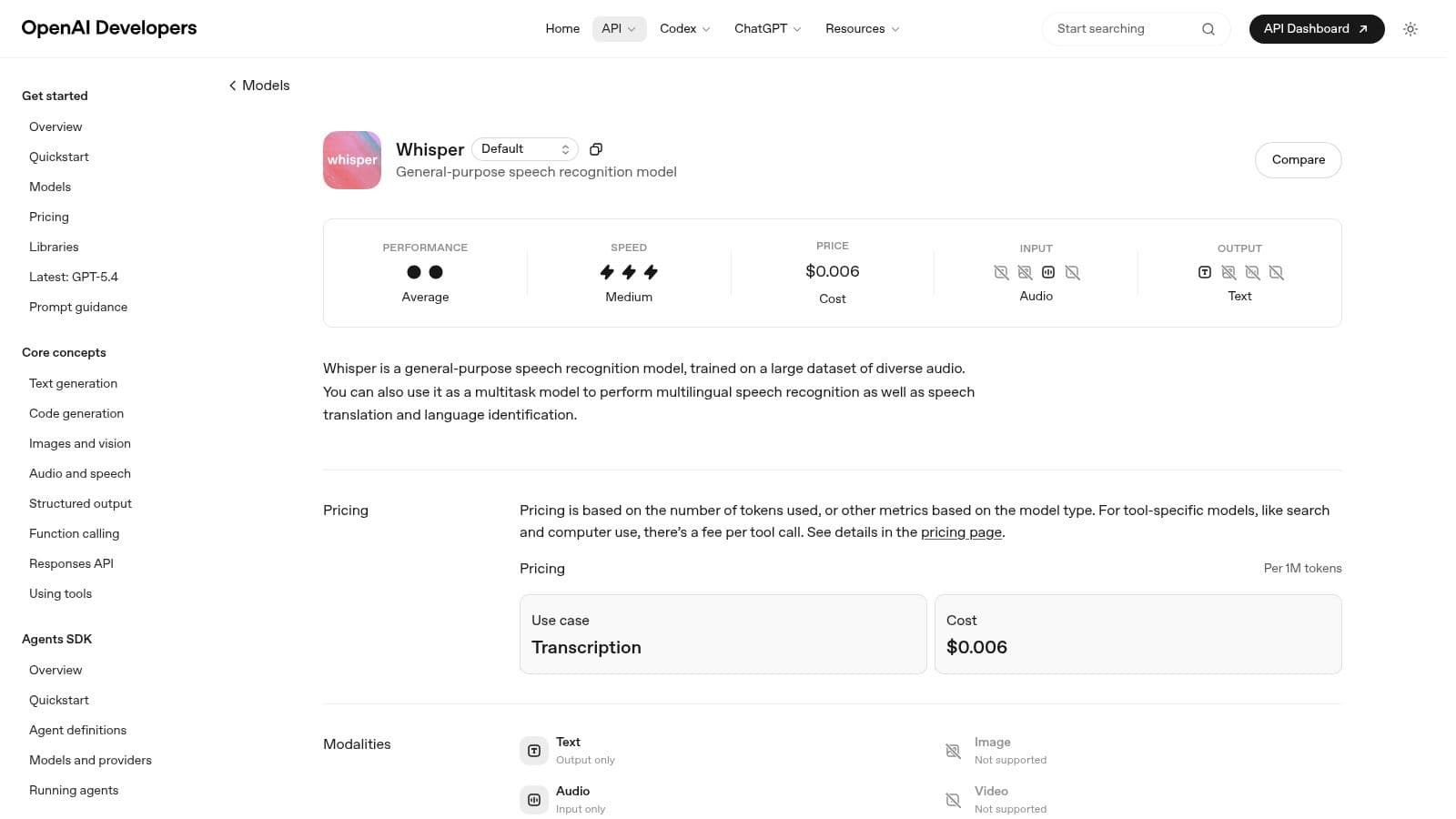
A product team needs transcripts across multiple languages, the budget is tight, and legal wants a clear answer on where audio is processed. Whisper often enters the conversation early because it gives teams two very different paths: use OpenAI’s hosted API for speed, or self-host the open-source model for control.
That flexibility is the reason Whisper still matters. It pushed high-quality multilingual transcription into reach for startups, internal platform teams, and research groups that previously had to choose between weaker open models and expensive enterprise contracts.
Best for developer control and custom stacks
Whisper fits the Developer API and open-source category better than the packaged platform category. Teams that already run inference workloads or have MLOps support can build exactly what they need around it. That might mean private deployment, custom post-processing, domain-specific prompting, or a workflow that combines Whisper with separate diarization and analytics layers.
For prototypes and internal tools, that trade-off is often favorable.
For production systems, the key question is not whether Whisper can transcribe audio. It can. The question is how much surrounding infrastructure your team is prepared to own.
The trade-off most buyers underestimate
Whisper does not arrive as a finished business workflow. You get transcription, language handling, timestamps, and translation support. You usually need extra components for speaker diarization, redaction, PII handling, QA review, and structured outputs that downstream systems can trust.
That added assembly work changes the total cost.
A cloud API vendor may look more expensive on paper, then turn out cheaper once you account for GPU hosting, throughput tuning, observability, failover, and support coverage. Teams evaluating Whisper against managed options should compare full operating cost, not just model access. A useful reference point is this comparison of Rev-style workflow trade-offs and platform depth, especially for buyers deciding between a raw engine and a more complete transcription product.
Where Whisper is the right choice
Whisper is a strong fit for teams that want to avoid lock-in, need deployment flexibility, or want to experiment quickly with multilingual audio. It is less attractive for buyers who want one vendor to handle compliance features, workflow tooling, SLAs, and polished enterprise support from day one.
Choose based on operating model first, then accuracy claims.
Whisper is available through OpenAI Whisper documentation.
\9. Rev AI
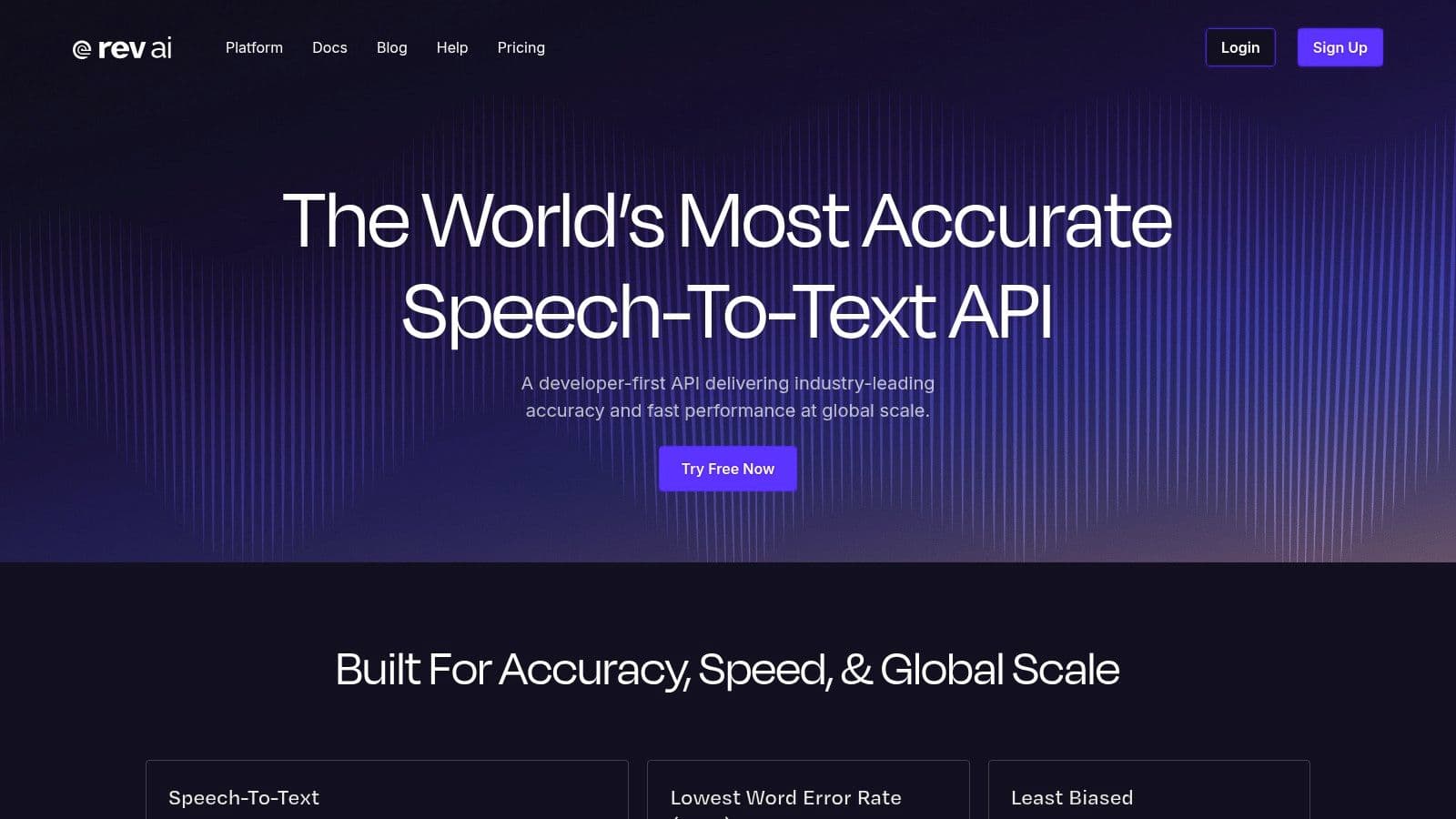
Rev AI occupies a useful middle ground. It gives developers speech-to-text APIs, but it also sits inside a broader ecosystem that includes human transcription. That fallback path is the reason many teams keep Rev on the shortlist.
If your use case mixes automation with occasional high-stakes review, that model can be practical.
Where Rev AI makes sense
Rev AI is a good fit for English-first workflows where cost sensitivity matters and there’s value in escalating selected files to human review. Legal interviews, research recordings, executive content, and media transcripts often fit that pattern.
The service also offers topic extraction, sentiment analysis, and forced alignment, which makes it more useful than a bare transcription endpoint.
For teams comparing vendors in this segment, this Rev alternative comparison from Vatis Tech is a useful framing tool because it highlights the difference between low-cost API access and more full-featured workflow platforms.
The trade-off
Rev AI is less compelling if your roadmap depends on broad multilingual depth or highly advanced real-time speech features across complex enterprise environments. You can absolutely use it at scale, but you should validate language coverage and deployment constraints early.
Its biggest advantage is optionality. You can automate first, then route edge cases toward human review when accuracy requirements go beyond what automation alone can reliably deliver.
Rev AI is available at Rev AI.
\10. Nuance Dragon Medical One
A physician finishing notes between patient visits needs a tool that recognizes drug names, specialties, and command-driven charting without constant correction. That is the job Dragon Medical One was built for.
Nuance Dragon Medical One belongs in a different buying category than general speech APIs. It is a clinician dictation product first, with the workflow assumptions, vocabulary support, and EHR-oriented setup that healthcare teams usually need at the point of care. For buyers evaluating tools by use case rather than headline accuracy claims, that distinction matters.
Best for clinician dictation
Dragon Medical One is strongest in environments where the speaker is the end user and documentation speed affects clinical throughput. Physicians, nurses, and other care teams can dictate directly into structured workflows, use medical terminology out of the box, and rely on voice commands designed for documentation tasks. General-purpose speech platforms can transcribe medical audio, but they often need more tuning and more QA before they fit frontline clinical use.
That specialized focus is the main advantage.
For teams comparing point-of-care dictation with broader transcription workflows, this guide to medical speech-to-text software for healthcare teams is a useful reference because it separates clinician-facing tools from developer platforms and back-office transcription systems.
Where it doesn’t fit
Dragon Medical One is a poor fit for teams building bulk media pipelines, multilingual content platforms, or developer-led products that need API-first access across many business units. Its value comes from fitting a specific operational model: clinician speaks, system captures, documentation flows into care delivery.
That narrow scope is a valid reason to choose it. It usually is not the right choice for a product manager who needs batch transcription at scale or a platform team standardizing one speech stack across support, media, and analytics workloads.
You can learn more at Nuance Dragon Medical One.
Top 10 Speech-to-Text Tools Comparison
| Product | Key features | Accuracy & speed | Security & deployment | Target audience & USP | Pricing & value |
|---|---|---|---|---|---|
| Vatis Tech | AI STT + editor, timestamps, diarization, summaries, chapters, subtitle (SRT/VTT), streaming API, SDKs | 95%+ on clear audio; fast batch (~1 hour → ~1 min) | E2E encryption, GDPR-aligned, ISO 27001, SOC 2 Type II (in progress); on‑prem & private cloud options | Teams & developers; multilingual translations, built-in review/captioning, enterprise SLAs, Recommended | 10 free minutes trial; transparent per-use pricing, volume discounts, contact sales for enterprise |
| Google Cloud Speech-to-Text | Streaming & batch, diarization, multichannel, custom classes | High-scale accuracy; varies by model & audio | Enterprise security, HIPAA/BAA eligible; on‑prem option via STT On‑Prem | Enterprises on GCP, contact centers, media captioning | Usage-based pricing; model/version complexity can make estimates tricky |
| Amazon Transcribe | Batch & streaming, Call Analytics, Transcribe Medical, custom vocabulary | Good baseline; benefits from tuning for domain audio | HIPAA/BAA eligible; integrated with AWS; regional latency considerations | Contact centers, healthcare, analytics with AWS stack integration | Published per-minute tiers; 12‑month free tier (60 min/mo); analytics add-ons increase cost |
| Microsoft Azure AI Speech | Real-time & batch, custom models, phrase lists, containerized deployment | Enterprise-grade; model-dependent performance | HIPAA/BAA eligible; container/edge and private deployments | Azure-centric enterprises, regulated/edge use cases | Region/tier pricing varies; public pages can be opaque |
| Deepgram | Ultra-low-latency streaming (Flux), high-accuracy Nova, redaction, diarization add-ons | Low-latency for voice agents; high-accuracy models cost more | SOC 2, HIPAA options; EU data residency available | Developers needing low latency streaming and audio intelligence | Transparent per-minute pricing, growth tiers, free credits |
| AssemblyAI | Multiple model families, streaming, built-in entities/sentiment/summaries | Strong speech-understanding; model choice affects accuracy | HIPAA/SOC 2 enterprise plans available | API-first teams needing built-in analytics (summaries, topics) | Clear add-on pricing; $50 starter credits; add-ons raise effective cost |
| Speechmatics | Real-time & batch, strong accent/noise handling, on‑prem containers | Reputation for high accuracy on accented/noisy audio | On‑prem containers/appliances for sensitive data | Broadcast captioning, regulated industries seeking accuracy | Enterprise pricing via sales; limited public self-serve rates |
| OpenAI Whisper | Multilingual transcription, timestamps, language detection; open-source weights | Solid baseline accuracy; no built-in diarization | Self-host option; hosted API pay-as-you-go | Prototyping, self-hosting to avoid vendor lock-in, low-cost hosted use | Hosted API attractive pricing; self-host requires GPU & ops cost |
| Rev AI | Async & streaming STT, topic extraction, forced alignment, human fallback | Good automated results; human option for 99%+ accuracy | HIPAA enablement via BAA (separate process) | Low-cost automated transcription with option to escalate to human review | Low published API rates; clear pricing; human transcription adds cost |
| Nuance Dragon Medical One | Medical vocabularies, EHR integrations, clinician dictation UX | Optimized for clinical dictation accuracy | Designed for HIPAA workflows; vendor support for IT continuity | Physicians and clinicians; real-time clinical documentation in EHRs | Seat-based licensing via partners/resellers; non‑standard self-serve pricing |
The Right Voice Making Your Final Decision
A team usually realizes it picked the wrong speech-to-text tool after rollout, not during the demo. The pilot transcript looks fine. Then real calls arrive with crosstalk, accents, compliance requirements, and downstream systems that need structured output instead of plain text.
The safer way to choose is to start with the job, not the benchmark chart.
Different categories solve different problems. Big cloud platforms such as Google, AWS, and Azure fit companies that already standardize on those ecosystems and want familiar procurement, IAM controls, and adjacent AI services in the same stack. The trade-off is complexity. Feature availability, pricing models, and implementation details can vary enough that teams often spend extra time validating what is included.
Developer-first APIs such as Deepgram and AssemblyAI tend to fit product teams shipping speech features into apps, internal tools, or customer workflows. They usually offer faster onboarding, cleaner documentation, and less platform overhead. The trade-off is that you may need to assemble more of the surrounding workflow yourself, depending on your reporting, governance, and deployment requirements.
Specialists deserve their own lane. Speechmatics is a serious option when accent handling, noisy audio, or deployment flexibility matter more than broad ecosystem alignment. Whisper is still useful for teams that want open-source control and accept the operational cost of hosting, scaling, and maintaining the pipeline around it. Dragon Medical One belongs in a separate buying path entirely because clinical dictation has different vocabulary, UX, and compliance needs than general business transcription.
That category view matters because buyers rarely fail on raw transcript quality alone. They fail on fit.
For a contact center, test streaming reliability, diarization, redaction, latency, and how easily transcripts feed QA or analytics tools. For media teams, check subtitle formats, speaker separation, turnaround time, and editor workflow. For healthcare, domain vocabulary and compliance review come first. For product and engineering teams, SDK quality, API ergonomics, event handling, and the effort required to connect transcription to summarization, search, or workflow automation usually matter as much as accuracy.
Vatis Tech sits in the middle of these categories in a useful way. It covers common production needs such as diarized transcripts, subtitles, summaries, redaction, API access, and private deployment options without requiring teams to stitch together every step on their own.
Accuracy claims still need caution. As noted earlier, modern models perform well on clean audio, but production audio is rarely clean for long. Overlapping speakers, weak microphones, industry jargon, and multilingual exchanges create bigger differences than vendor demos suggest. The only benchmark that matters is your own audio set.
Use a short evaluation process. Shortlist three tools. Run the same files through each one. Include easy audio and ugly audio: background noise, overlapping speech, accented speakers, phone calls, and your hardest domain terms. Then score more than word accuracy. Review diarization quality, timestamp reliability, export formats, latency, security fit, and the amount of manual cleanup your team still has to do.
That last point is usually where the decision gets clear. A transcript that is 2 percent better on paper can still be the worse product choice if it creates more editing work, does not fit your security model, or slows integration.
If you want one platform that covers both team workflows and developer needs, Vatis Tech is a strong place to start. Test it on your own recordings before you commit. That will tell you more than any vendor comparison table.