10 Best Transcription Software for Interviews in 2026
Otter, Rev, Descript, Trint, Sonix and five more, compared on accuracy, speaker labels, languages, exports and price, with the best pick for each workflow.
19 min read
•
April 19, 2026
Written by
Adrian Ispas
Tired of wasting hours transcribing interviews?
You’ve wrapped the call, captured the story, and asked the right follow-ups. Then the significant work starts. You’re stuck with audio files that still need to become searchable text, quotable excerpts, clean notes, and something your team can effectively use.
Manual transcription is where good momentum dies. You pause, rewind, replay the same sentence three times, guess at names, and lose another hour to speaker cleanup. If you handle interviews in journalism, recruiting, research, legal, healthcare, or customer experience, you already know the transcript isn’t the final deliverable. It’s the raw material for analysis, publishing, compliance, and decision-making.
The best transcription software for interviews should do more than dump text on a page. It should fit the way you work. Some tools are built for live Zoom interviews. Some are better for uploaded files and batch processing. Some are better when privacy controls matter more than convenience. Others shine when you need editing, subtitles, or API access.
If your recordings come from public content as well as direct interviews, it also helps to know how to copy transcripts from YouTube so you can keep everything in one research workflow.
This guide gets to the point. I’m focusing on tools people use, the trade-offs that matter in practice, and which products make sense for specific interview workflows. If you’re trying to choose between fast AI drafts, meeting assistants, human-reviewed transcripts, and enterprise-ready speech-to-text platforms, start here.
\1. Vatis Tech
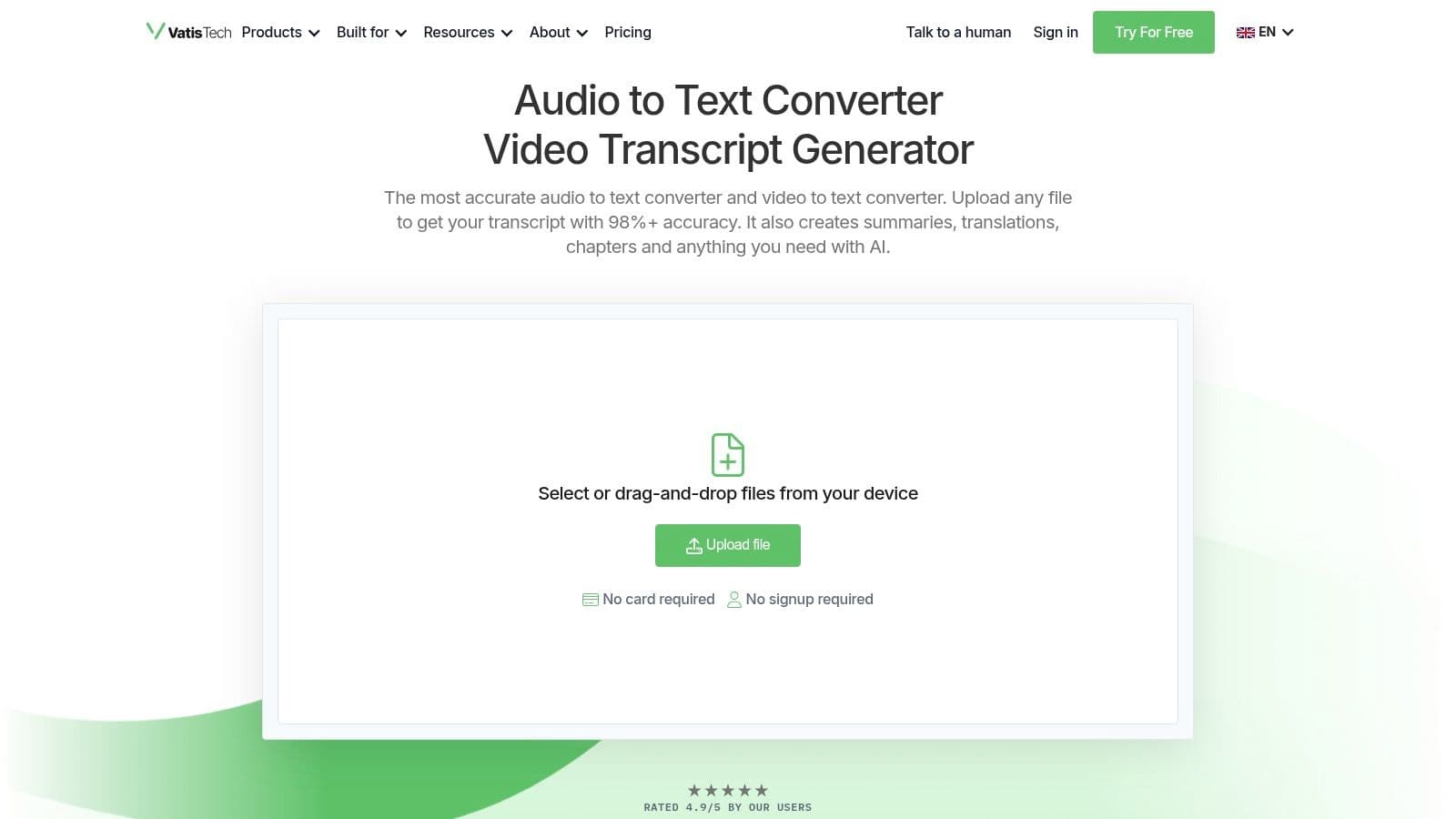
Vatis Tech is the tool I’d put at the top if your interview workflow goes beyond occasional uploads. It’s built for teams that need speed, high accuracy on clear recordings, strong language coverage, and features that turn transcripts into usable operational data.
This matters when transcription isn’t just a note-taking task. Newsrooms need timestamps and speaker separation. CX teams need searchable calls, summaries, and sentiment. Legal and healthcare teams need tighter data controls and less risk around personally identifiable information. Vatis is built for that kind of environment.
Why it stands out
Vatis Tech supports transcription in 50+ languages, with 95%+ accuracy on clear recordings, and it can process about one hour of audio in roughly one minute based on the product brief. That combination changes how interview teams work. Instead of treating transcripts as a delayed back-office task, you can review, tag, summarize, export, and move on quickly.
Its platform also goes beyond plain speech-to-text:
- Speaker diarization: It separates speakers automatically, which is essential for multi-person interviews.
- Built-in AI outputs: It can generate summaries, chapters, captions, and subtitles without forcing you into a separate workflow.
- Audio intelligence: Sentiment detection, topic detection, entity extraction, and PII redaction are useful when interview content feeds compliance, analytics, or customer insight work.
- Developer readiness: A single REST API plus Python and JavaScript SDKs makes it practical for product teams building transcription into internal tools or customer-facing apps.
If interview transcription is a recurring business process, that matters more than a polished demo.
Practical rule: If your team regularly corrects speaker names, exports subtitles, and writes summaries by hand, you don’t just need transcription. You need a platform that removes the review steps around it.
Best for serious interview pipelines
The biggest strength here is flexibility. Editorial teams can upload files and edit transcripts in the built-in editor. Developers can use the API for streaming transcription, custom vocabularies, and character-level timestamps. Enterprises can request on-premise or private-cloud deployment when cloud-only tools won’t pass internal review.
Security is a real differentiator too. Vatis emphasizes end-to-end encryption, GDPR alignment, ISO 27001 certification, and on-premise or private cloud options. That’s a better fit than consumer-oriented tools when interviews involve patient details, legal testimony, internal investigations, or confidential customer conversations.
A few trade-offs are worth saying plainly:
- Audio quality still matters: Heavy crosstalk, bad microphones, and difficult accents can still require review.
- Advanced deployments take a sales conversation: If you need enterprise SLAs, private deployment, or custom modeling, you’re no longer in simple self-serve territory.
- Free access is for testing, not full production: The free option is useful for validation, but high-volume work belongs on a paid plan.
For teams specifically evaluating automated workflows for interview transcription, Vatis is one of the strongest all-around options on this list. It’s especially compelling when your requirements include multilingual support, operational speed, and security controls in one product.
\2. Otter.ai
Otter.ai is still one of the easiest tools to recommend for live and remote interviews. If most of your conversations happen on Zoom, Google Meet, or Microsoft Teams, Otter’s meeting assistant workflow is more valuable than raw transcription speed.
That’s the key distinction. Otter isn’t the tool I’d pick first for large backlogs of recorded interviews, but it is one of the best options when you want the transcript to happen during the interview instead of after it.
Where Otter works well
Otter shines in collaborative environments. Journalists sharing notes with editors, researchers running repeated remote interviews, and internal teams conducting stakeholder interviews all benefit from searchable notes, speaker identification, and live summaries.
In benchmark data comparing qualitative research transcription tools, Otter.ai processed one hour of audio in 20 minutes, while Quirkos Transcribe handled the same workload faster. Otter also came in at about $3.40 per hour equivalent in that comparison, which puts it in a reasonable range for many teams, but not at the low end of the market according to Quirkos’ benchmark comparison.
That lines up with real-world expectations. Otter is more about convenience and collaboration than being the cheapest batch processor.
Trade-offs to watch
The strengths are obvious:
- Live interview capture: Great for remote interviews and internal conversations.
- Easy sharing: Teams can search, comment, and review without much setup.
- Hands-off note-taking: The meeting bot reduces the need for a dedicated notetaker.
The limitations are just as real:
- Language coverage is narrower than multilingual-first tools.
- Lower-tier quotas can become annoying fast if you import lots of files.
- Privacy-sensitive teams may prefer products with more explicit enterprise deployment options.
Otter is strongest when the interview itself is the workflow. If your real workload starts after the interview, other tools may fit better.
For recruiters, researchers, and teams that live inside video calls, Otter remains one of the best transcription software for interviews. For batch-heavy or compliance-heavy use, I’d look elsewhere first.
\3. Rev
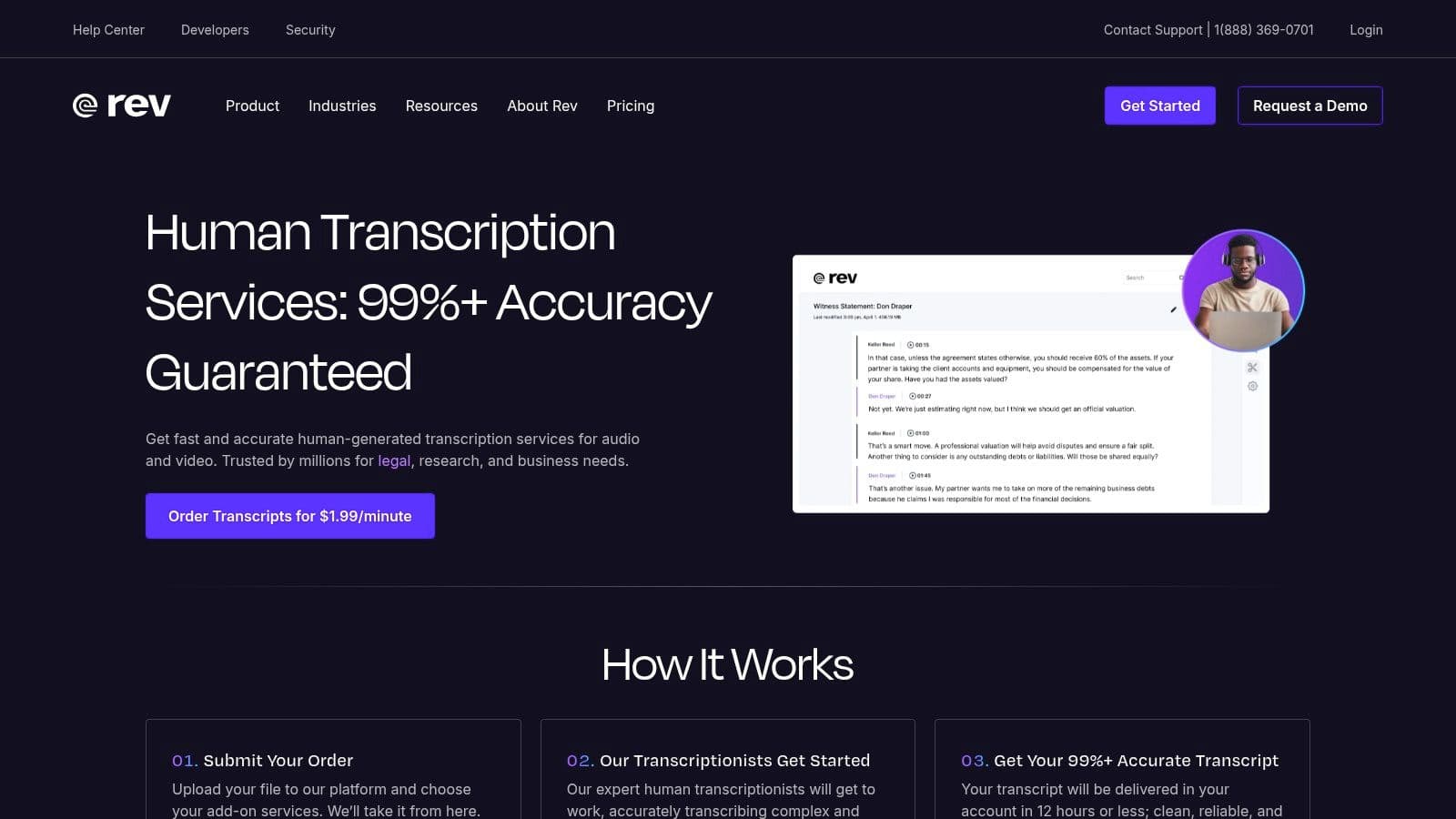
Rev solves a different problem from most AI-only tools. It’s what I’d choose when the transcript has to be dependable enough for publication, compliance review, or formal documentation, and the recording quality isn’t ideal.
A lot of interview software sounds good until you feed it a messy file. Rev’s value is that it gives you a choice. You can use AI when speed matters, or human transcription when the final version really can’t tolerate major errors.
Best when accuracy matters more than convenience
Rev’s human transcription service is the reason it stays on shortlists. In the 2025 to 2026 tool review data, Rev is noted for 99% accuracy through its AI-plus-human hybrid approach and is positioned as a strong fit for high-stakes legal and compliance use cases in Lemonfox.ai’s comparison.
That doesn’t make it the default option for every interview team. Human review costs more time and money than self-serve AI. But there are workflows where that trade makes sense:
- Legal interviews
- Sensitive HR or compliance interviews
- Publish-ready journalism transcripts
- Research projects where quote fidelity matters
If your team currently uses AI for a first draft and then spends too much time cleaning up difficult sections, Rev can reduce that cleanup burden.
What works and what doesn’t
Rev is practical because it supports multiple operating styles. A solo journalist can send one difficult file for human review. A larger organization can mix AI and human workflows depending on interview importance.
Pros in practice:
- Human option per file: Useful when only some interviews need premium handling.
- Predictable enterprise path: Admin controls and managed workflows help at scale.
- Useful editor and integrations: Easier to fit into existing media workflows.
Cons in practice:
- Cost rises fast on long interview series.
- Human turnaround isn’t instant.
- AI transcripts still depend on source audio quality.
If you’re comparing AI-first tools against Rev, the question isn’t just “Which is cheaper?” It’s “Which files are too important to trust to automation alone?” For those cases, Rev still earns its place. Teams also exploring a faster AI-first route can compare that approach with a Rev alternative before deciding how much human review they really need.
\4. Descript
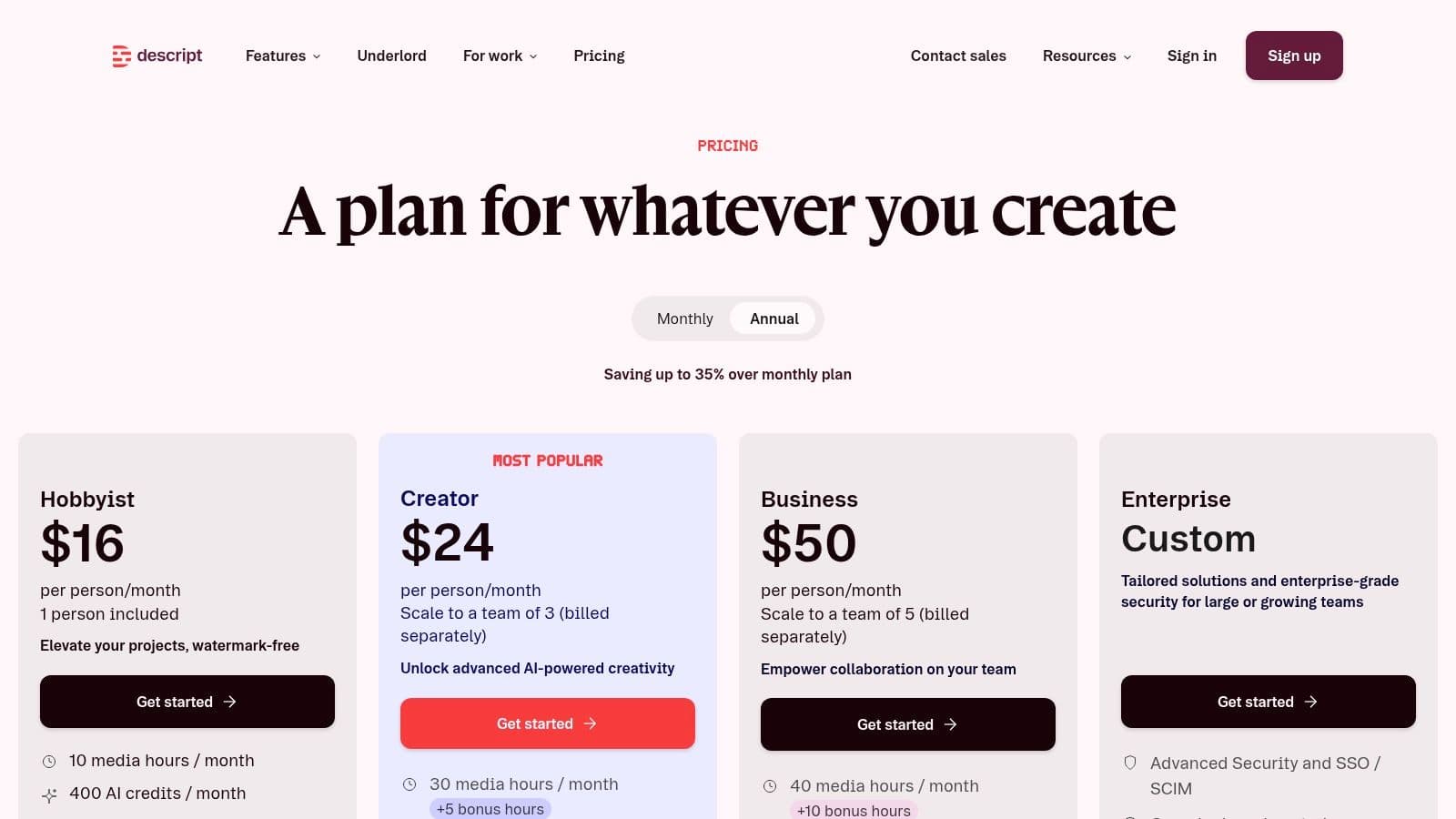
Descript is the right answer when the transcript isn’t the endpoint. It’s the best fit for interview-driven content teams that need to edit audio or video immediately after transcription.
This is a very different category from pure transcription software. Descript treats the transcript as the editing interface. Delete a sentence in text, and you cut that moment from the audio or video. For podcasters, YouTubers, and branded content teams, that can remove an entire layer of production friction.
Best for interview content production
Descript makes sense if your workflow looks like this: record interview, transcribe, remove filler, tighten answers, clean the sound, publish clips, create subtitles.
That bundled workflow is its main advantage. You don’t need one tool for the transcript and another for the edit. Features like Studio Sound, filler-word removal, and voice tools make it especially useful when a rough interview needs to become polished media quickly.
This is less compelling for teams doing pure qualitative analysis or legal documentation. If you don’t need editing, Descript can feel heavier than necessary.
The trade-off is complexity
Descript rewards people who work in content every week. It asks more from users than a simple upload-and-export tool, but it gives more back if you use the editing layer.
A practical breakdown:
- Works well for: Podcasters, video teams, social clip production, interview-led marketing.
- Less ideal for: Researchers who only need clean text, or legal teams that care more about auditability than editing.
- Worth it when: Transcript and media editing happen in the same process.
- Less worth it when: You just want a file, timestamps, and export.
Descript is excellent when you need to shape an interview into content. It’s overkill when all you need is a trustworthy transcript.
I’d shortlist Descript if your interview workflow ends with publication, not just documentation.
\5. Trint
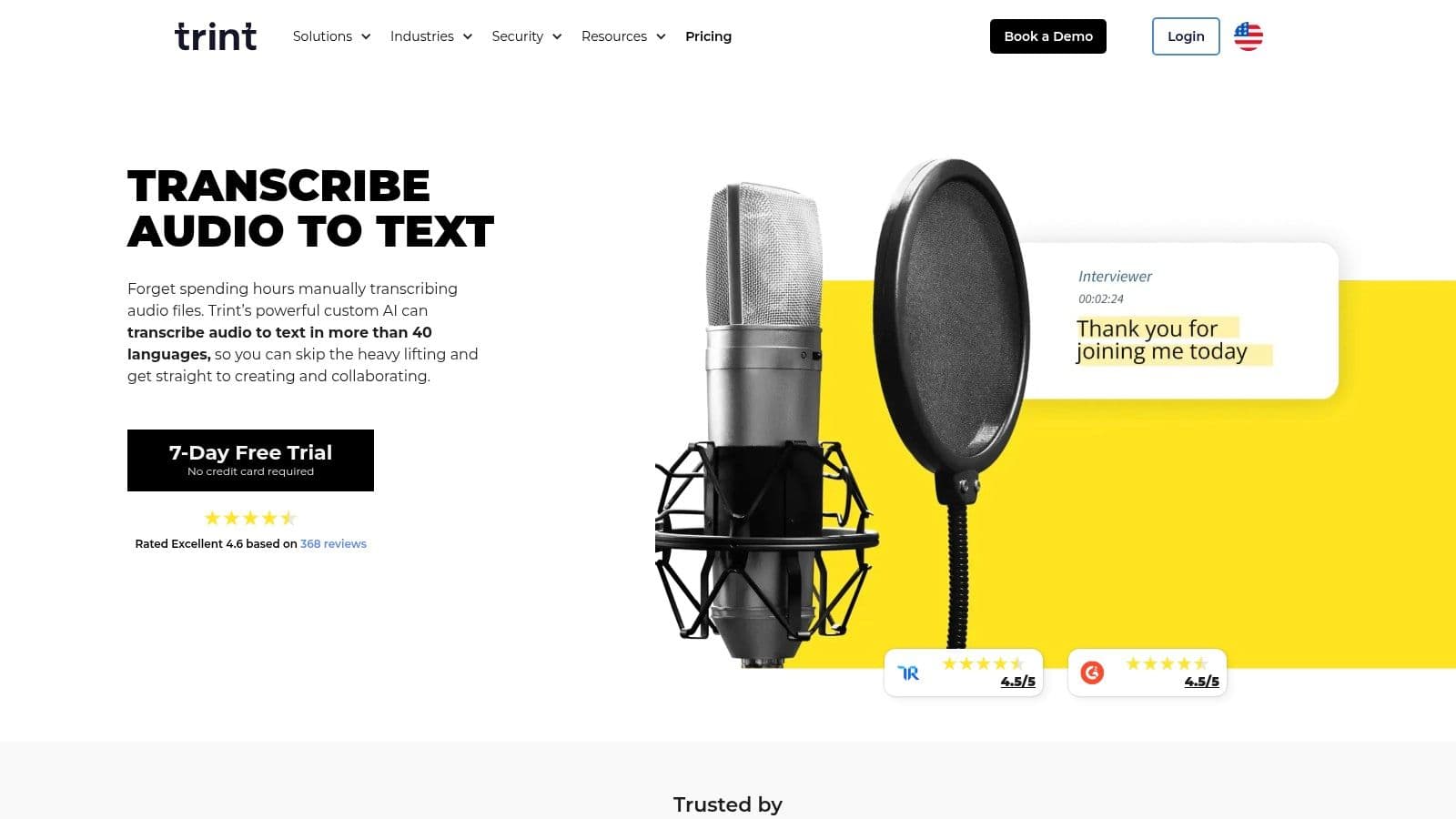
Trint has long been a newsroom-friendly option, and that focus still shows. It’s built for teams that don’t just transcribe interviews but also review, edit, share, pull excerpts, and move material across editorial workflows.
That makes it more collaborative than many upload-only tools. If several people touch the same transcript before it’s useful, Trint is usually a better fit than bare-bones transcription products.
Why media teams keep using it
Trint is strong when interviews move through an editorial chain. A producer may upload the file, a reporter may highlight key quotes, an editor may review wording, and another teammate may prep subtitles or translated assets.
The product is also positioned around enterprise-grade security, including ISO 27001 in the plan notes, which matters for organizations balancing collaboration with internal security standards. That combination of shared editing and stronger controls is part of why it remains popular in professional media settings.
Its language coverage is also broader than live-meeting tools, which helps with international interviews and multilingual editorial teams.
Friction points
Trint’s trade-offs are less about capability and more about buying and scaling:
- Pricing isn’t always transparent upfront.
- Seat-based models can feel expensive for occasional users.
- AI-first workflows still need review on difficult recordings.
That said, Trint earns its place for teams that care about transcript collaboration as much as transcript generation. If your interview process involves multiple reviewers, quote extraction, and editorial approvals, Trint usually feels more natural than a simple automated transcriber.
For a solo user with occasional files, it may be more platform than you need. For a newsroom or production team, that extra structure is often the point.
\6. Sonix
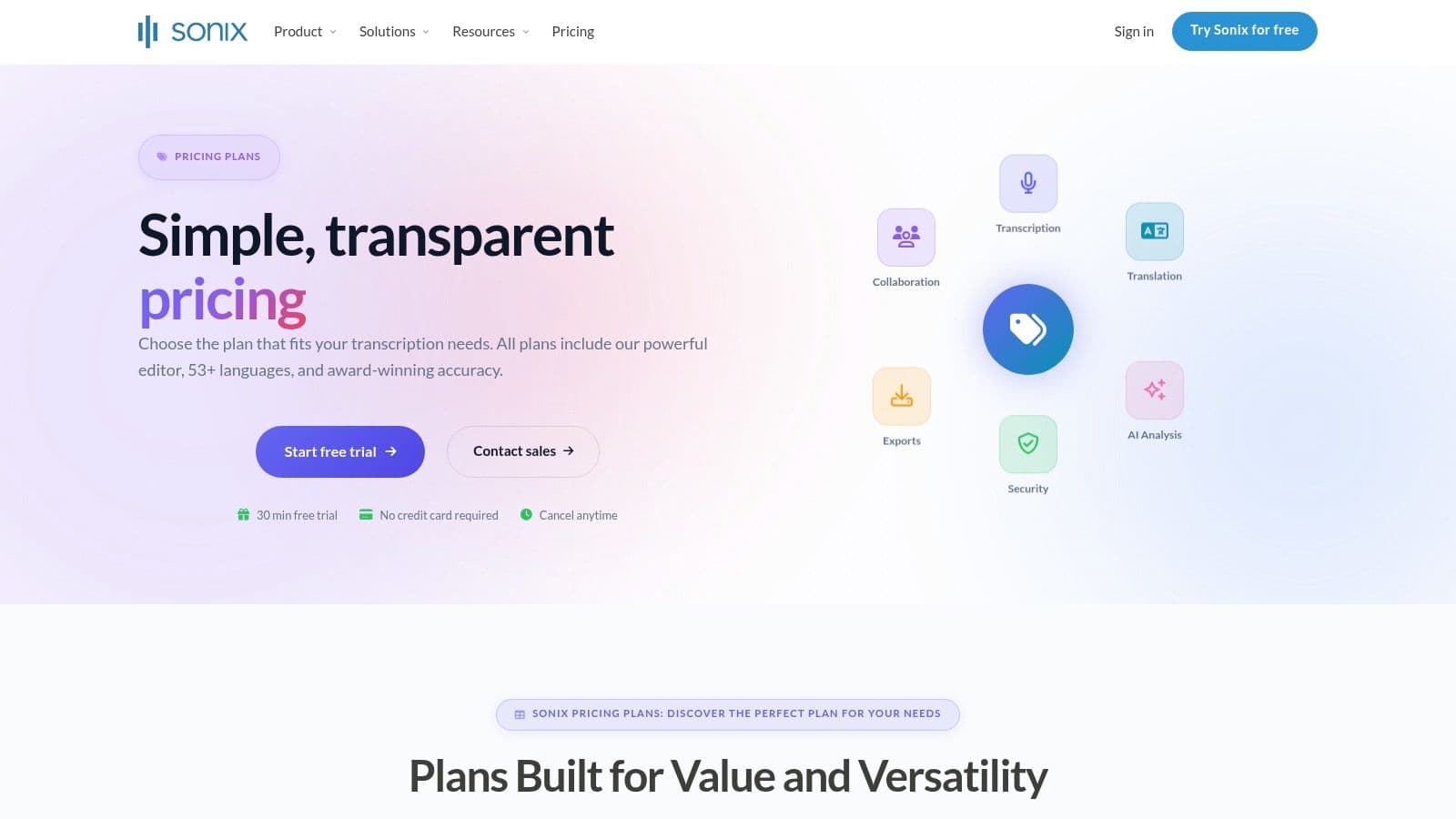
Sonix is one of the better fits for teams that want clear billing, a solid editor, and a credible compliance posture without moving straight into custom enterprise procurement.
What I like about Sonix is that it’s easy to place. It’s not pretending to be a meeting bot, and it’s not trying to be a full media editor. It’s a transcription platform with translation, subtitling, collaboration, and admin controls layered on top.
Where Sonix is strongest
Sonix works well for research groups, agencies, and business teams handling steady interview volume. It supports pay-as-you-go usage as well as subscriptions, which gives teams flexibility while they’re still figuring out workload patterns.
In comparative statistics on automated transcription, Sonix’s resource page cites the broader market trend clearly: the global AI transcription market is projected to grow from $4.5 billion in 2024 to $19.2 billion by 2034, with manual alternatives under pressure from faster turnaround and lower operating costs in Sonix’s automated transcription statistics roundup.
That’s market context, not a guarantee of product fit. Sonix itself is best judged by workflow fit:
- Strong editor with timestamps and speaker tools
- Useful for multilingual interview archives
- Good option when admin controls matter
- Reasonable path for teams that need API access later
A balanced take
Sonix is practical, but not always the cheapest once you add extras. Translation and alignment can increase cost, and some enterprise-level capabilities sit behind higher tiers.
Still, the product is straightforward enough for self-serve use and serious enough for regulated teams evaluating security controls. If you’re comparing platforms in this category, it’s also worth reviewing a purpose-built Sonix alternative if speed, deployment flexibility, or deeper audio intelligence are priorities.
Sonix is a good middle-ground choice. It won’t be the most specialized option on this list, but many teams don’t need specialized. They need reliable.
\7. Happy Scribe
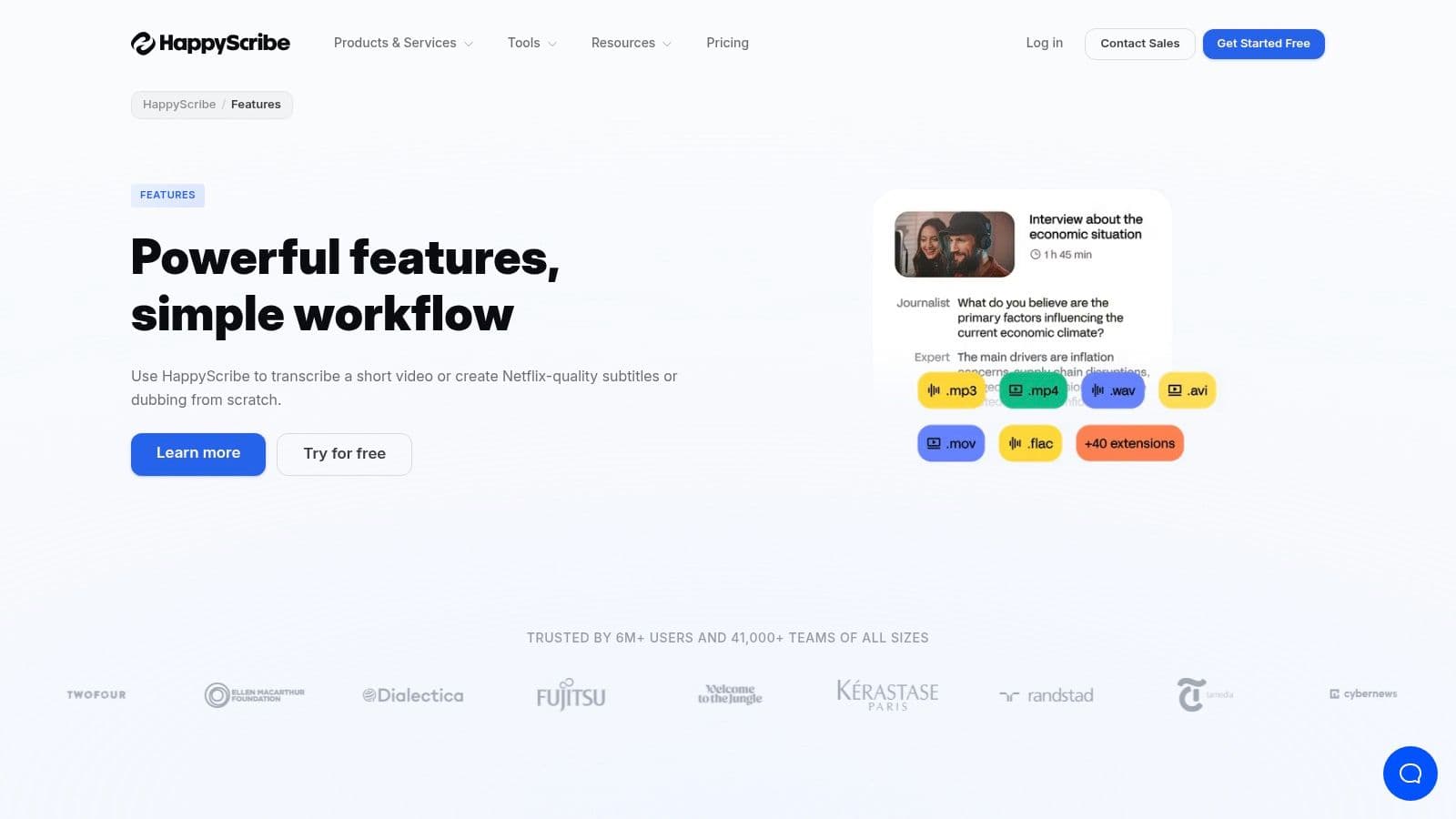
Happy Scribe is a strong choice for multilingual interview work, especially when you need the option to move between AI speed and human-assisted cleanup.
That flexibility matters for journalism and research. Some interviews only need a workable draft for analysis. Others need cleaner transcripts for quoting, subtitling, or publication. Happy Scribe supports both modes without forcing you into a completely different vendor.
Best for multilingual editorial workflows
Happy Scribe is especially useful if your interviews happen across languages or if subtitles are part of the output. The platform is known for click-to-listen editing, subtitle workflows, style guides, and team controls that are more useful than they sound once multiple people review transcripts.
The in-editor AI assistant is also a practical addition. Being able to query a transcript instead of manually scanning long interviews saves time in news and research settings.
This isn’t a niche feature set. It’s a good fit for:
- International journalism
- Cross-language research
- Media teams producing transcripts and subtitles
- Organizations that sometimes need human review
What to watch before buying
A few caveats are worth keeping in mind:
- Pricing in euros may create budgeting friction for U.S. buyers.
- Best enterprise features may require higher-tier plans.
- Human-assisted workflows cost more than basic AI transcription.
Happy Scribe isn’t the fastest or most developer-oriented product here, but that’s not really its pitch. It’s a practical tool for teams that need multilingual interview support and a cleaner path from transcript to published text or subtitles.
\8. Temi
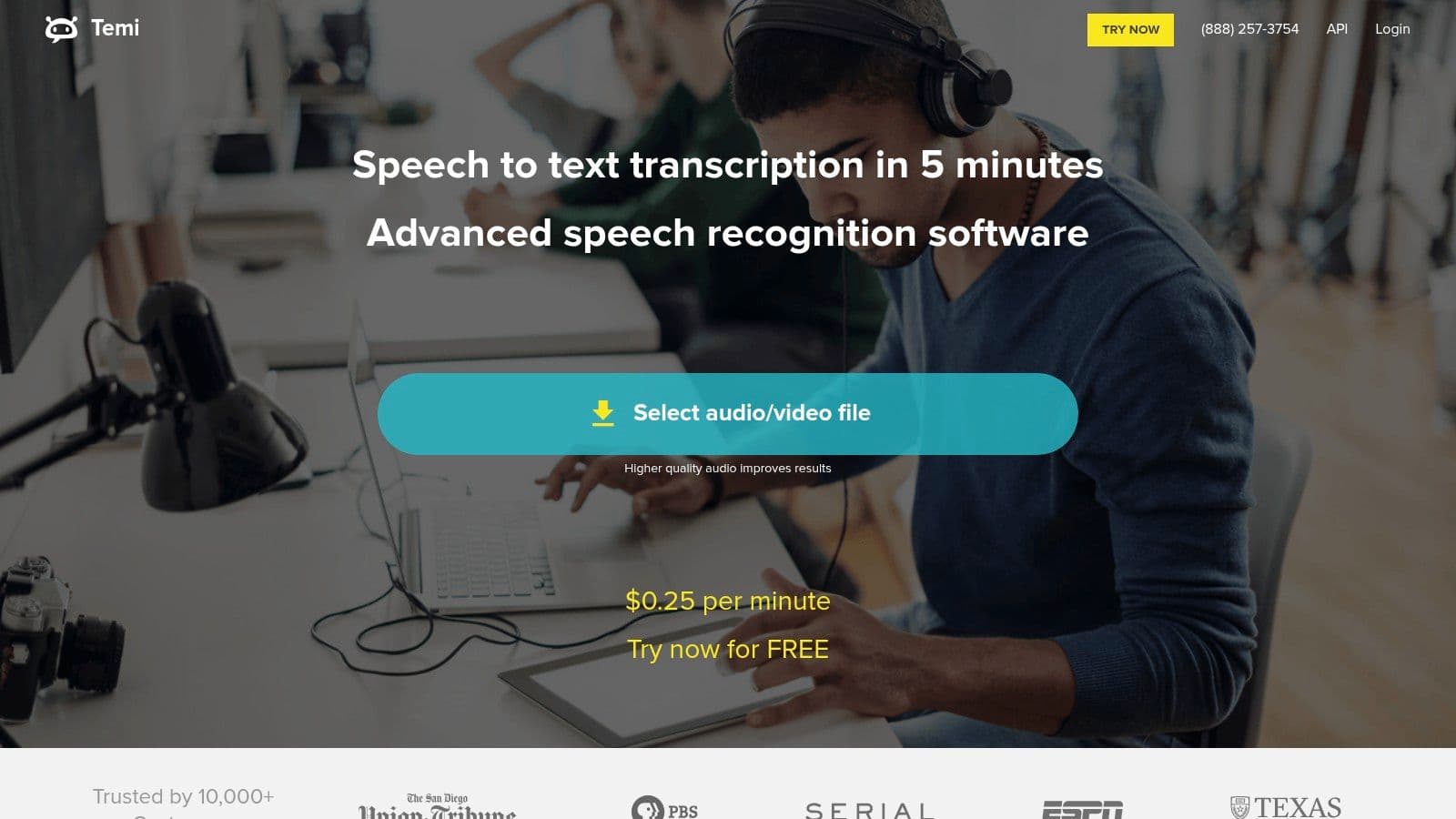
Temi is the simplest tool on this list, and that simplicity is the reason to use it. If you only need occasional interview transcription and don’t want another subscription, Temi is easy to understand.
Upload the file, wait for the transcript, make edits in the browser, export, done. No broad collaboration suite, no complex meeting automation, and no enterprise packaging if that’s not relevant to your work.
Good for occasional interview work
Temi makes sense for freelancers, students, solo researchers, and small teams that don’t process interviews every day. The in-browser editor, timestamps, speaker labels, and export formats cover the basics well enough for one-off jobs.
Temi excels compared to larger platforms. It doesn’t ask you to buy into a full ecosystem. If your volume is low and your workflow is straightforward, that’s a feature, not a limitation.
Know the limits
Temi becomes less attractive once your needs get messier.
- No human review option
- Less suitable for noisy recordings
- Fewer collaboration and compliance features
- Not ideal for multilingual or enterprise-heavy workflows
Simple tools save time when your process is simple. They become expensive in hidden labor when your process isn’t.
For clean audio and occasional use, Temi is still a reasonable budget pick. For high-volume interview operations, it’s usually too lightweight.
\9. Fireflies.ai
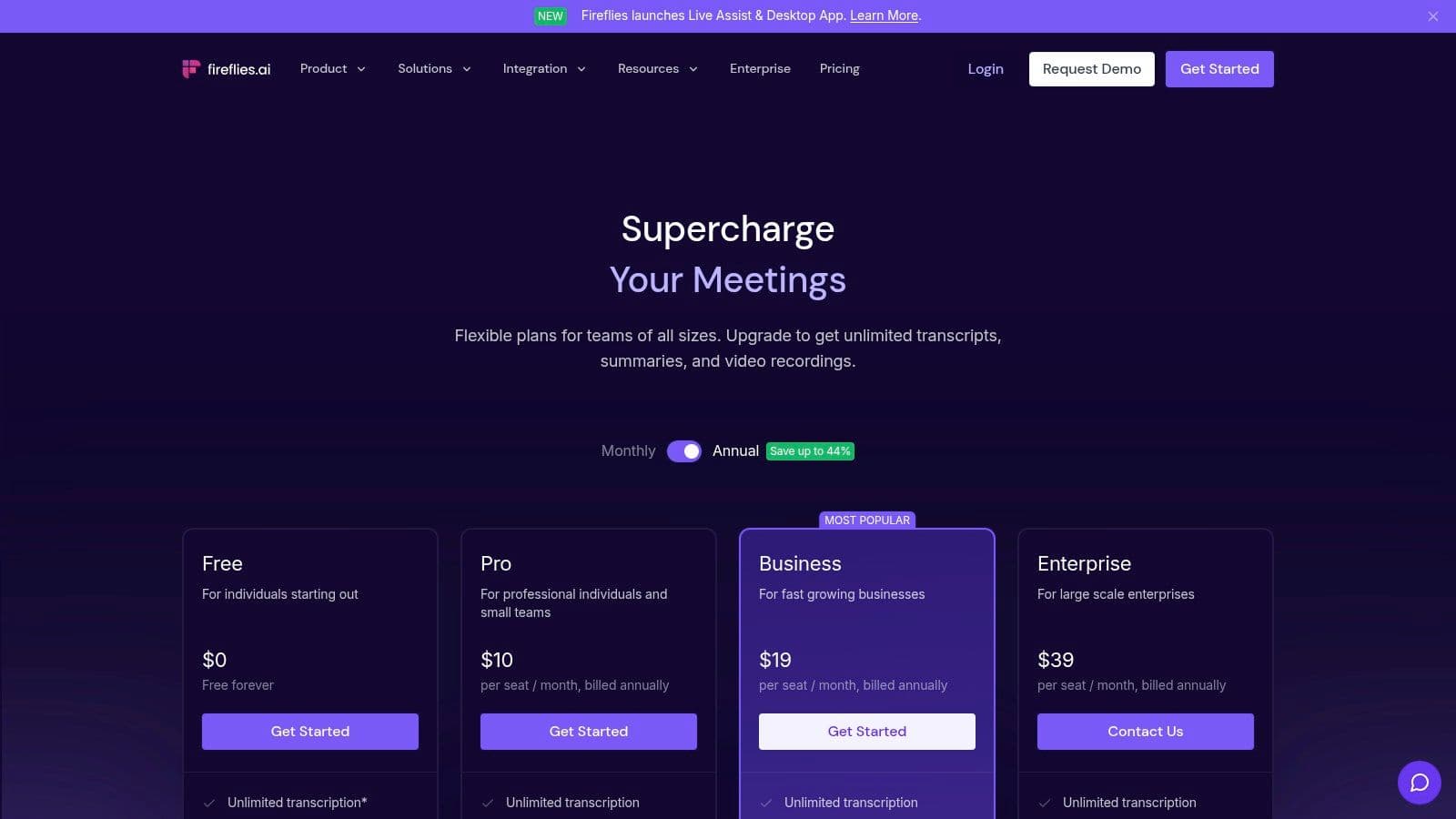
Fireflies.ai is best thought of as a meeting memory system rather than a pure transcription product. If your interviews happen repeatedly over video calls and you want capture, notes, summaries, and searchable history with minimal manual effort, it does that well.
It’s especially useful for recruiting, customer research, sales discovery, and internal stakeholder interviews that follow a recurring schedule.
Best when automation matters
Fireflies works by joining meetings, recording, transcribing, summarizing, and making the conversation searchable after the fact. That’s convenient if your team runs many interviews each week and doesn’t want someone responsible for note-taking every time.
The “Ask” style features are also useful. Instead of reading every transcript, you can query them for action items, topics, or key moments. For teams handling lots of repeat interviews, that can be more valuable than small differences in raw transcript formatting.
A meeting-first product with meeting-first limits
Fireflies does have boundaries:
- It’s strongest with scheduled online meetings, not massive offline archives.
- Some advanced AI functionality depends on plan limits or credits.
- If bot participation is restricted, setup gets harder.
That means it’s not the best universal answer for interview transcription. It is, however, one of the best transcription software for interviews conducted inside recurring remote workflows where automation and retrieval matter more than transcript polish alone.
\10. Verbit
Verbit is built for organizations that care about service layers as much as software. It combines AI transcription with human review options and managed support, which makes it relevant for accessibility, compliance, and large institutional workflows.
This isn’t a casual-use tool. Verbit is what you evaluate when interview transcription is tied to procurement, policy, accessibility obligations, or centralized operations.
Best for managed and compliance-heavy environments
Verbit is a strong fit for education, enterprise, legal, and media organizations that need more than self-serve uploads. Managed billing, customer support structure, accessibility services, and live captioning all matter more in those settings than they do for independent users.
The value here is operational support. Some teams don’t want to assemble their own process from separate AI and human vendors. They want one partner that can cover pre-recorded files, live workflows, captions, and administrative oversight.
Why it won’t fit everyone
Verbit is often more product and process than a small team needs.
- Pricing for advanced plans tends to be quote-based
- Feature depth may be excessive for simple interviews
- Casual users can end up paying for infrastructure they won’t use
There’s a real place for products like this. If your interview transcripts are part of a formal institutional workflow, Verbit can make sense. If you just need affordable, fast transcripts from a few weekly interviews, it probably won’t.
Top 10 Interview Transcription Software Comparison
A shortlist is only useful if it helps you rule tools out. For interview work, the important differences usually come down to five things. How the software handles difficult audio, whether it supports your review process, how it fits the way interviews are recorded, what security or compliance requirements apply, and how pricing scales once usage becomes regular.
The table below is designed for that kind of decision. It compares the tools by workflow fit, not just feature count, so a journalist, legal team, or research group can quickly see which products are likely to save time and which ones may add extra review work.
| Product | Key features | Accuracy & speed | Best for | Unique selling points | Pricing & deployment |
|---|---|---|---|---|---|
| Vatis Tech | ASR, speaker diarization, transcript editor, captions, API and SDK access, AI audio analysis | Fast processing on clear recordings. Accuracy depends heavily on audio quality, accents, and overlap | Enterprises, development teams, media, legal, healthcare | Real-time multilingual switching, PII redaction, enterprise deployment options, broader audio intelligence features | Free trial, tiered plans, on-prem and private cloud options, enterprise plans |
| Otter.ai | Live meeting transcription, summaries, speaker ID, searchable notes | Strong for live conversations with clean audio. Less reliable when speakers interrupt each other often | Teams, researchers, journalists running live remote interviews | Zoom, Meet, and Teams integrations, live note capture, meeting assistant workflow | Freemium and paid plans, usage limits on lower tiers |
| Rev | AI transcription, optional human transcription, captions, editor, integrations | Human transcripts are stronger for difficult audio. AI is faster but needs more review on messy recordings | High-stakes interviews, legal documentation, media teams handling poor audio | Choice between lower-cost AI and human-reviewed transcripts | Pay per file, higher cost for human service, enterprise options |
| Descript | Transcription plus text-based audio and video editing, multitrack editing, dubbing tools | Good on clean recordings. Editing workflow is the main reason to choose it | Podcasters, producers, creators turning interviews into published content | Edit audio and video by editing text, Studio Sound, filler word removal | Subscription plans with usage caps, optional add-ons |
| Trint | AI transcription, collaborative editor, subtitles, translation tools | Good multilingual support and useful review tools for teams | Newsrooms, editorial teams, collaborative interview review | Collaboration features, review workflow, security certifications | Seat-based pricing, enterprise plans available |
| Sonix | AI transcription, translation, subtitles, browser editor, API | Fast turnaround and predictable results on clear files | Research teams and agencies that want flexible billing | Pay-as-you-go pricing, API access, integrations for production workflows | Usage-based or subscription pricing, trial available |
| Happy Scribe | AI transcription, human review option, subtitles, multilingual support, editor AI | Strong option for multilingual interview work, especially when final polish matters | Journalists and researchers working across languages | AI plus human proofreading, subtitle workflow, style controls | Pay-per-minute and subscription plans, enterprise options |
| Temi | Automated transcription, browser editor, export tools | Fast and simple for clean recordings. Limited support for demanding workflows | Occasional users, one-off interviews, budget-conscious buyers | Straightforward interface and simple pricing model | Flat per-minute pricing, no subscription required |
| Fireflies.ai | Meeting bot, recording, transcripts, summaries, search, collaboration | Best suited to recurring call capture rather than polished transcript production | Remote teams doing repeated interviews on conferencing platforms | Automatic call capture, searchable meeting archive, AI Q&A features | Freemium and tiered plans, some AI features tied to credits |
| Verbit | AI transcription, human QA options, captioning, accessibility services | Better fit for formal workflows where review, accessibility, and support matter | Regulated sectors, universities, accessibility-focused organizations | Managed service model, live captioning, support structure for larger accounts | Quote-based enterprise pricing, self-serve and managed options |
A few patterns stand out once these tools are side by side.
If interviews happen live on Zoom, Meet, or Teams, Otter.ai and Fireflies.ai reduce note-taking during the call. If interviews are uploaded after recording and then edited for publication, Descript usually makes more sense. If transcript quality has legal, editorial, or research consequences, Rev and Verbit earn attention because they offer stronger review paths than AI-only tools.
Vatis Tech, Trint, Sonix, and Happy Scribe sit in the middle of the market in different ways. Vatis Tech is the better fit when deployment flexibility, API access, multilingual handling, and data controls matter alongside transcription. Trint is easier to justify for collaborative newsroom review. Sonix is attractive when billing transparency matters. Happy Scribe is often the practical choice for multilingual teams that may need human cleanup on selected files.
Temi has the narrowest use case. It works for quick, inexpensive transcripts from clean recordings, but it is easier to outgrow if you need speaker labeling quality, stronger collaboration, or security controls.
The right choice depends less on which product has the longest feature list and more on which one matches the way your team records, reviews, edits, stores, and exports interview transcripts.
Making Your Final Decision It's About Your Workflow
The best transcription software for interviews isn’t the one with the longest feature list. It’s the one that removes friction from your actual process.
That starts with a simple question. What happens after the transcript is created? If the answer is “we publish from it,” you’ll care about editing and subtitle tools. If the answer is “we analyze it,” speaker labels, timestamps, and search matter more. If the answer is “we store it as formal documentation,” privacy controls and accuracy matter more than flashy AI extras.
A lot of teams buy the wrong category of tool. They choose a meeting assistant when they really need batch upload and export. Or they choose a low-cost transcriber when what they really need is compliance support, custom vocabulary, and stronger deployment options.
Match the tool to the job
Here’s the practical way to think about the shortlist:
- Choose Vatis Tech if you need speed, multilingual coverage, enterprise-ready security, API flexibility, and a transcript workflow that includes summaries, speaker diarization, subtitles, and deeper audio intelligence.
- Choose Otter.ai or Fireflies.ai if most interviews happen live on Zoom, Meet, or Teams and your biggest problem is note-taking during the call.
- Choose Rev if difficult audio or high-stakes documentation makes human review worth paying for.
- Choose Descript if the interview immediately becomes audio or video content.
- Choose Trint or Happy Scribe if collaboration and multilingual editorial work matter.
- Choose Sonix if you want a solid all-around platform with clear billing and business-friendly controls.
- Choose Temi if your volume is low and you want something simple with minimal commitment.
- Choose Verbit if your organization needs managed service layers, accessibility support, or broader institutional controls.
That’s a more useful framework than chasing broad claims about “best AI.”
The fastest way to choose well is to test your own worst file, not your cleanest one.
How to improve transcript accuracy before you buy
Tool choice matters, but recording quality still decides how much cleanup you’ll do later. A few practical habits improve results across every platform:
- Use separate microphones when possible: Speaker separation gets easier when each voice is clear.
- Reduce room noise: Air conditioners, café noise, and keyboard clicks hurt every system.
- Avoid people talking over each other: Crosstalk creates the most expensive correction work.
- Name speakers early in the interview: That helps during manual review even if speaker detection struggles.
- Review jargon-heavy passages first: Product names, legal terms, and medical language often need targeted correction.
If your workflow includes regulated or sensitive data, evaluate security posture before you commit. One gap in current coverage of interview transcription software is that privacy and compliance comparisons are often much thinner than accuracy comparisons, especially for regulated industries, according to Jamie’s discussion of interview transcription software gaps. That means you should ask harder questions than most listicles do.
A practical buying process
Don’t decide from homepage copy alone. Run a real test using two or three finalists and score them on what slows your team down:
- Upload speed
- Speaker separation
- Accuracy on accents and noisy clips
- Editing experience
- Export formats
- Security requirements
- Fit with the tools you already use
One final piece of context matters. OpenAI’s Whisper model has helped raise the floor for modern transcription, with 95%+ accuracy across 96+ languages and processing 30 minutes of audio in under 3 minutes using GPU acceleration in the review data cited by SpeakNotes’ interview transcription software analysis. That’s why many current tools feel much better than older generations did. But the model alone doesn’t decide whether the product fits your workflow.
Pick the tool that saves your team the most downstream work. That’s the one you’ll keep using. For teams also thinking about the bigger picture around optimizing your content creation workflow, transcription should be treated as a production system, not a one-off utility.
If you need interview transcription that can scale from quick uploads to production-grade workflows, Vatis Tech is worth trying first. It gives teams and developers a fast path from audio to editable transcript, with strong language support, speaker diarization, summaries, exports, and enterprise deployment options when privacy requirements get stricter.