How to Record a Phone Conversation The Right Way
Record calls with built-in features, apps, external hardware or a VoIP merge line, and get consent right first so the recording is usable, not a liability.
13 min read
•
April 3, 2026
Written by
Adrian Ispas
So, you need to record a phone call. Maybe you're a journalist nailing down an interview, a manager trying to improve quality assurance, or just someone who needs to keep a record of an important conversation. Whatever the reason, knowing how to do it right is a surprisingly powerful skill.
This guide is built from real-world experience to help you get it done—legally, clearly, and without the technical headaches. We'll provide step-by-step instructions and practical examples to make sure you have everything you need.
Your Guide to Recording Phone Conversations
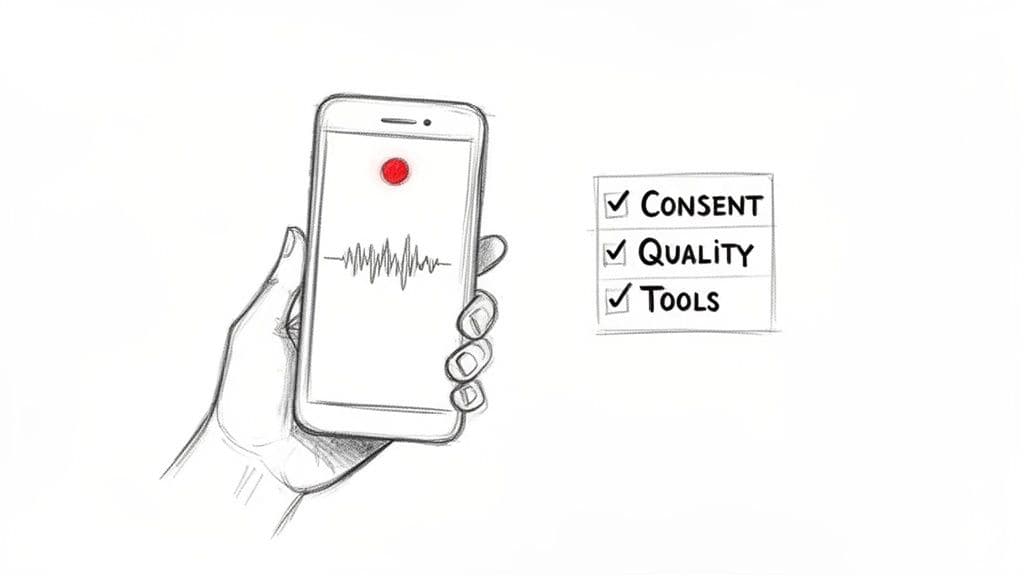
Before you even think about hitting the record button, one question trumps everything else: Is this legal?
The answer gets complicated fast, and it all depends on where you and the person on the other end of the line are located. This isn't just a box-ticking exercise; getting it wrong can lead to serious fines and legal problems.
Once we clear that hurdle, we'll dive into the best methods for both iPhone and Android. We'll look at everything from built-in features and third-party apps to external hardware, giving you the pros and cons of each so you can pick the right tool for the job.
Why You Might Need to Record a Call
Recording phone calls isn't just for spies and covert operations. For most of us, it’s about creating an accurate, undeniable source of truth.
Think about these common situations:
- Journalists and Researchers depend on recordings to capture quotes and critical details with 100% accuracy.
- Contact Center Managers use them for quality assurance and to give agents concrete examples during training.
- Business Professionals can document verbal agreements or key client discussions to avoid misunderstandings later on.
- Legal Teams often record client meetings or depositions where every single word counts.
A recording is your objective source of truth. It cuts through the "he said, she said" and gives you a clear record for training, verification, or resolving disputes.
This guide is about more than just capturing audio; it's about turning that recording into a useful asset. It starts with understanding the rules and then mastering the tech.
For instance, a freelance consultant taking discovery calls with clients in different states needs a method that is both reliable and compliant with a patchwork of consent laws. A project manager might need to record a quick call with a vendor just to confirm a change in scope. Each scenario requires a slightly different approach, and we'll break them down.
Ultimately, the goal here is to give you the complete picture. We'll go from the legal must-dos to the best technical solutions, and even show you how to turn that raw audio into searchable, actionable text using tools like Vatis Tech.
Before you even think about hitting the record button on a phone call, you have to talk about the law. Getting the legal side of call recording wrong is a fast track to hefty fines and serious trouble, so let's get this sorted out first.
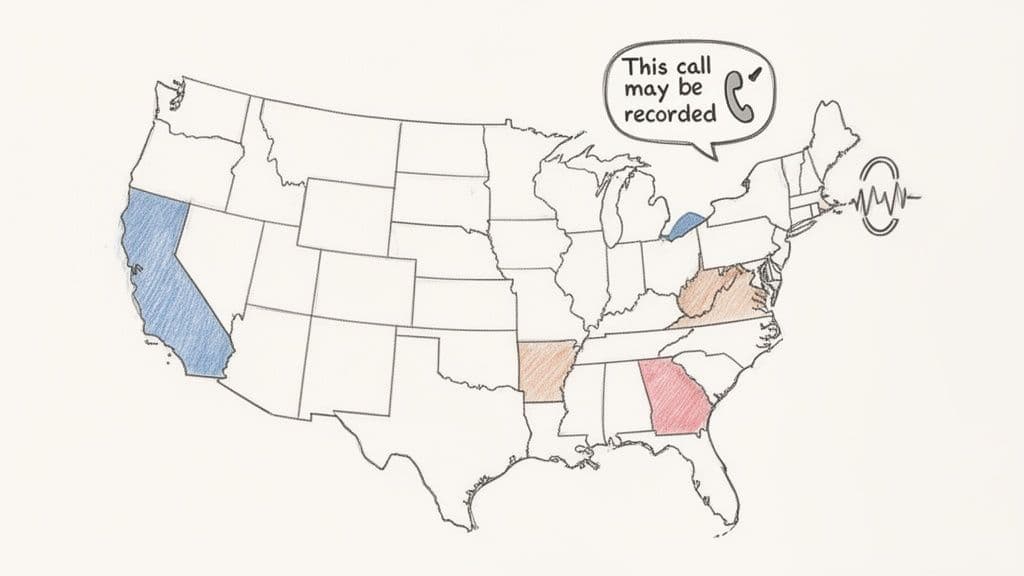
The entire legal puzzle boils down to one word: consent. In the United States, laws generally fall into two buckets: one-party consent and all-party consent.
A huge chunk of the country—38 states and D.C., in fact—operates under one-party consent. This means as long as you are part of the conversation, you can legally record it without telling anyone else. Simple enough.
But then there are the all-party consent states. Think California, Florida, and Pennsylvania. Here, you need explicit permission from everyone on the line. The penalties for messing this up are no joke. In California, for instance, you could be looking at fines up to $5,000 per violation. The rules get even stricter in Europe, where GDPR requires clear, unambiguous consent for recording personal data, with potential fines reaching €20 million or 4% of a company’s global revenue.
This is why you hear that automated message, "This call may be recorded," so often. It’s not just for show. Data shows that 70% of contact centers now use these pre-call disclosures, which has helped cut down recording-related disputes by half.
One-Party vs. All-Party Consent States
Knowing which rule applies where is absolutely critical, especially when you're calling someone in a different state. To keep things simple, here’s a quick reference.
| Consent Type | Description | Example States |
|---|---|---|
| One-Party Consent | Only one person in the conversation needs to agree to the recording. If you're on the call, you're good to go. | Texas, New York, Georgia, Arizona, Ohio |
| All-Party Consent | Everyone on the call must know about and agree to being recorded. This is also known as "two-party consent." | California, Florida, Pennsylvania, Illinois, Washington |
My two cents: The safest play, always, is to behave like you're in an all-party consent state. Just announce that the call is being recorded right at the start. It's a simple habit that keeps you covered, no matter where the other person is.
How to Properly Obtain Consent
Getting consent doesn't have to be awkward. The trick is to be transparent and get it out of the way before you dive into the real conversation.
I've seen sales teams who call prospects all over the country handle this flawlessly. Here are two practical ways to do it:
- Automated Pre-Call Announcements: Most modern business phone systems can play a quick, automated message upfront. Something like, "This call may be recorded for quality and training purposes," is standard practice and serves as clear notice.
- Direct Verbal Confirmation: When making outbound calls, the caller can just say it plainly. A great script is: "Just a heads-up, I'm recording this call for my notes. Is that alright with you?" Then, you wait for a "yes" or "sure." That explicit confirmation is gold.
While some argue that continuing the call after a heads-up implies consent, getting that clear "yes" is always the better, safer route.
If your conversations involve sensitive data, particularly in fields like healthcare, you have an even higher duty of care. It’s essential to look into HIPAA compliant cloud solutions to ensure every recording is handled legally and ethically. By getting consent right, you not only avoid legal headaches but also build trust from the very start.
Choosing Your Method for iPhone and Android
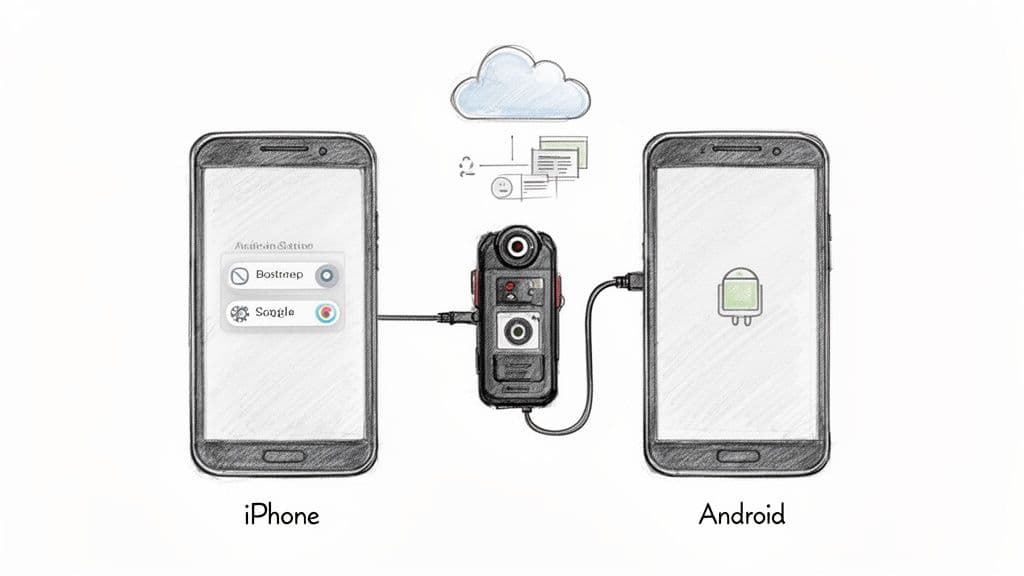
Alright, you’ve sorted out the legal side of things. Now for the practical part: actually recording the call. How you record a phone conversation really boils down to your device, your budget, and just how important crystal-clear audio is for your needs.
For both iPhone and Android users, the options generally fall into one of three buckets. Let’s walk through them so you can figure out which tool is the right fit.
Using Native Phone Features
I’ll get right to the point: both Apple and Google have made this intentionally difficult. Privacy concerns mean that straightforward, built-in call recording is either nonexistent or heavily restricted.
iPhones, for instance, have no built-in feature at all to record a regular phone call. On Android, it’s a bit of a mixed bag. Some manufacturers, like Google on its Pixel phones, do include a native recording button in the Phone app. The catch? It broadcasts, "This call is now being recorded," to everyone on the line. While that handles consent for you, the automated, impersonal announcement isn't always appropriate for a natural conversation.
- Pros: It’s completely free and requires no setup.
- Cons: It’s rarely available, depending on your phone and region. The robotic announcement can also make things awkward.
Leveraging Third-Party Mobile Apps
For most people, this is the go-to solution. A whole market of apps has sprung up to work around the native limitations on both iOS and Android. They do this using a surprisingly clever, if slightly roundabout, method: a three-way call merge.
Here’s the step-by-step process:
- During a call, open the recording app.
- Tap the "record" button in the app. This dials the app's dedicated recording service number.
- Use your phone's "Merge Calls" function to create a three-way conference call. That "third party" is just the app’s server, which quietly records everything.
From personal experience, I can tell you this method is solid, but it hinges on your mobile carrier’s support for three-way calling. Always, always do a test run with a friend before using it for an important interview or meeting.
Here’s a quick look at two popular players in this space:
| App Feature | TapeACall Pro (iOS & Android) | Rev Call Recorder (iOS) |
|---|---|---|
| Method | Three-way call merge | Three-way call merge |
| Cost | Subscription-based | Free recording, pay per transcript |
| Key Benefit | Unlimited recording length and count | Bundled with high-quality human transcription |
| Best For | Journalists, researchers, and professionals who record frequently | Anyone who needs an accurate, polished transcript of their call |
Many of these apps offer handy features like cloud storage integration or even basic, automated transcripts. But if you need to know exactly who said what, you’ll want to look into the difference between basic audio-to-text transcription and speaker diarization, as the latter is what separates different voices in a recording.
Employing External Recording Hardware
When you absolutely cannot afford to lose a recording or compromise on quality, hardware is the only answer. An external recorder bypasses all the software and carrier limitations of your phone by capturing the audio signal itself. It’s the professional’s choice for a reason.
A classic example is a journalist using a device like the Olympus TP-8 Telephone Pick-up Microphone. It’s a tiny mic that you place in your ear, right under your phone. It captures both your voice and the sound coming from the phone's earpiece, feeding it directly into a connected digital voice recorder.
This setup delivers the best possible audio fidelity. You’re not dealing with internet-based call merging or software compression—just a clean, direct audio signal. Yes, it means carrying an extra piece of gear, but for mission-critical work, its reliability is unbeatable. It's simply the most dependable way to record a phone conversation and get pristine audio every single time.
When the stakes are high—think journalism, legal depositions, or critical market research—your smartphone’s basic recording app just won't cut it. For these critical conversations, you need more than just a quick fix; you need reliability and pristine audio quality. This is where you move beyond the app store and into professional-grade recording tools.
For many, the first step up is a Voice over IP (VoIP) service. Business phone systems and platforms like Google Voice often have legally compliant recording features baked right in. Google Voice, for instance, automatically announces that the call is being recorded to everyone on the line. It's a simple, hands-off way to handle consent for client check-ins or quick interviews.
Going Pro with VoIP and Dedicated Merging Services
VoIP systems are built for clarity. Since the recording happens on the server, not your phone, you sidestep all the classic problems of mobile apps—poor cell reception, software glitches, and messy three-way call merges. The audio is just cleaner. This is why remote teams swear by it for consistent quality.
Another solid method is using a dedicated three-way call merge service. Unlike a multi-purpose app, these services do one thing and do it well: create a high-fidelity, recorded conference line. You simply dial the service's number, add your interviewee, and merge the calls. While the quality is generally excellent, it can sometimes be a small step behind a direct VoIP system.
Recording calls isn't a new concept. The idea actually goes back to a 1903 patent for a "Telephone Answering Machine." Fast forward to today, and over 80% of Fortune 500 companies record calls for compliance and training. This simple practice has been shown to slash customer churn by up to 25% just by enabling better coaching.
How to Choose the Right Professional Recording Method
Your choice really boils down to your specific needs for cost, quality, and how it fits into your workflow. For teams focused on analyzing interactions and improving performance, specialized call monitoring software is often the best bet, as it bundles advanced recording with analytics.
Here’s a quick breakdown to help you decide:
| Method | Best For | Key Advantage | Potential Downside |
|---|---|---|---|
| Business VoIP Systems | Sales, support, and legal teams | High-quality, server-side recording with built-in compliance features. | Often requires a subscription and can be more expensive upfront. |
| Call Merge Services | Journalists and researchers | Extremely reliable for one-off, must-not-fail recordings. | Adds an extra step to the call setup process, which can feel a bit clunky. |
Ultimately, the goal is a bulletproof recording workflow that feeds seamlessly into your other tools. High-quality audio is the absolute foundation for getting an accurate transcript.
Once you’ve captured that clean recording, you can run it through a service like Vatis Tech for a transcript with pinpoint accuracy. For conversations with multiple people, you'll want to understand what speaker diarization is and how it works. This process correctly identifies and labels each speaker, turning a simple audio file into a searchable, verifiable, and incredibly useful document.
Turning Your Recordings Into Actionable Gold
Let's be honest, a raw audio file on its own isn't worth much. It's just sitting there. The real magic happens when you turn that recording from a simple sound file into something you can search, analyze, and actually use to make smart decisions.
This is where you stop just collecting calls and start learning from them. Here’s a practical, step-by-step workflow:
- Record: Use your chosen method to capture a high-quality audio file.
- Transcribe: Upload your audio to a platform like Vatis Tech. The AI will convert the speech into text with over 95% accuracy.
- Analyze & Act: Use the transcribed text, speaker labels, and summaries to find insights, create action items, or verify information.
This simple diagram breaks down the process. You record, you transcribe, and then you dig in for the good stuff.
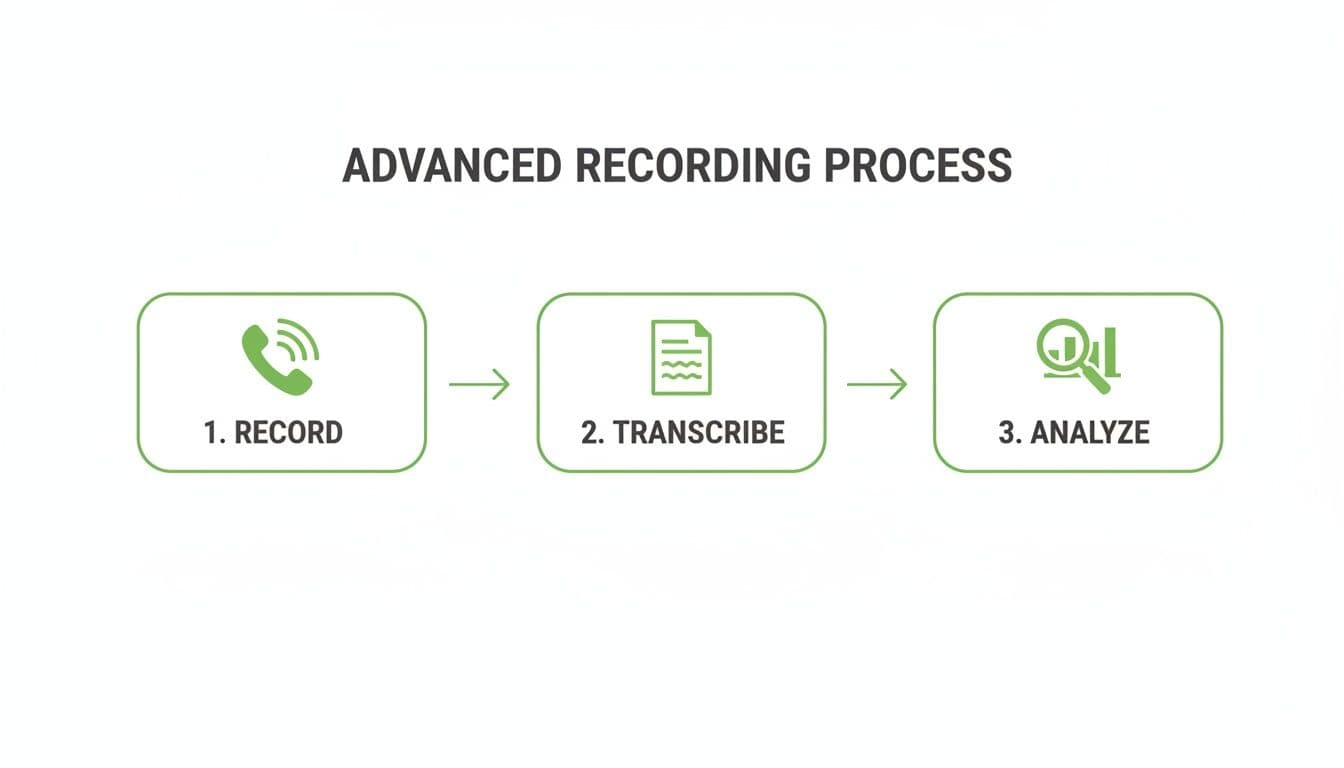
It’s a clear path from raw audio to deep analysis, where the real insights are hiding.
From a Wall of Text to Organized Data
A basic transcript is a good start, but for any serious work, you need more context. This is where advanced features come in to add layers of meaning to the text.
- Automatic Speaker Labels (Diarization): This is a must-have. It automatically figures out who said what, which is crucial for untangling customer service calls, interviews, or any multi-person conversation. No more guessing.
- Precise Timestamps: Every word gets tagged with its exact time in the audio. This is a lifesaver when you need to jump to a specific moment to verify a quote without scrubbing through the entire file.
- AI Summaries: Don't have time to read a 30-page transcript? AI can create a short, sharp summary that pulls out the key points, action items, and main takeaways in seconds.
These tools transform a messy, unreadable transcript into an organized, easy-to-navigate document. And for the tech-savvy, the Vatis Tech API lets developers automate this entire process, plugging transcription and analysis straight into their own apps.
Keeping Your Data Safe and Compliant
If you work in legal, healthcare, or any field with strict compliance, protecting sensitive data is non-negotiable. Phone calls often contain personally identifiable information (PII)—think names, credit card numbers, or addresses.
This is where AI-powered PII redaction is absolutely essential. Vatis Tech automatically finds and removes this sensitive info from your transcripts, helping you stay compliant with rules like GDPR and keeping your clients' private data private.
Once your recording is processed, everything is laid out in a single, clean interface: the transcript, the summary, and the speaker labels, all in one place. You can easily compare the machine-generated text with the AI summary, making edits and verification a breeze.
Here’s something most people miss: combining call detail records (CDRs) with AI transcription is a massive efficiency boost. We're talking about a world where 20-30% of inbound contact center calls are missed opportunities. In 2023, CDRs were a key part of 65% of US criminal prosecutions. When you merge that metadata with an AI transcript, you can slash manual review time by up to 70%.
After you've finalized and redacted your transcript, you can export it in whatever format you need—DOCX, PDF, or even SRT for video captions. This flexibility means you can plug that valuable information directly into reports, presentations, or content.
To see how businesses are using these insights to get ahead, check out our guide on leveraging speech analytics for business growth.
Common Questions About Recording Phone Calls
Thinking about recording a phone call? It's a smart move for everything from interviews to customer service, but it's a minefield of legal questions and technical headaches.
Let's clear up the biggest concerns we hear all the time so you can hit record with confidence.
Is It Legal for Me to Record a Phone Conversation?
This is always the first—and most important—question. The short answer is, it's complicated and depends entirely on where you and the other person are located.
In the US, laws fall into two camps. Many states have “one-party consent,” which means you're legally in the clear as long as you are part of the conversation and consent to the recording.
However, several states, including California and Florida, are “all-party consent” states. This means everyone on the call must know about and agree to the recording. To stay on the right side of the law and maintain professionalism, always act as if you're in an all-party consent state. A simple "Hey, just to let you know, I'm recording this call for our records" at the start is all it takes.
What Is the Best App to Record Phone Calls in 2026?
There's no single "best" app for everyone; it really boils down to your specific needs and how often you'll be recording.
- For casual, free recording: If you’re on Android, Google Voice is a great starting point. It even handles the consent issue by automatically announcing that the call is being recorded.
- For reliable iOS recording: An app like TapeACall Pro is a popular choice. It works by creating a three-way conference call, which is a clever workaround for Apple's built-in restrictions, but it does depend on your mobile carrier supporting conference calls.
For professionals who need consistent, high-quality recordings, a dedicated VoIP business phone system is almost always the superior choice. These systems record calls directly on the server, bypassing the limitations and unreliability of mobile phones. Whatever you choose, make sure to read the privacy policy.
How Can I Ensure High Audio Quality in My Recordings?
A recording is useless if you can't understand what's being said. Getting clean audio is just as critical as the recording itself. Here are three simple steps for better quality:
- Avoid Speakerphone: It's the fastest way to get a muddy, echo-filled recording.
- Use a Headset: Use a headset with a dedicated microphone—even the basic one that came with your phone is a huge improvement.
- Check Your Connection: Make sure you have a strong Wi-Fi or cellular signal to avoid digital noise and dropouts.
For mission-critical conversations, like a legal deposition or a high-stakes journalistic interview, nothing beats a direct hardware recorder. It sidesteps all software and network issues, delivering the purest audio quality possible.
Can I Get in Trouble for Secretly Recording a Call?
Yes, absolutely. In an all-party consent state, secretly recording a call isn't just unethical—it's illegal.
The consequences can range from hefty civil fines to criminal charges. Beyond the legal risks, secret recordings are almost always inadmissible as evidence in court and can permanently damage your professional reputation. Transparency is always the best policy. Just ask for permission.
Ready to turn your legally recorded phone calls into accurate, searchable, and actionable data? Vatis Tech provides AI-powered transcription with over 95% accuracy, speaker diarization, and automatic PII redaction. Start your free trial today and see how easy it is.